



Need Help with Landing Page
I'm back, still laboring over how to build a landing page and access system based on a design for the front-end to the help system. I have all the pieces in place to meet the design, but I'm certainly missing something. And perhaps my strategy is way off. This request for help is long but detailed.
I’m trying to create a landing page where users can select their category of interest. There are four categories: Carriers, Suppliers, SaaS, and Operations.
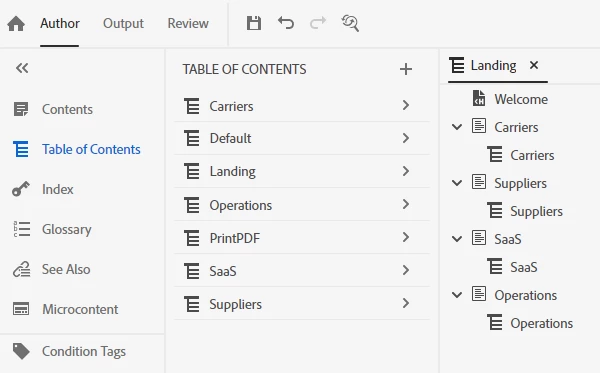
I set up TOC tiles for each. When the user clicks the TOC tile, the Topic page is supposed to open with only the topics I’ve tagged for that TOC tile showing in the left panel. I also included a Welcome TOC tile which opens the Topic page with all topics included in the left panel.
I created multiple tables of content. The primary TOC is called Landing. Landing has the Welcome topic page and four sections. The sections are Carriers, Suppliers, SaaS, and Operations. Each section has its own TOC.
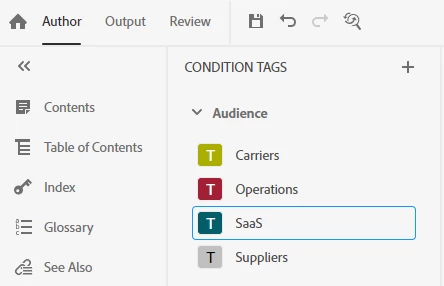
I created conditions tags.
I configured a frameless skin.
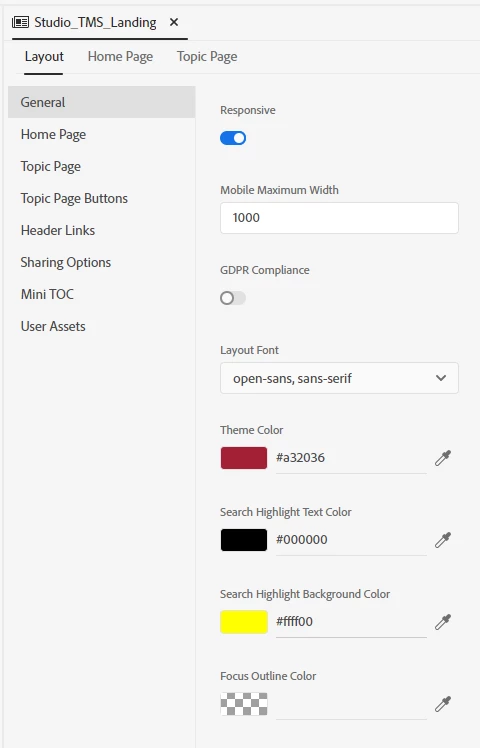
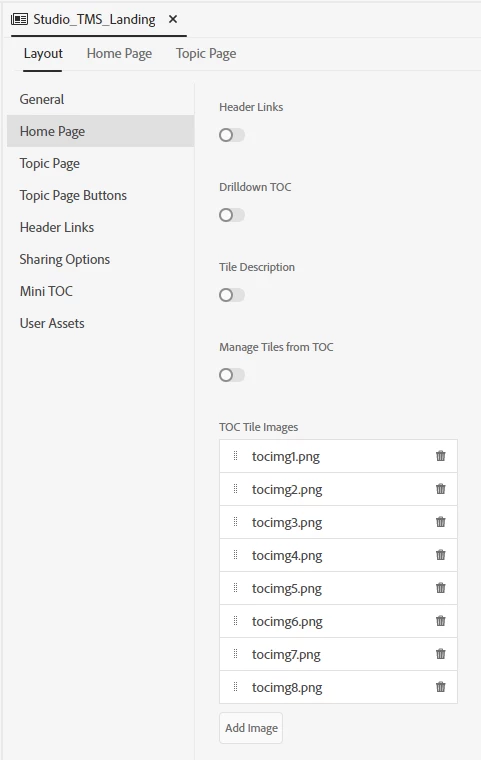
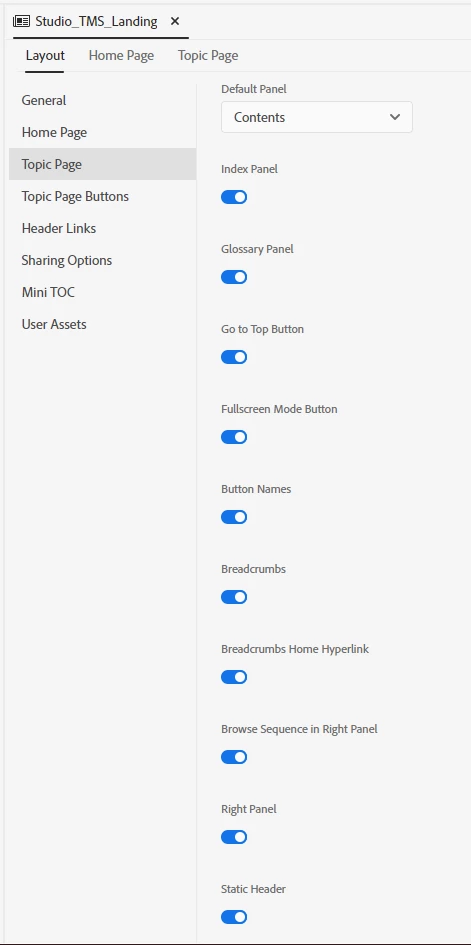
I set up the Output Presets.
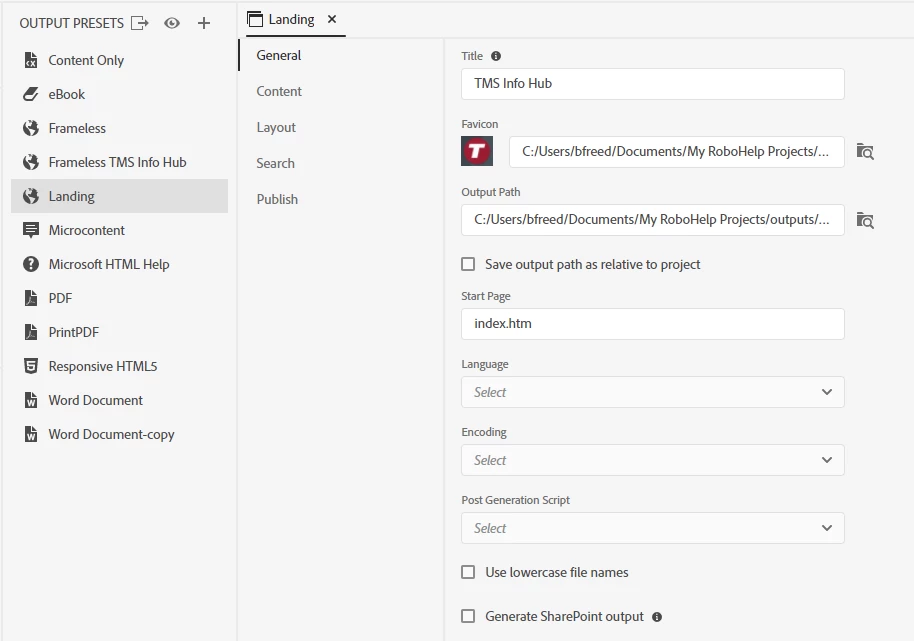
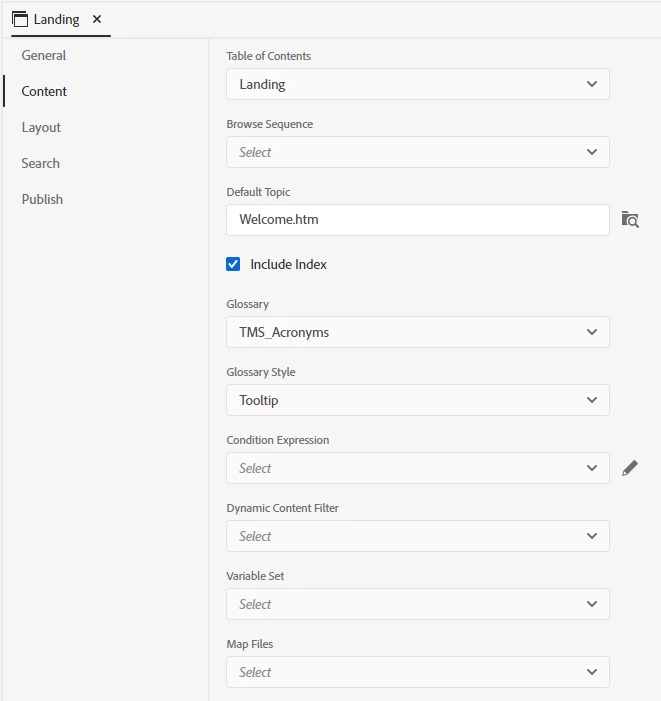
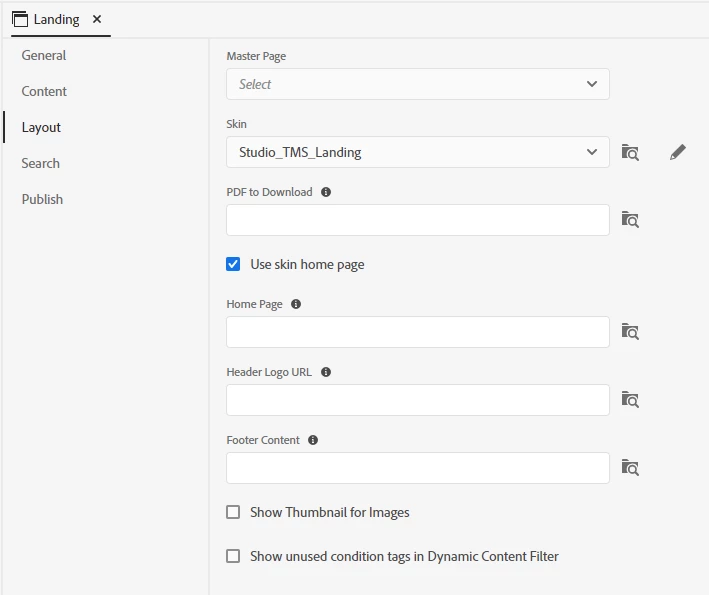
After I generated the output, it shows the TOC tile images, just as they should.
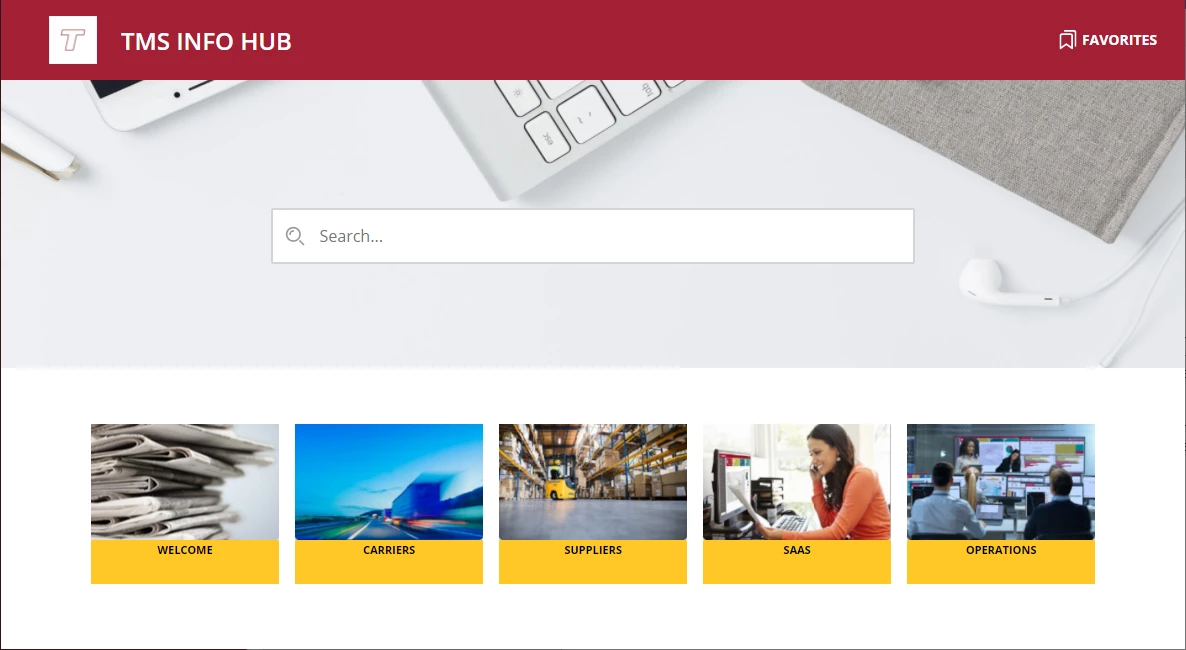
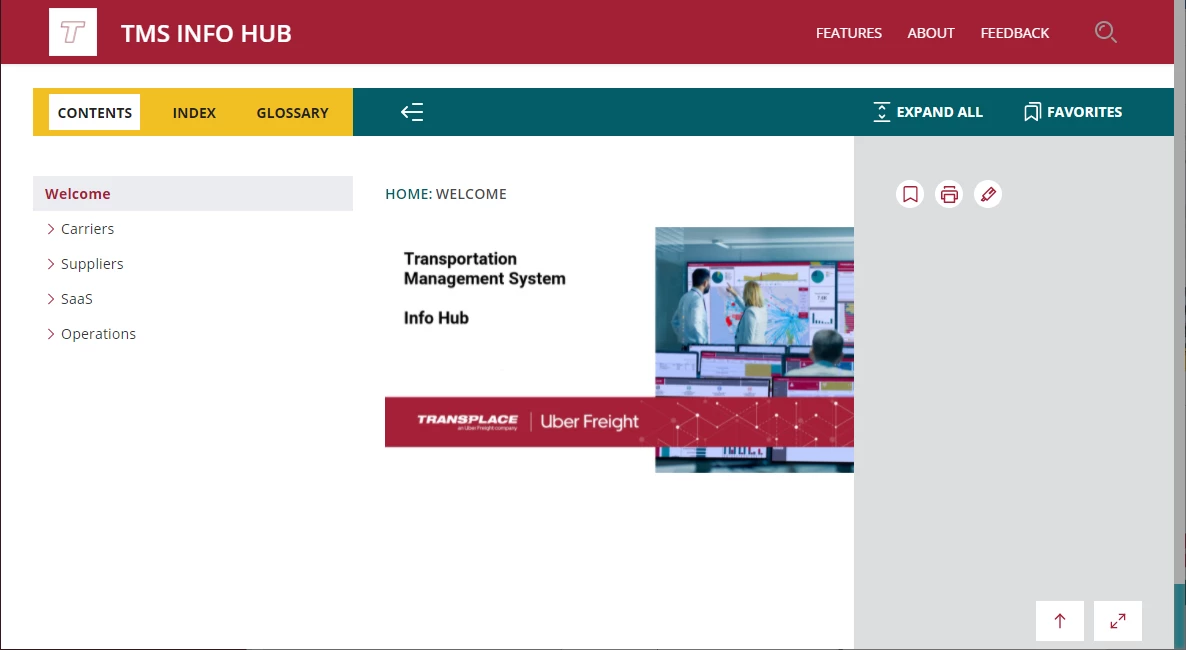
The Welcome tile opens the entire system, just as it should.
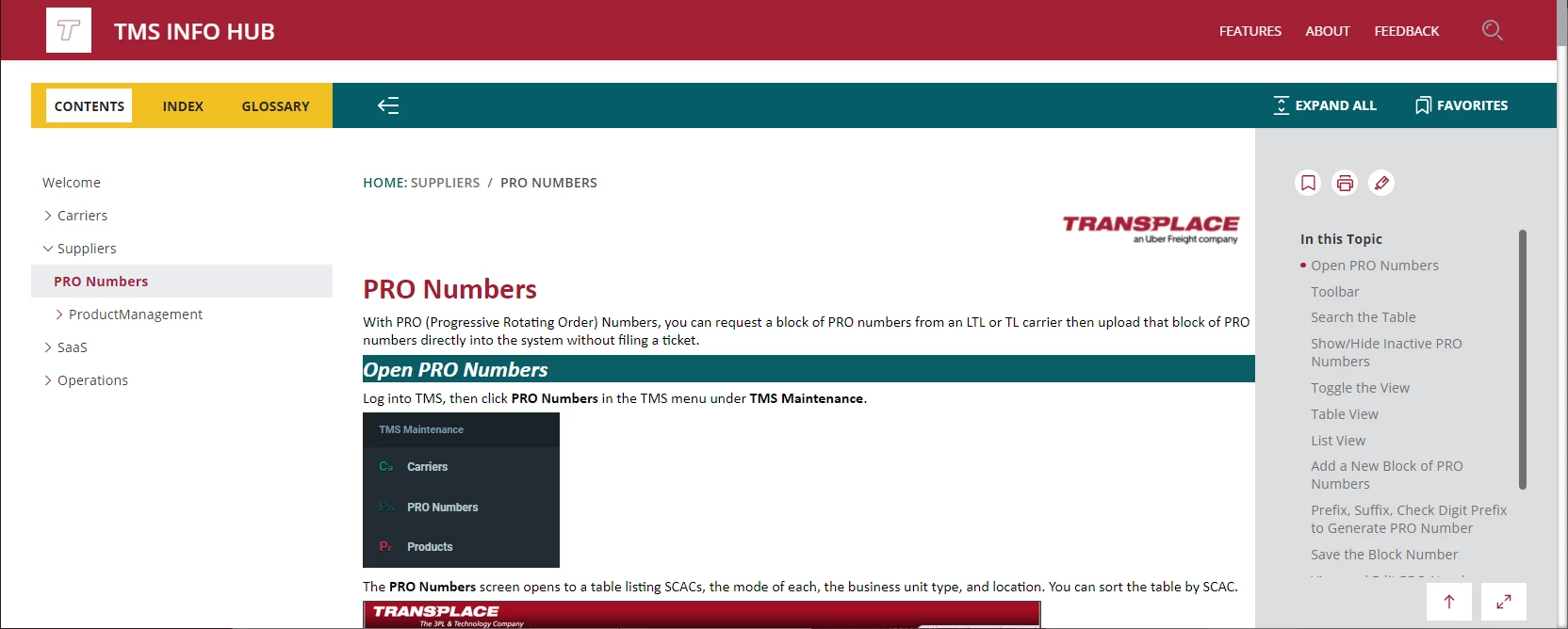
The Suppliers tile from the landing page expands the Suppliers section and opens to the first topic in that TOC; however, the other TOCs also appear.
Where do I apply Condition Tags and any Condition Expressions or Dynamic Content Filters to achieve the following?
The user selects the landing page tile, for example, Carriers. The topic page loads with the “welcome” splash image and content only for Carriers. Is this possible? And how do I get the user selection of Carriers applied when the topic page loads?
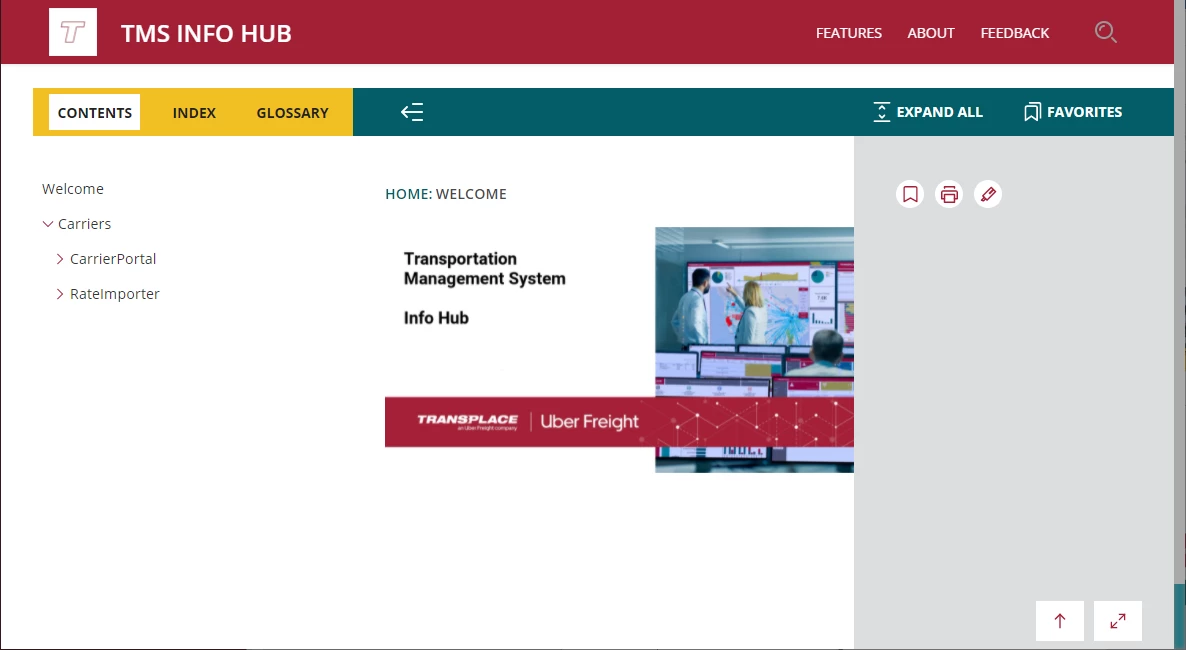
I’m missing something, obviously, because I can’t figure out how to pass the user-selected category tag to the topic page. Thank you for reading this far!
 AdChoices