
Not seeing complete search results or their ranking in RoboHelp 2020
Hello!
We recently shifted to using RoboHelp 2020, and in fact, just today, I updated to the latest version as well. However, I am seeing a problematic issue with RH's search results that I'd really appreciate some help with. I am probably missing a setting or something, but I just can't figure it out.
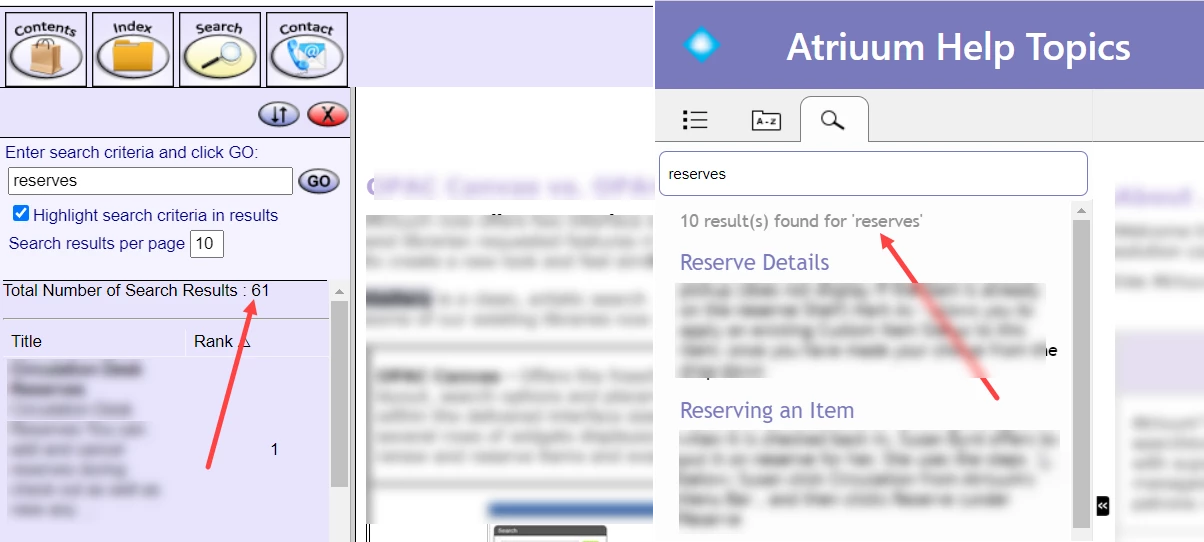
We are no longer seeing any rankings and some of our results are missing as well. Please see the image below. While our old output yielded 61 topics, the new one only does 10.
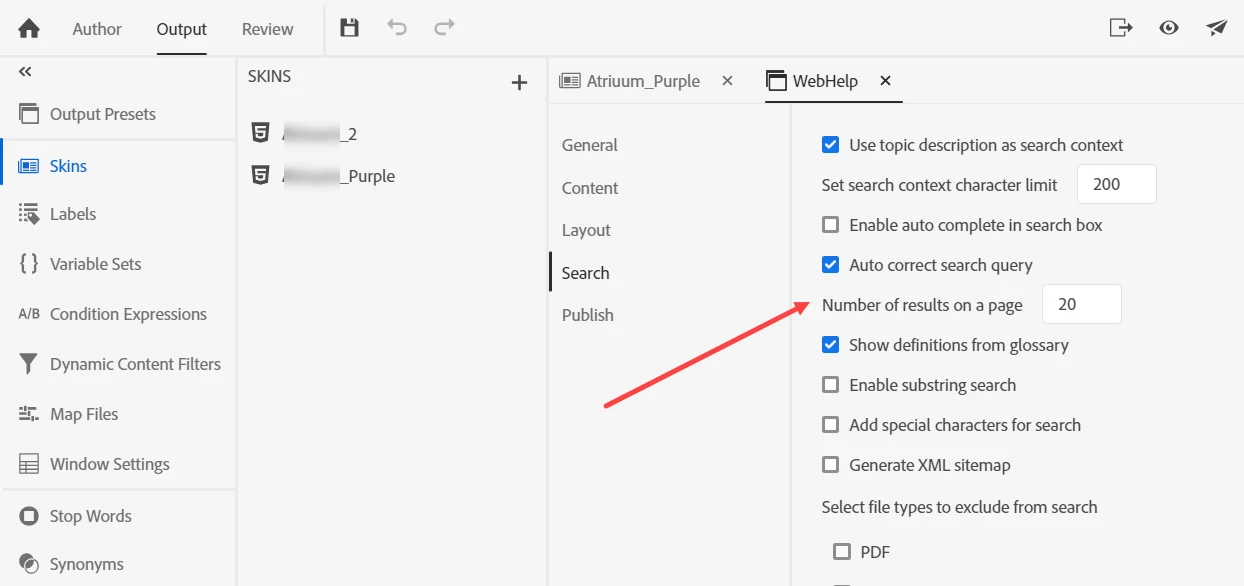
I tried this setting below but all it does is increase the results to only 20 per page. Enabling the substring search doesn't help either. I looked over the Project Settings, Preferences, but there doesn't seem to be anything that relates to this.
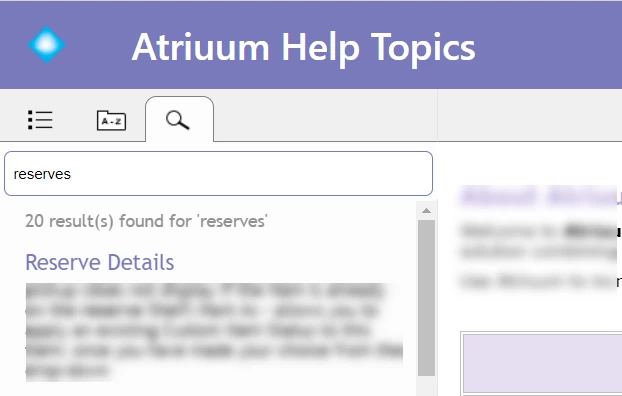
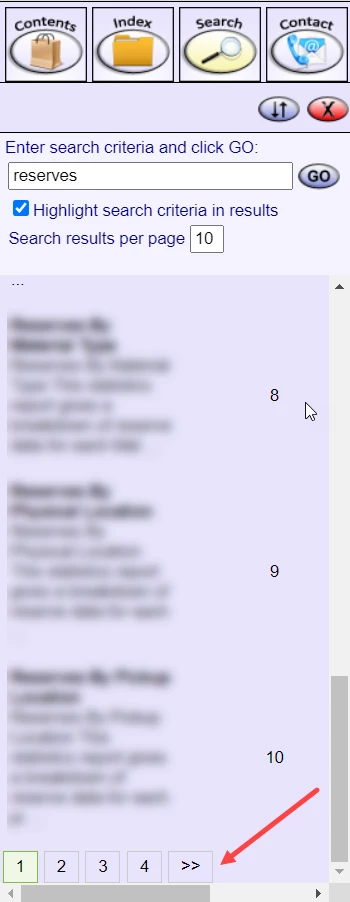
I am still not able to see all my results, ranking, nor any nav arrows at the bottom of the search results allowing me to move on to another page like we used to (image below).
Finally, some of our topics aren't even showing up in the search results even though they are in the project and display in the old version.
Any auggestions or ideas would be much appreciated!


 AdChoices