
KN-Marketing
Known Participant
February 3, 2020
Question

Output on server different to local folder one

  • February 3, 2020
  • 4 replies
  • 396 views

Hello, 


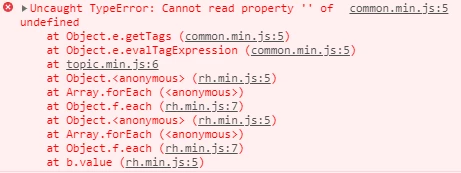
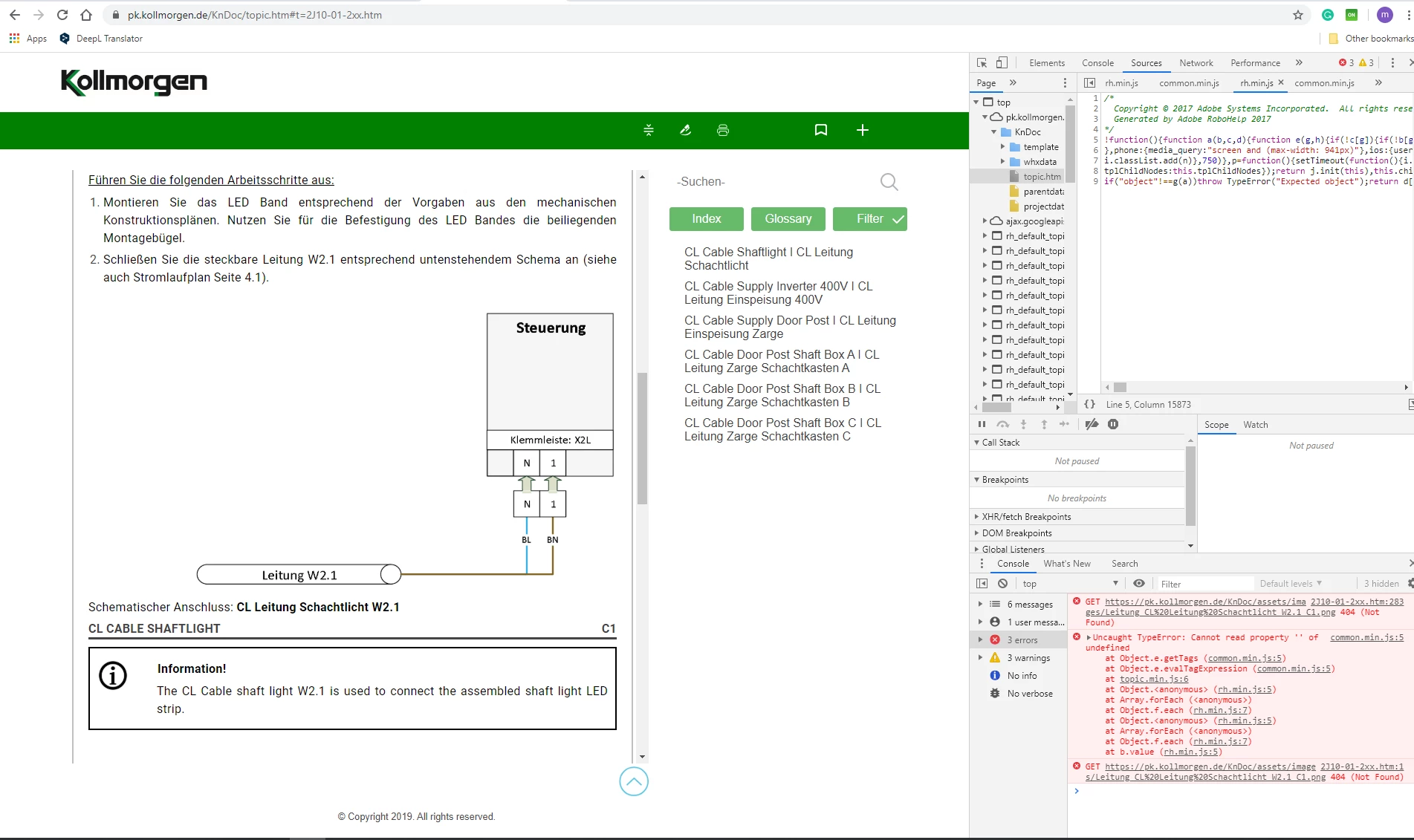
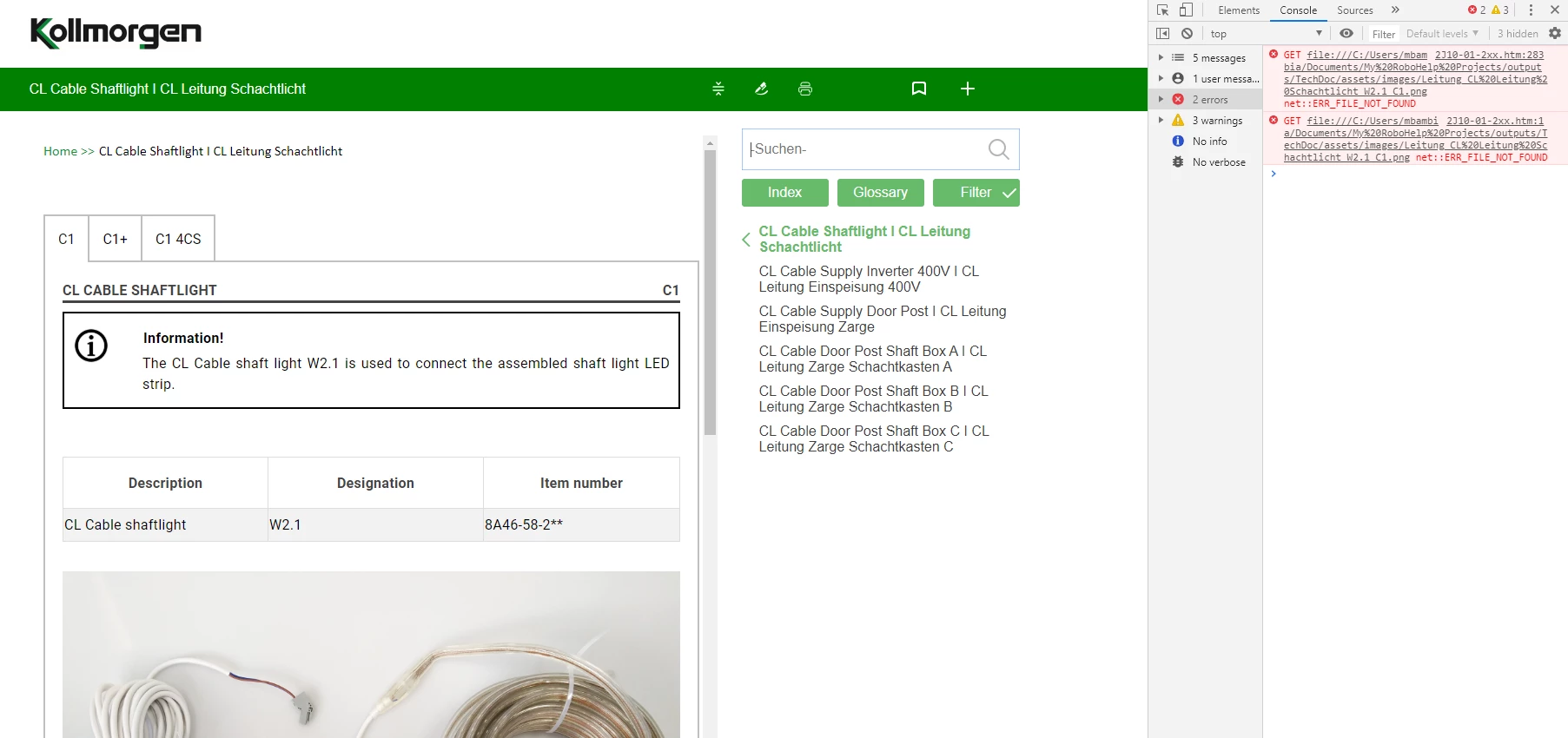
I generated the output and tested it on my output folder, everything works well. But when I push the output files to my server via Filezilla to publish them on my website, the filters (tags) don't work in topics. I have an error on my browser console related to the file common.min.js which is automatically generated by RoboHelp. This error does not appear when I open the output from my local folder (Computer Folder) and appears only when I open the website. I work with RoboHelp 2019.


Output on Website
 

Output on my local
This topic has been closed for replies.

4 replies

Peter Grainge
Community Expert
Community Expert
February 3, 2020

Please follow this link to report bugs or request features. https://tracker.adobe.com


www.grainge.org

Use the menu (bottom right) to mark the Best Answer or Highlight particularly useful replies. Found the answer elsewhere? Share it here.
KN-Marketing
Known Participant
February 4, 2020

OK. Thanks.

Jeff_Coatsworth
Community Expert
Community Expert
February 3, 2020

Which RH2019 version are you running? Log a bug with the Tracker (not here - this is just a user-to-user forum).

KN-Marketing
Known Participant
February 4, 2020

It is 14.0.10 version. OK. Thanks.

Jeff_Coatsworth
Community Expert
Community Expert
February 3, 2020

If all the files that are present in the local build are present on the webserver, then it's got to be something on the webserver that's not supporting the code. Are other machines looking at the site experiencing an issue?
ps - the scripting tag is for posts that involve RH scripting, not JS aftereffects in the published output.

KN-Marketing
Known Participant
February 3, 2020

I resolved the problem. This was is because of RoboHelp updates. The script files (see attached) raise the problem. I replaced them with the old script files that are generated before the updates, and it works.  These files exist in the output folder in template/scripts.

So, it is not a server problem.

Please report this problem to the developers because there is a problem with the new RoboHelp version.

Thanks for your response.


Jeff_Coatsworth
Community Expert
Community Expert
February 3, 2020

And you've verified that you have all the files uploaded on the webserver? Is it misbehaving in all browsers?

KN-Marketing
Known Participant
February 3, 2020

Yes. I checked also the owner's permission for all the files. It is misbehaving on Chrome, Internet Explorer and Firefox.