


Participant
February 9, 2023
Question

PDF Bookmark Error with Robohelp 2020 - URGENT

  • February 9, 2023
  • 3 replies
  • 257 views

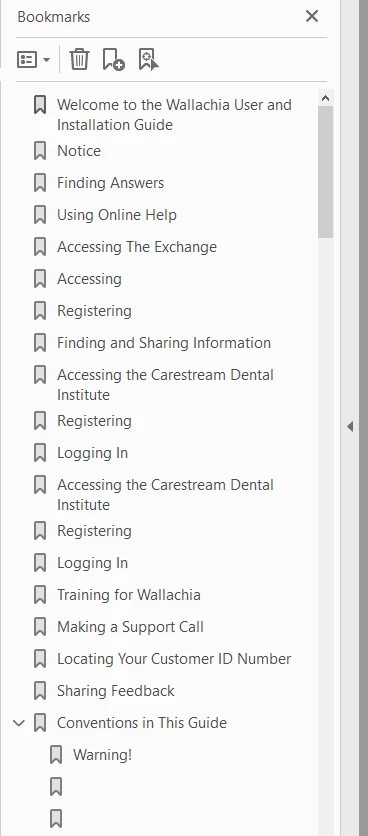
When I generate the RH2020 output to a PDF, the Bookmark topics are flattened and there are no chapters or differences between Header 1, Header 2 or Header 3 in the Bookmark SECTION


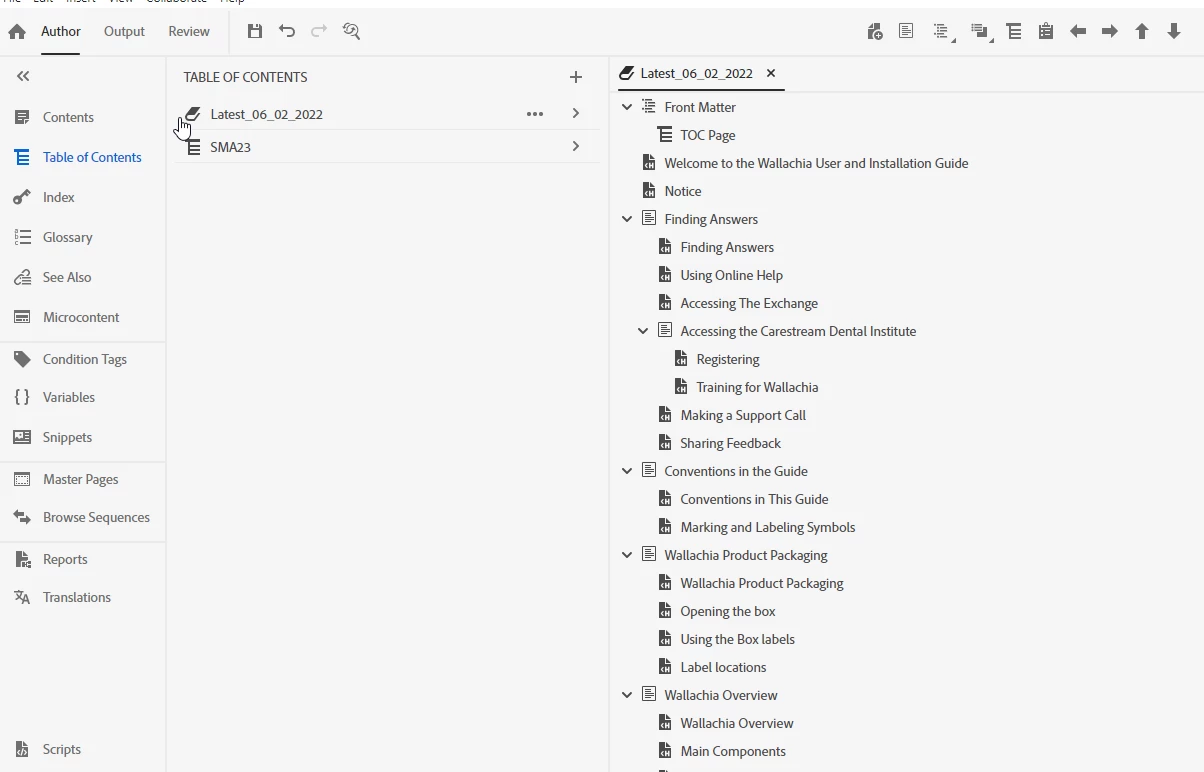
Here is my Author layout


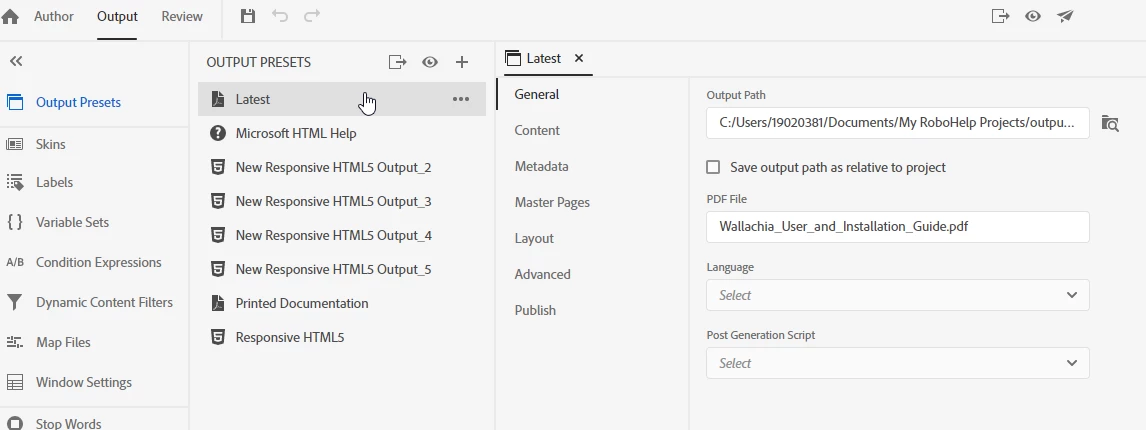
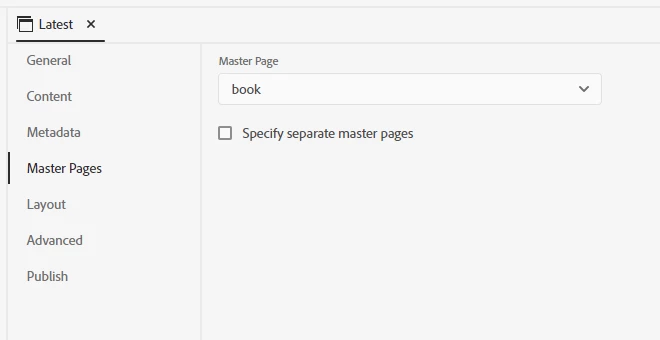
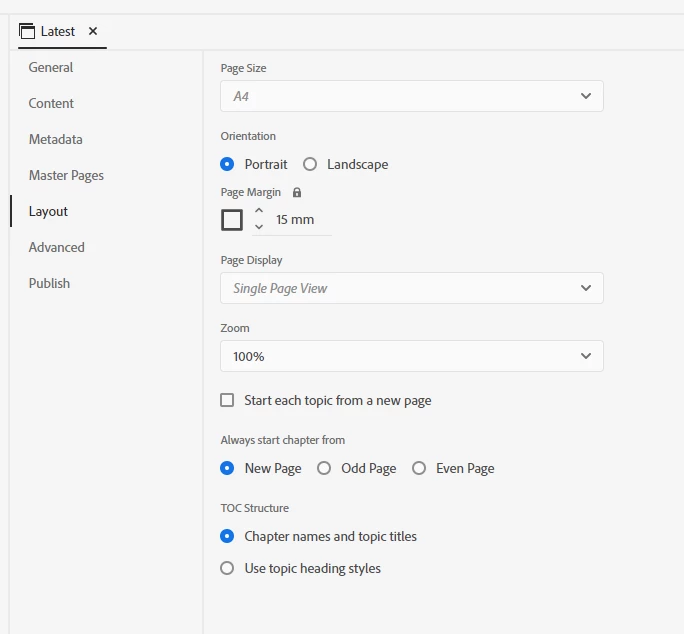
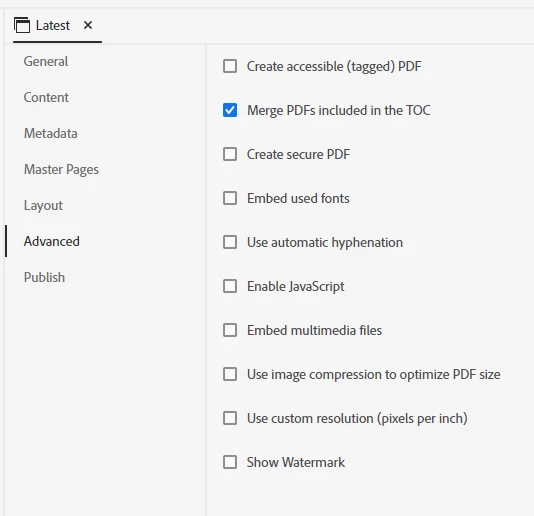
Here are my OLH Output settings and they all seem to be in line with the steps to produce a PDF.

GENERAL
 

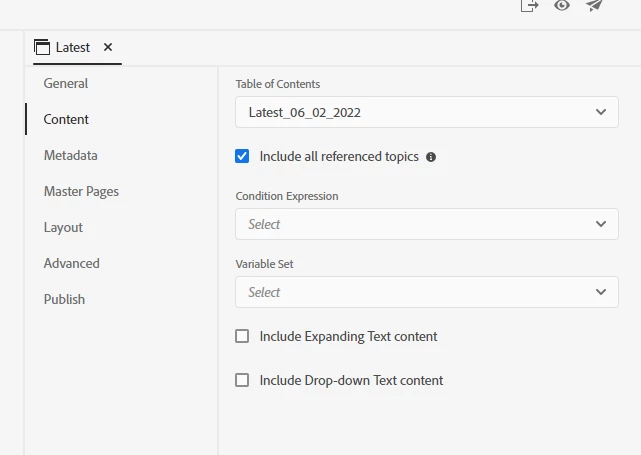
CONTENT


Metadata (Skipped showing here as it’s only the manual name)


MASTER PAGES
 

LAYOUT
 

ADVANCED
 

Thanks for any thoughts as this is rather URGENT

    This topic has been closed for replies.

    3 replies

    Participant
    February 10, 2023

    SOLVED! Download the RH2022 latest version and your pdf bookmarks will appear as they should. 


    As all of you know, I’d been struggling to produce a PDF with bookmarks that actually work and align with the TOC and manual levels, but it wasn’t happening with the flattened bookmarks resulting.


    The solution was to upgrade RH 2019 & RH2020 to RH2022 with this link from Adobe.


    https://www.adobe.com/products/robohelp/download-trial/try.html


    It’s a 30-day trial that requires you to sign in and then fill in the registration fields, and if you have a licensed version once you download and open it up, it should detect that you have an account and associate it. But time will tell if that works in 30 days!


    Here is the natural bookmark just after generating in RH2022:


    One other additional step I added was inserting a bookmark at the end of Header 2’s in the topic:


    Cheers  

    Jeff_Coatsworth
    Community Expert
    Community Expert
    February 10, 2023

    If you were on the subscription model already in RH2019, then you could upgrade to RH2022 as part of that - no trial required.

    Community Expert
    February 9, 2023

    It's possibly related to Adobe's weird insistance that books don't contain books. Or something. Resulting in a flat toc structure, regardless of what you do in the RH table of contents. Have a look at this page by Peter Grainge to see if it helps, specifically the discussion of sections in a Book ToC. While it only discusses the generated TOC page, it possibly translates into the issue you see in the bookmarks panel.

    https://www.grainge.org/pages/authoring/rh_tour/rh2022/toc_index_glossary/toc.htm


    Do note that I don't produce PDFs, so I could also be barking up the wrong tree.

    Participant
    February 10, 2023

    Hi, and thanks for the response. I've contacted Peter, so we'll see what he comes back with. 

    Inspiring
    February 9, 2023

    Wonder if this is related to the other issue with bookmarks.  Mini TOC stopped working if a document used bookmarks.  The solution turned out to be putting the bookmark after the heading.  

    Participant
    February 10, 2023

    Thanks. I tried to add a bookmark after the Heading 1 but it says it's read-only content. I can only bookmark Heading 2 or 3. 

    And there are sections that didn't stay in their proper places. Frustrating as heck!