


PDF output: Two cover pages
Hi everyone,
I'm on RH 2022.2.22.
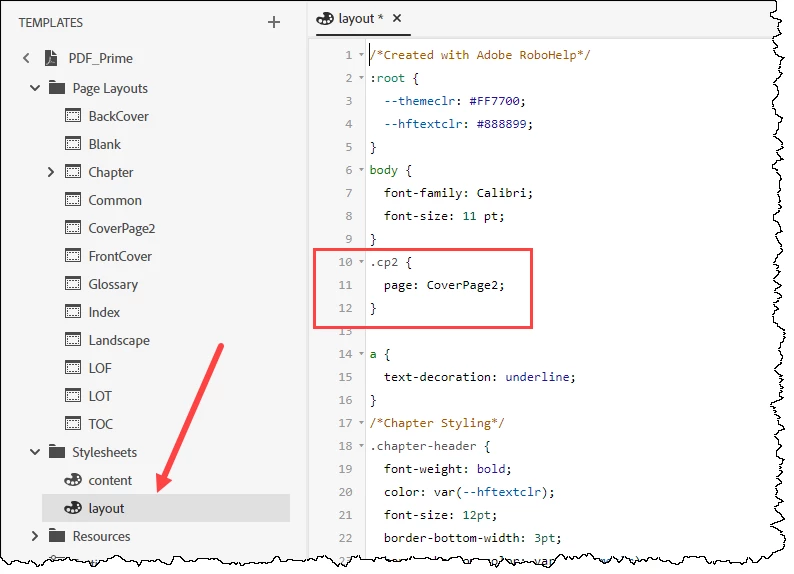
I'm using the Basic PDF output and have created several Page Layouts, e.g. for my cover page.
Here's the problem: We have two cover pages (one with no footer, the second with a footer containing my company's name and address, one after the other (so we use both at the same time!). My regular content contains a different footer.
So here's my question:
Is there a way to apply the two Page Layouts to the first two pages? I know that in the settings, I can set one for the Cover Page and several others, but not for a specific page that is not the first/last/toc/glossary/index etc.
Alternatively, is there a way to create a Page Layout with more than one page? I can only see the one sheet of paper - if I could add a second page to that, that would solve my problem as well.
Thanks for any advice!
Cheers
Carolin




 AdChoices