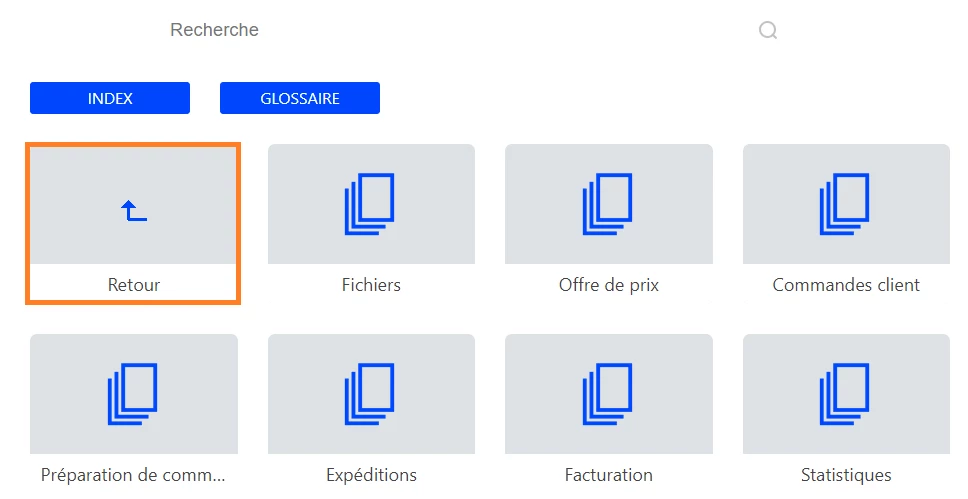
Now that I have seen the project, I can see what has happened. Adobe have redesigned the Back functionality.
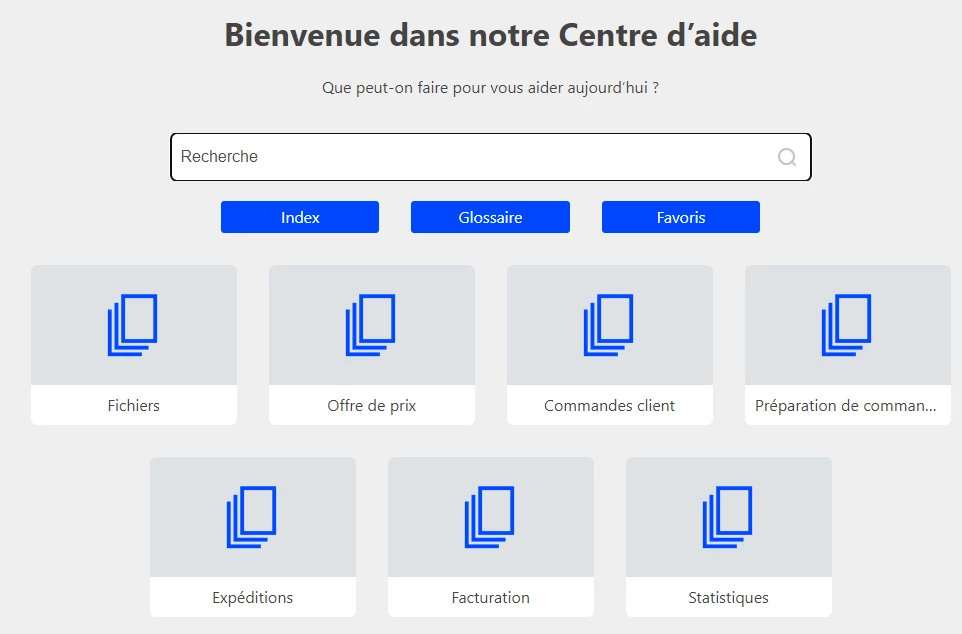
I thought the small arrow at the top was related to a browse sequence but it is a replacement for the Back tile. I suspect that is because for some users tile space was at a premium.
If you right click the top arrow and select Inspect, it shows it is controlled by this functionality.
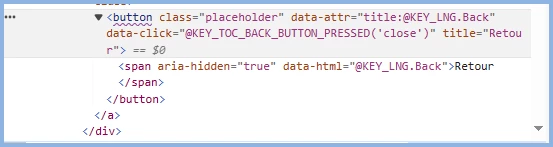
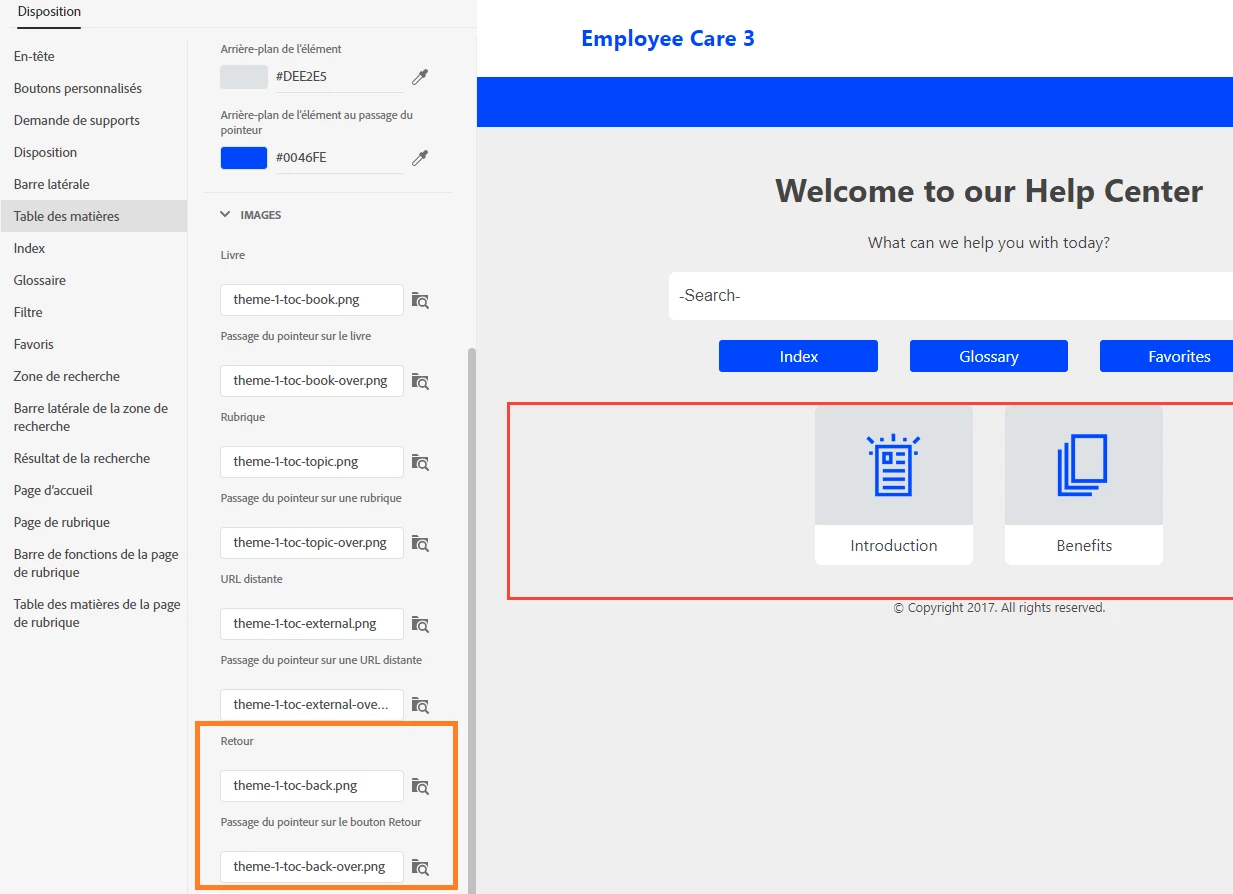
Maybe one of your developers can dig into that and figure out where the image is called and change it. Alternatively you can try Support. See https://helpx.adobe.com/contact/enterprise-support.other.html#robohelp for your Adobe Support options. The email link tcssup@adobe.com is recommended as it reaches a team dedicated to Technical Communication Suite products including RoboHelp.
Another option involves changing to a Frameless template where Adobe are focussing all development. They have many more customisation options although I haven't checked for this one. It would involve changing any context sensitive URLs if you go that route. Map IDs would not be affected.
Sorry after all this I haven't given you what you want but at least you know it is a design change rather than a bug.
________________________________________________________
My site www.grainge.org includes many free Authoring and RoboHelp resources that may be of help.
Use the menu (bottom right) to mark the Best Answer or Highlight particularly useful replies. Found the answer elsewhere? Share it here.




 AdChoices