
Pop-up images appear as thumbnails
Today while accessing the help from my hard-drive, I noticed that when I clicked on a link to open a pop-up image it appeared as a thumbnail.
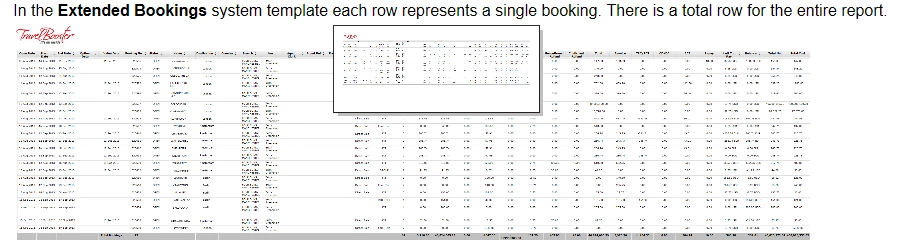
The pop-up is supposed to appear as a full-sized image, and not a thumbnail.
When generating the layout, in the multiscreen HTML5 properties, under screen profiles - desktop - optimization, I have Convert absolute image size to relative image size selected.
When this option is cleared, the pop-up image opens normally.
However, I would prefer to keep this option selected so that large images are converted to relative image size, and fit on the page.
What is weird to me, is that when accessing the latest version of the help online through my company's system both pop-up images open normally, and absolute images are converted to relative size so possibly some other setting is causing my pop-up images to become thumbnails?
Suggestions are welcome,
Yehoshua


 AdChoices