
amandac78128653
Participating Frequently
July 6, 2016
Question

Presistent Links in Webhelp

  • July 6, 2016
  • 2 replies
  • 367 views

I am trying to create consistent links to a given page in Webhelp, so that I can reference the content via URL. So for example, this page's URL
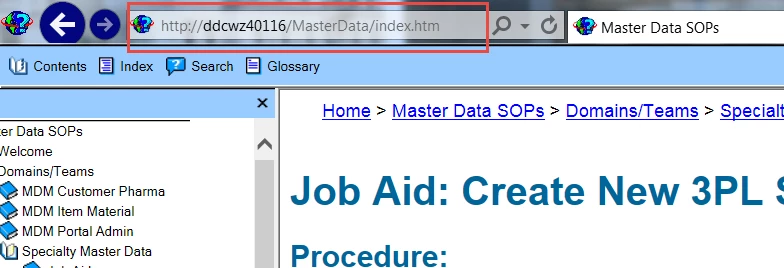
would be different from this page's URL.
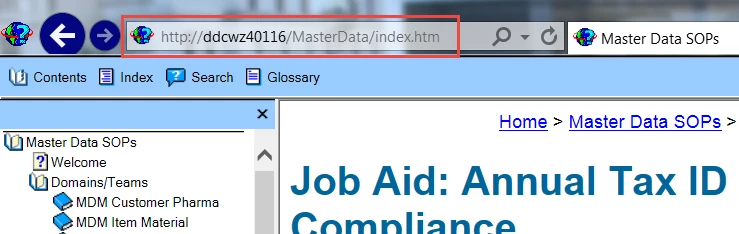
Is this possible using Robohelp?

Thanks!

This topic has been closed for replies.

2 replies

Captiv8r
Legend
July 6, 2016

Indeed this is possible.

What you do is take your base URL, in this case it would appear to be:

http://ddcwz40116/MasterData/index.htm

And you simply append a pound symbol/hashtag symbol ( # ) followed by the relative path leading to the desired topic.

Say your topic is in the root of your project and is named AboutUs.htm. The link would look like this:

http://ddcwz40116/MasterData/index.htm#AboutUs.htm

And perhaps it's in a folder named Article1 and is named Abstract.htm. The link would look like this:

http://ddcwz40116/MasterData/index.htm#Article1/Abstract.htm

Cheers... Rick

Captiv8r
Legend
July 6, 2016

To expound on Jeff's method, right-clicking the TOC and opening the topic in a new tab certainly presents only the topic, but the URL would only open that topic. And, if the option hasn't been disabled, your user sees a "Show" link.

You need to click that Show link and note the address bar URL if you want the topic to be presented in all its glory with the full and complete surrounding frameset.

Cheers... Rick

Jeff_Coatsworth
Community Expert
Community Expert
July 6, 2016

Yes, but you need to isolate the target topic's actual URL within the site - both of your examples are pointing to the index.htm file; that just allows the javascript within the page to send you out to the topic referenced via ToC, or Index, or Search. If you right-click on a topic in the ToC and tell it to open in a new tab, the "real" URL is revealed.

amandac78128653
Participating Frequently
July 6, 2016

Thanks. That did it!