
Print output in Word
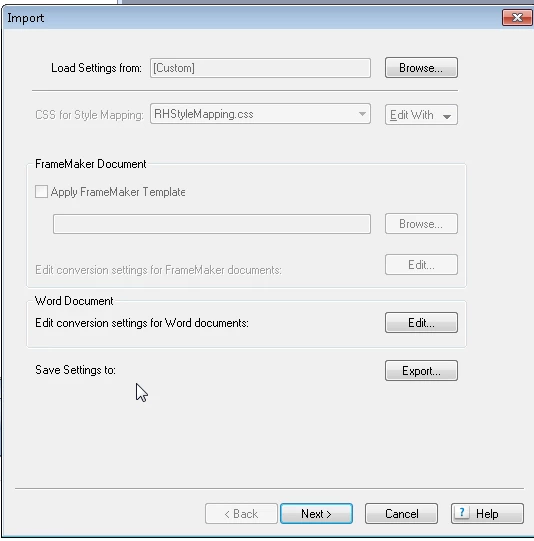
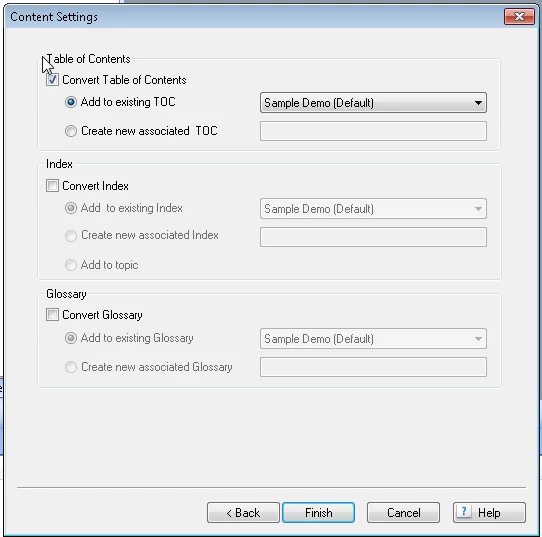
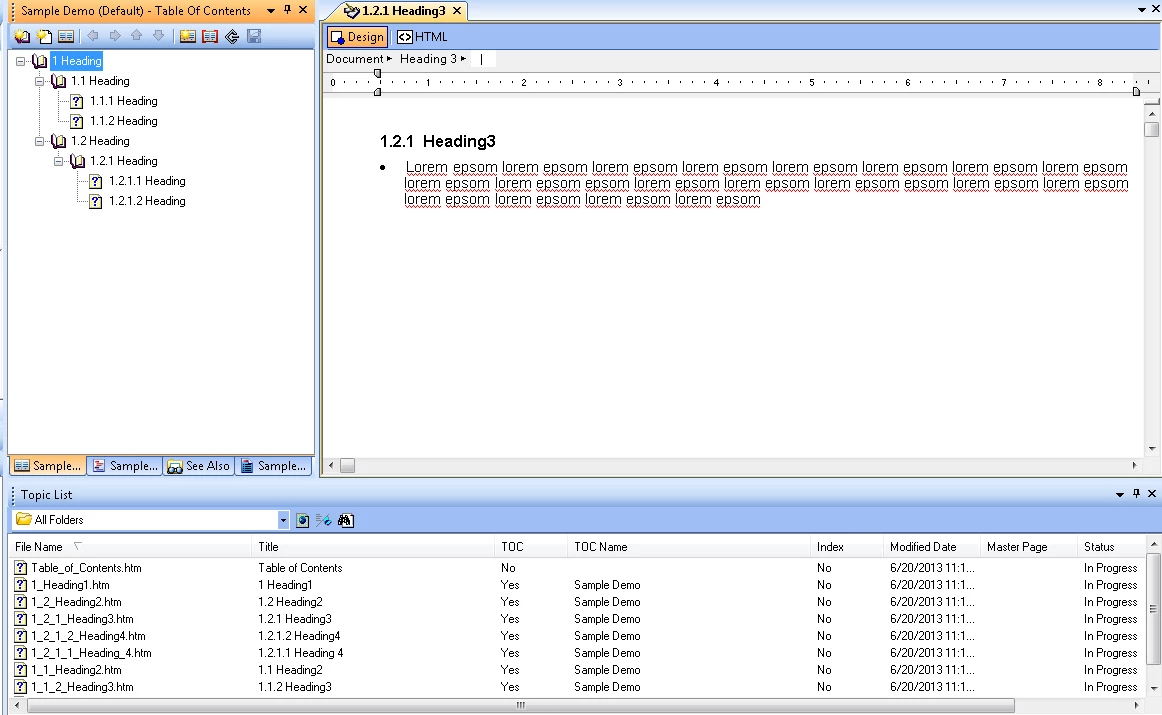
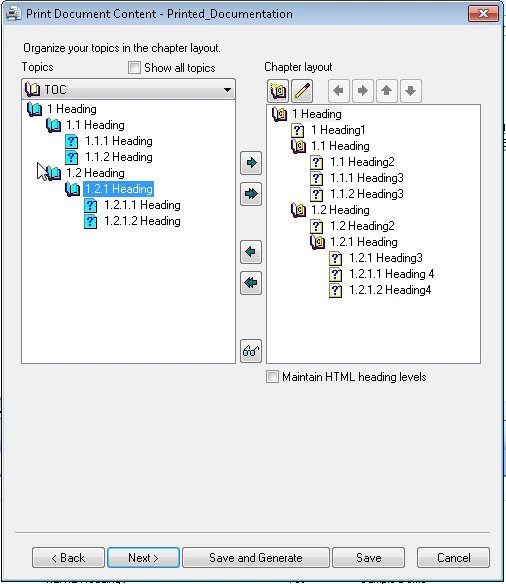
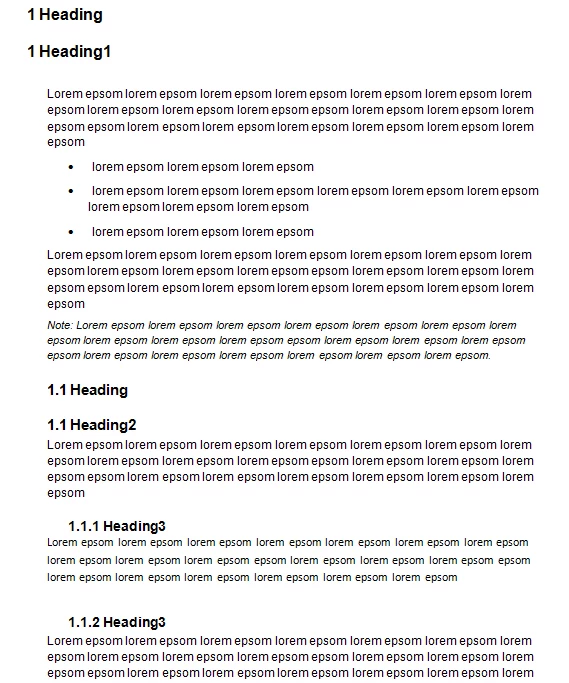
I am having a problem with double heading in print output. I don't know if this is a problem due to the process we are following in getting the print out from RoboHelp. We are currently importing a fully styled Word document into Robohelp. The TOC gets generated automatically as the configuration setting is set to add to existing TOC while importing. However, from the TOC I have no way of checking what is contained in the book level topic and in the TOC it all looks perfectly alright. But when I generate the output the print layout shows a book and topic with the same name. I tried removing the topic under the book, but, doing removes the actual content. If I leave it alone I am seeing two headngs for every book item in TOC. I don't know how to resolve this.
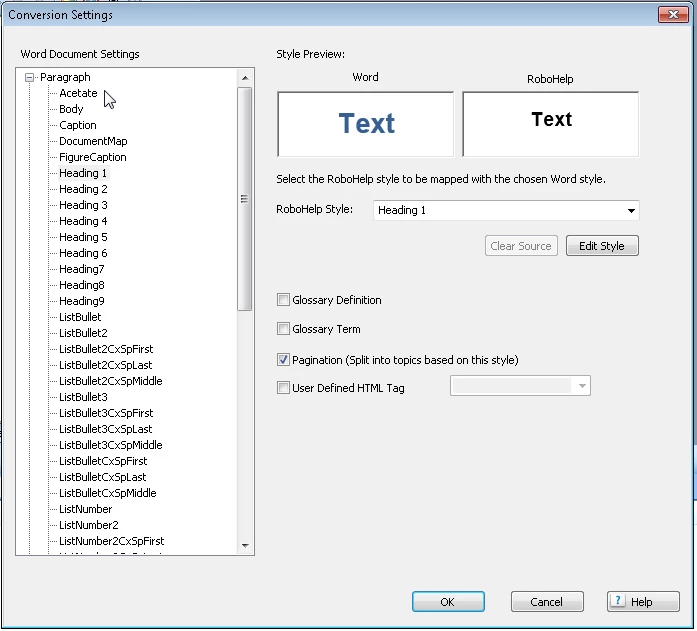
Another thing is that I can't get the style.dot to work for me as this is throwing up double numbering in the Word output TOC and also in the actual content. My content in Robohelp is outline numbered and when I use a template, it is somehow creating double numbering. Moreover the output TOC is somewhat distorted and I am unable to get the look and I feel I want.
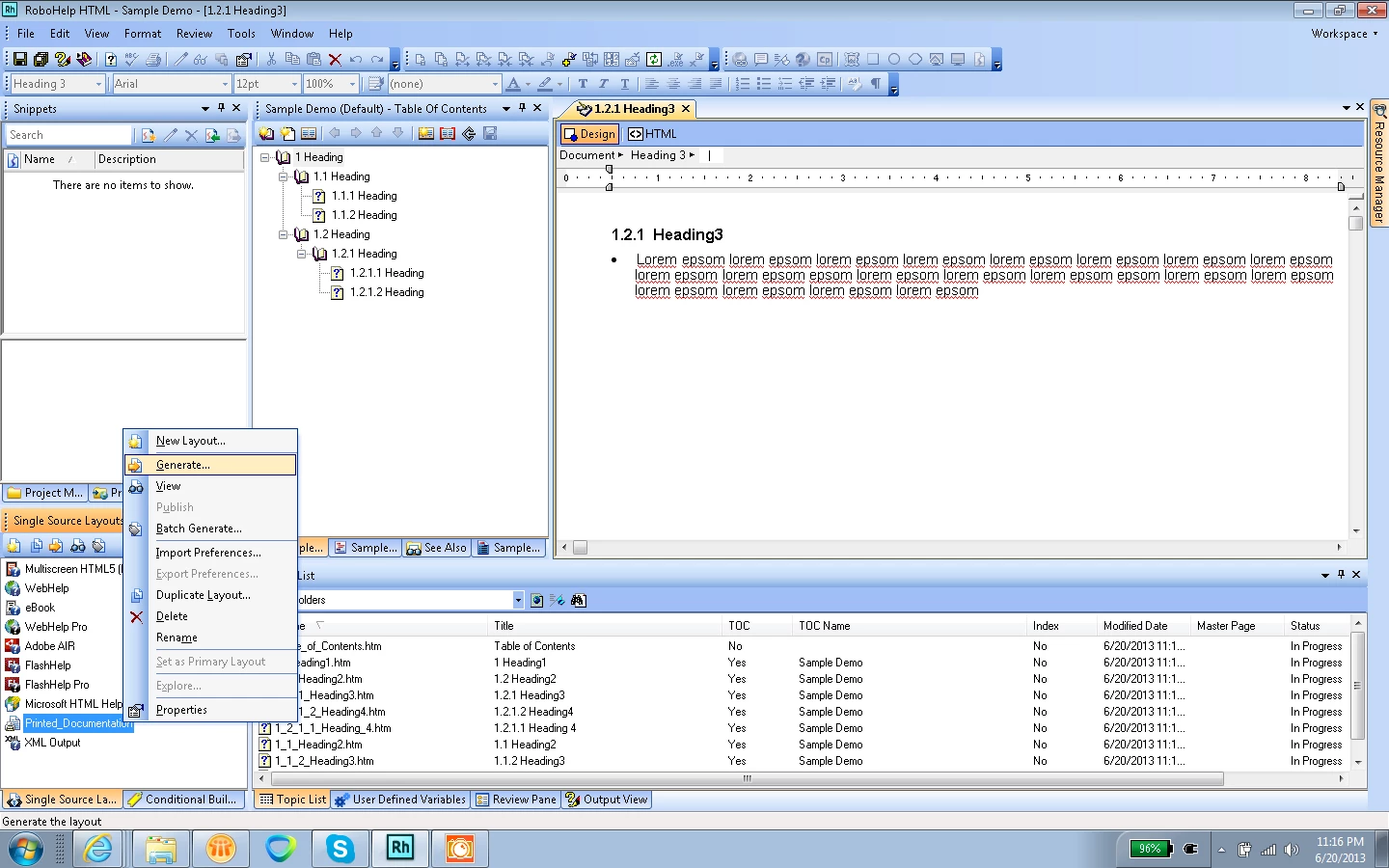
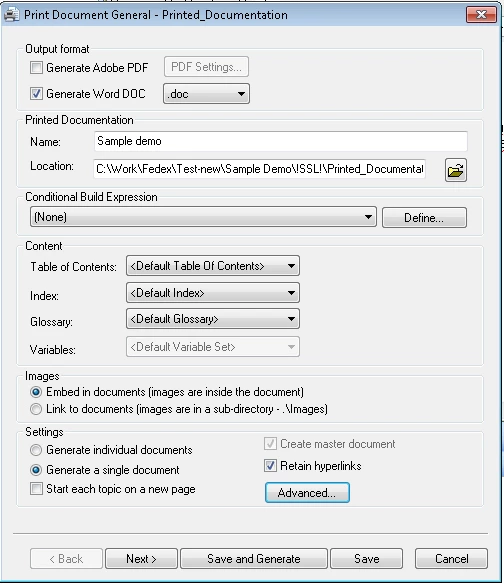
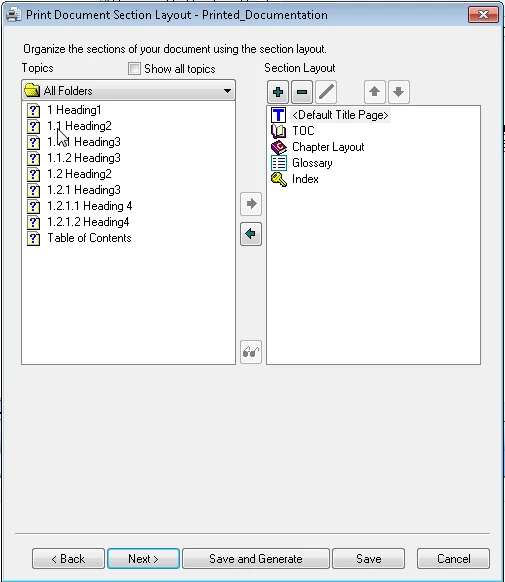
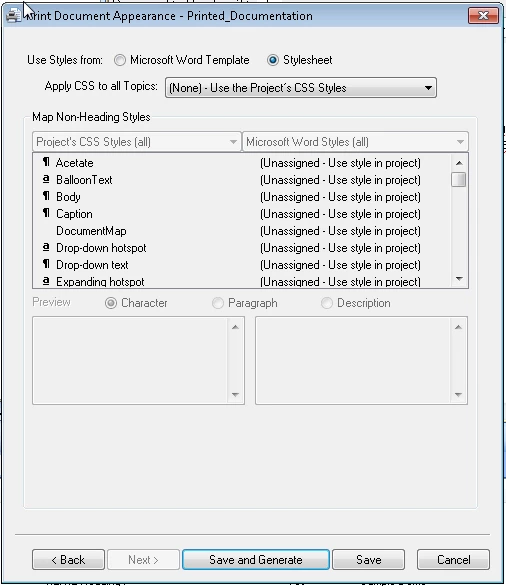
Here are the screenshots of input and output docs and the steps in import and print output.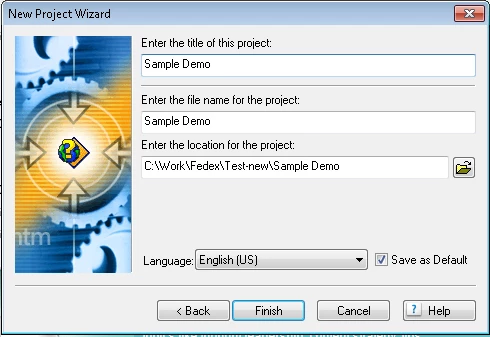


 AdChoices