


Question
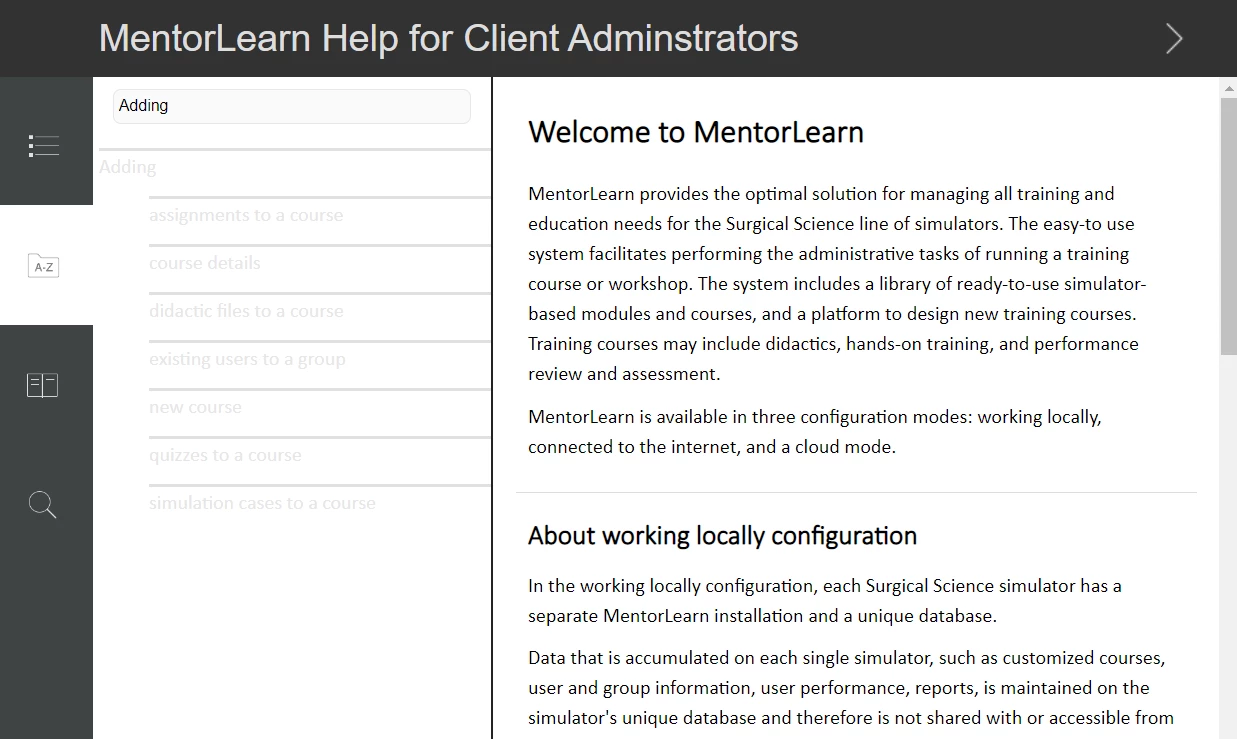
Problem seeing text in Index and TOC screens when viewed in half screen
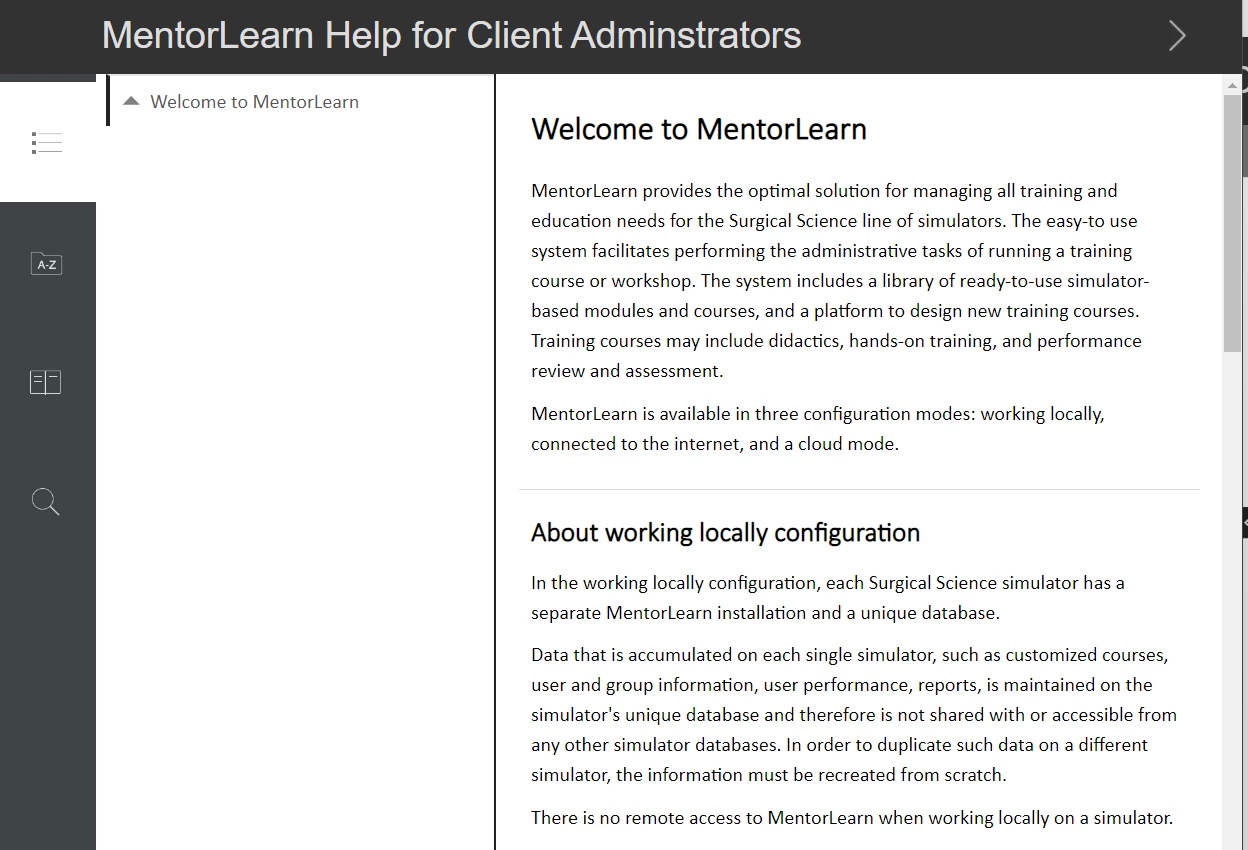
In the web help I created, the formatting for the Index and TOC screens which I designed for the skin looks fine in Full Screen but in Tablet mode (half screen), the background is white so the light grey text can't be seen. I didn't format the skin for the half screen; I didn't know it would be different for the Tablet (half screen) mode. I see this is RoboHelp's default formatting for the half screen Index and TOC screens.
How can the background be changed in the skin so that the text is visible?
Judy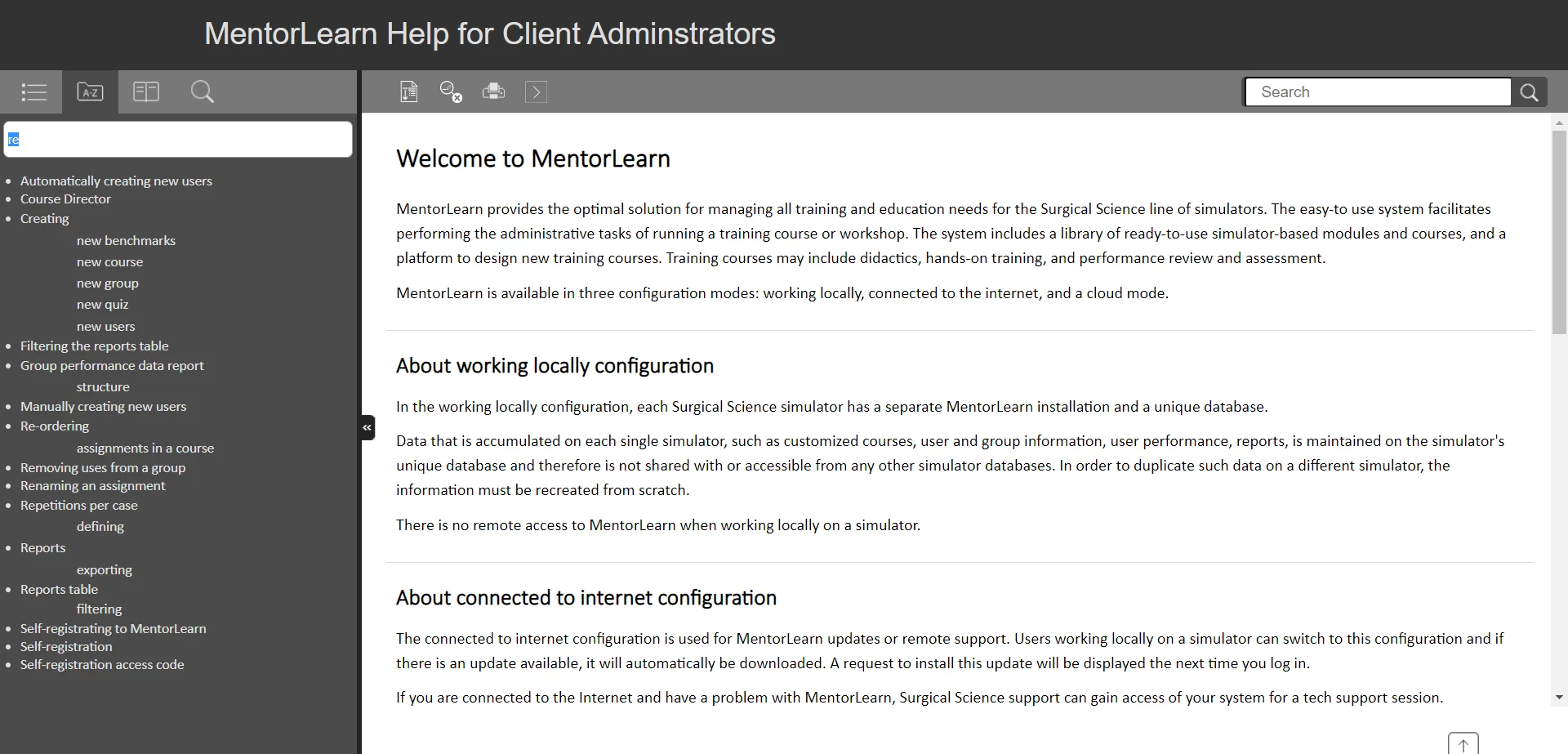


 AdChoices