Participant
September 5, 2016
Answered

Remove Index from Responsive HTML5 Default Layout

  • September 5, 2016
  • 1 reply
  • 1546 views

Hello

Is it possible to remove the Index-icon from the default layout for responsive HTML5? (see highlighted box in image)
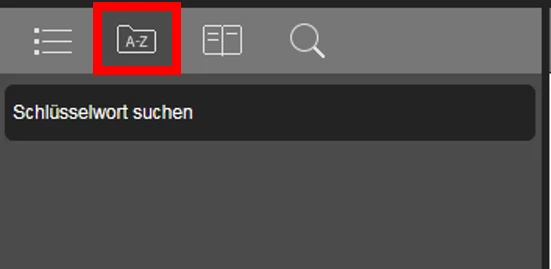
When I create the responsive HTML5 output there are four icons created by default (TOC, index, glossary and search function). As I do not need an index for my project the index icon might confuse users, thus, I would like to remove it. I could not find any settings to remove it in the output settings.

Thank you very much for your help!
This topic has been closed for replies.
Correct answer Captiv8r

Hi there

The answer is yes!

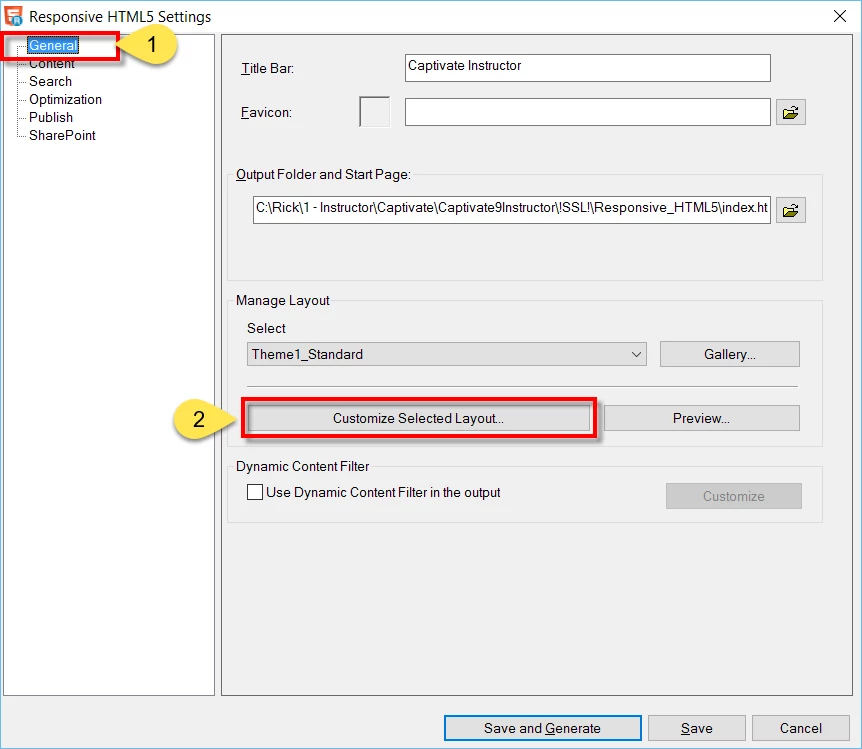
However, how easy it will be depends on your version of RoboHelp. Hopefully you are using 2015 Release. In that version you open the Outputs(SSL) pod and double-click the Responsive layout. Then from the General section on the left side, click the Customize Selected Layout button.

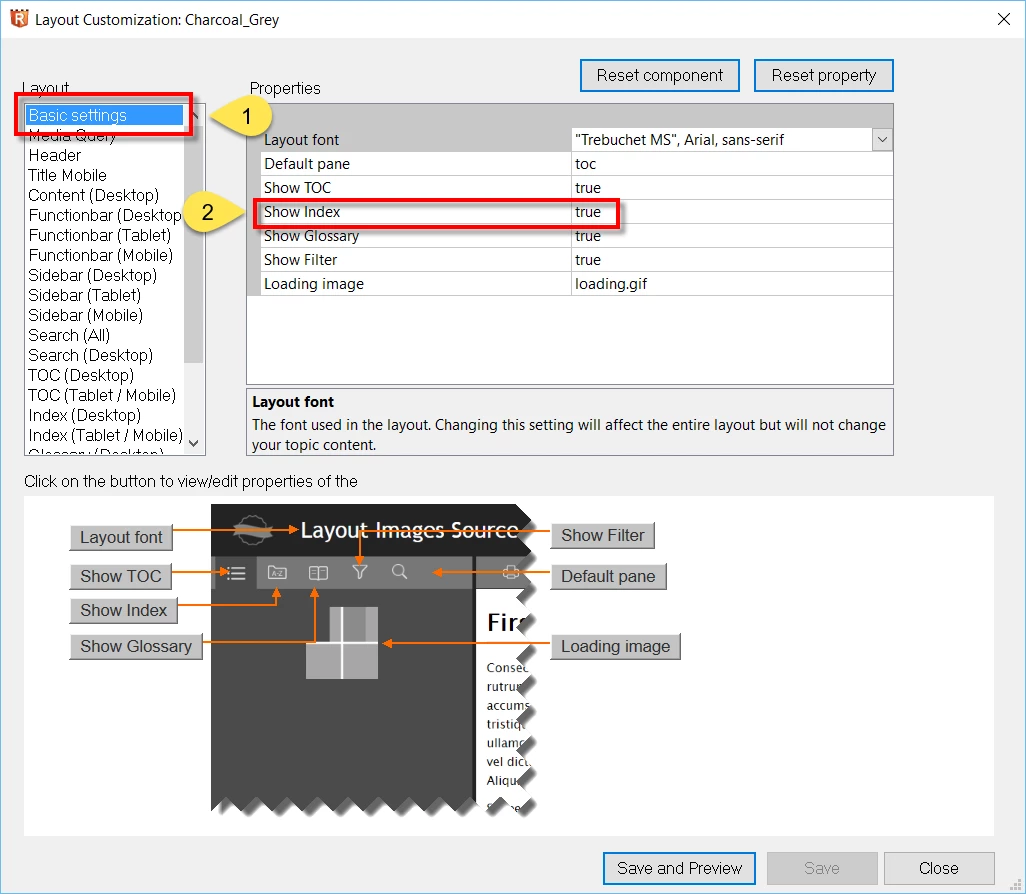
Then from the Basic Settings section on the left, click the drop-down on the Index item and change True to False.

If your version of RoboHelp is 11, you will likely have to muck about with modifying files manually.

Cheers... Rick

1 reply

Captiv8r
Captiv8rCorrect answer
Legend
September 5, 2016

Hi there

The answer is yes!

However, how easy it will be depends on your version of RoboHelp. Hopefully you are using 2015 Release. In that version you open the Outputs(SSL) pod and double-click the Responsive layout. Then from the General section on the left side, click the Customize Selected Layout button.

Then from the Basic Settings section on the left, click the drop-down on the Index item and change True to False.

If your version of RoboHelp is 11, you will likely have to muck about with modifying files manually.

Cheers... Rick

Participant
September 5, 2016

Hello Rick

Thank you very much for your quick and effective help. I was able to change it very quickly with your instructions - luckily I use RoboHelp 2015 :-)

Thanks again and have a nice day

Anna