
Known Participant
May 9, 2015
Question

Replace URL and Master sheet

  • May 9, 2015
  • 1 reply
  • 358 views

Hi - two questions for issues I'm working on after recovering a Robohelp project. Background, lost my hard drive and backup. Using my published webhelp and an older backup, I've merged them and cleaned up graphic issues. I'm down to a couple of things I still need to clean up. Note, after this happened I upgraded from RoboHelp 7 to Robohelp 11.

  1. A number of pages have the old topic templates, which have been replaced by master pages. How can I update all these topics at once? I know I can find individual topics, or select multiple topics and apply the correct master page, but it would be great to apply it to all at once

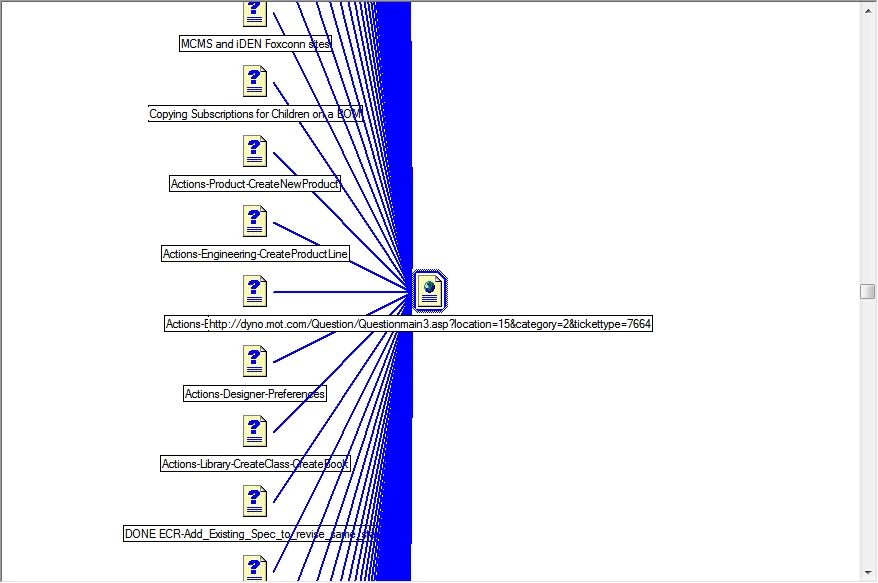
  2. I found a number of URLs which are incorrect. I thought there used to be a way to replace the URL once, and have it update all related URLs at once? As you can see, there are a lot of them...
This topic has been closed for replies.

1 reply

Captiv8r
Legend
May 9, 2015

Hi there

The Master Page should be stupid simple. Just open the Topic List pod, select all the topics, then right-click and nominate the Master Page of choice.

As for the URL bit, I'm not sure I've ever done this. Which is odd, because I've used the product for 20+ years! I'm guessing that what you will need to do is use the Multiple File Find and Replace to hunt the instanced down and change them.

Cheers... Rick

Captiv8r
Legend
May 9, 2015

In thinking about this, it occurs to me that you might help yourself out by electing to replace the URL instances with one or more variables. That way if you do ever need to change them down the road, it would be much easier as you would just update the variable(s).

Cheers... Rick

AnahidMAAuthor
Known Participant
May 9, 2015

Thanks, Rick! How is it I never noticed the ability to select folders in the topic list?!? I always had it on the default "all files"... I had been picking through topics and applying in batches. Luckily the ones I *don't* want to apply the master sheet to are in a folder, "use case steps". Many thanks!

As far as replacing with variables... well - there is another topic for your next class! Never have done that

Greatly appreciate the fast response!!!