
Resolving HRESULT: 0x80131904 Errors
I am using RoboHelp 2019 Classic with SharePoint for source control. Everything was working fine on Friday, 4/12/2019, and has been since we upgraded to 2019 about five months ago.
This morning, when I first attempt to log into RoboHelp and click the Test Connection button, I now get the following message:
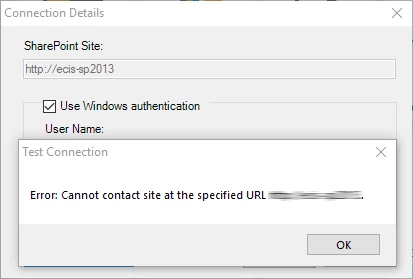
My Internet is working. If I navigate to the specified folder, I get the listing of RoboHelp project files.
If I return to RoboHelp with that folder open and click the Test Connection button, I now get the message that the test connection succeeded.
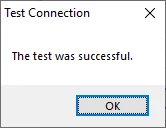
If I try to proceed, however, even though I got the message that the test connection succeeded, I now get this message:
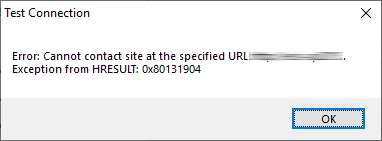
… or this message:
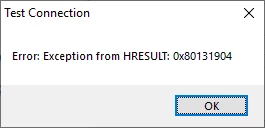
I have tried deleting the .cpd file for the project I was trying to access. No change.
I tried opening a different RoboHelp project from SharePoint. Same result as above.
Thoughts?
Thanks!


 AdChoices