
Known Participant
February 12, 2018
Answered

Responsive HTML 5 Indigo layout

  • February 12, 2018
  • 1 reply
  • 892 views

I'm using the Responsive HTML 5 Indigo layout and have a couple of questions:

1. Printing pages - there seems no way to print a page in the RH output. There's no print icon displayed. Am I missing something?

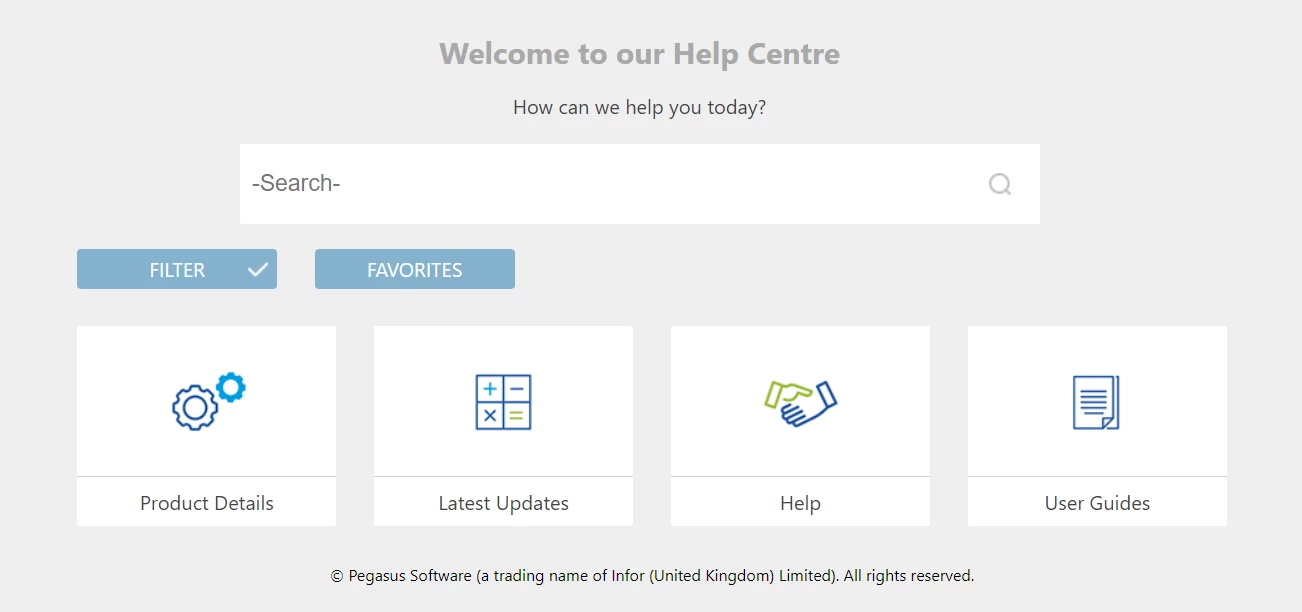
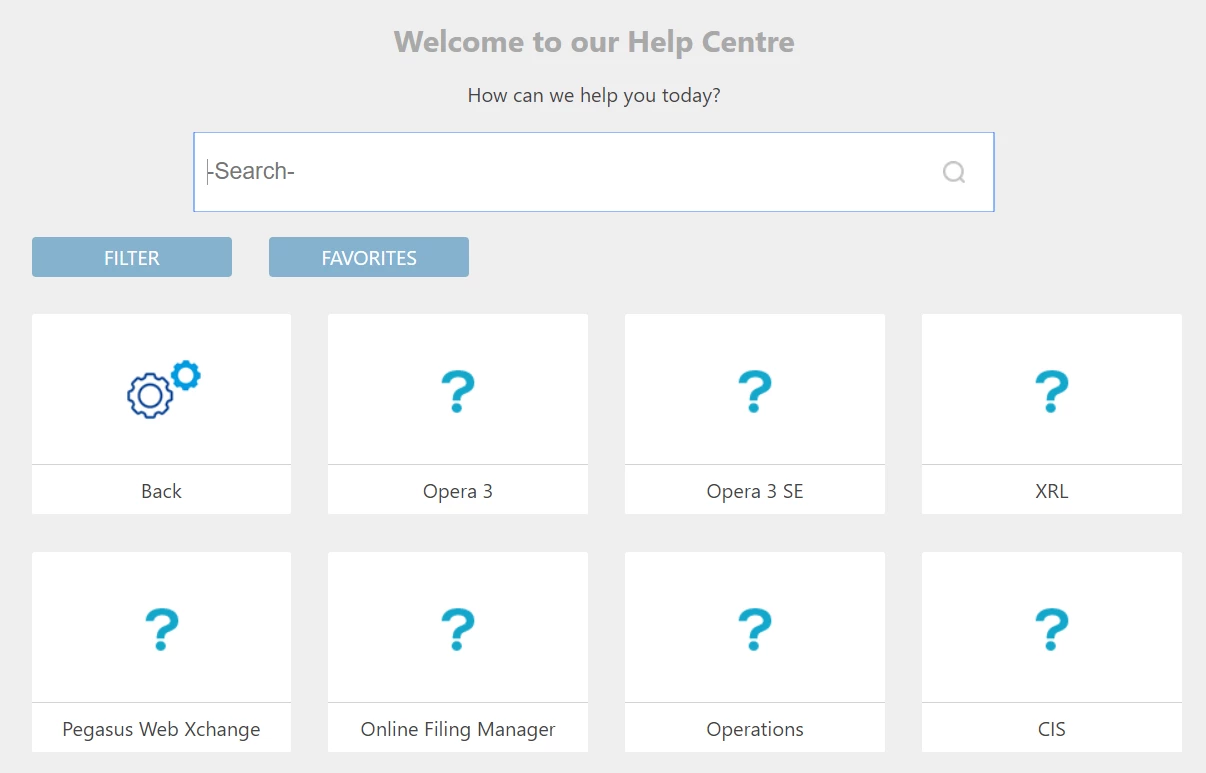
2. I'm using different icons for the links on the homepage, but there's no way I can see to use my different icons on the child pages.

Homepage
Child page

I want to use a different icon for each product on the child page. Is there a way to do that?
Thanks very much.

This topic has been closed for replies.
Correct answer Peter Grainge

Maybe you have an earlier version. Make sure you have all updates and then

select the layout again from the Gallery. You will need to give it a

slightly different name.

1 reply

Peter Grainge
Community Expert
Community Expert
February 12, 2018

The print icon only appears when a topic is displayed.

The editor only allows certain icons. Because the whole layout is HTML5 / CSS based, in theory you can do anything. In practise, you need a serious knowledge of both. It will be at web page developer level and even then, it would take them a lot of time to figure out how it has all been put together.


See www.grainge.org for free RoboHelp and Authoring information.

@petergrainge

Use the menu (bottom right) to mark the Best Answer or Highlight particularly useful replies. Found the answer elsewhere? Share it here.
Known Participant
February 12, 2018

Thanks Peter, I suspected the answer regarding the icons was as you say. I'll try to work the code out, but I suspect the answer also lays in the Javascript.

Regarding the print icon, it doesn't appear at all, even when the topic is shown. Any idea why that would be?

Peter Grainge
Community Expert
Peter GraingeCommunity ExpertCorrect answer
Community Expert
February 12, 2018

Maybe you have an earlier version. Make sure you have all updates and then

select the layout again from the Gallery. You will need to give it a

slightly different name.

Use the menu (bottom right) to mark the Best Answer or Highlight particularly useful replies. Found the answer elsewhere? Share it here.