
Participant
May 26, 2015
Question

Responsive HTML5 Layout Not Displaying Desktop

  • May 26, 2015
  • 1 reply
  • 406 views

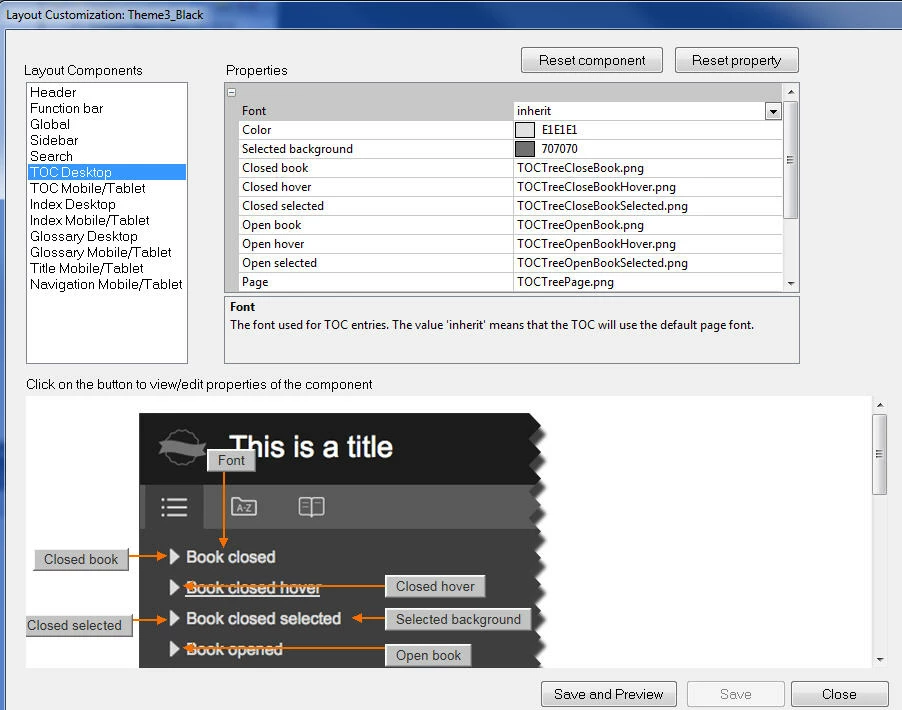
I've searched the forums but didn't find anything on this. I'm running RoboHelp 11. I was looking into using a Responsive HTML5 layout instead of my current WebHelp layout. I like how the desktop version looks when I choose Theme3_Black and edit:
However, when I compile and preview, I see only the tablet version:
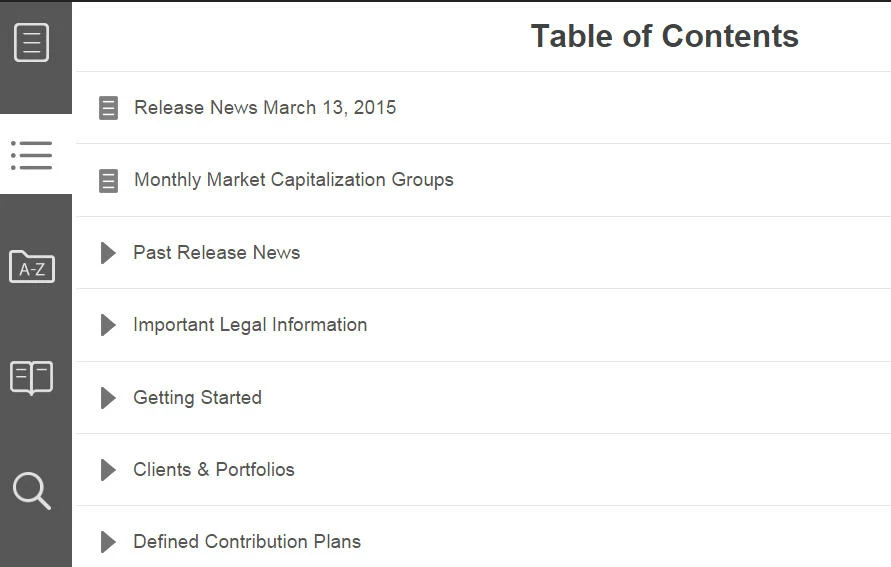
Any idea why the desktop version isn't displaying? It does it within RoboHelp and when I choose to preview in a browser.

This topic has been closed for replies.

1 reply

Captiv8r
Legend
May 26, 2015

Hi there

It sounds to me as if you are perhaps presenting it in a window that is sized to be smaller than your desktop?

That's the point of responsive. Items on the screen rearrange according to what are known as "breakpoints". Once a breakpoint has been reached, items rearrange to suit that breakpoint definition. The thought is that the new placement and size of the items works better on a device that would be using that breakpoint.

Cheers... Rick

RHRyanAuthor
Participant
May 26, 2015

I get what you're saying, but the tablet layout displays even when I open the start page from the !SSL! folder and maximize the browser window to the size of my monitor, which is 1280 x 1024. It looks like the minimum size for the desktop screen profile is 1024 x 768.

Captiv8r
Legend
May 26, 2015

See if this quick and dirty video does a better job of explaining it.

Click here to view

If you want the breakpoints adjusted, I do believe it's possible. But you will have to muck about with the code. Hopefully Willam will see this post and pop in to advise more.

Cheers... Rick