


Inspiring
January 19, 2021
Answered

Review feature Not Working in RH2020

  • January 19, 2021
  • 9 replies
  • 1287 views

Hi guys, 
trying to figure out with new Robo feature, but after pressing Create a link robo returns an error. 
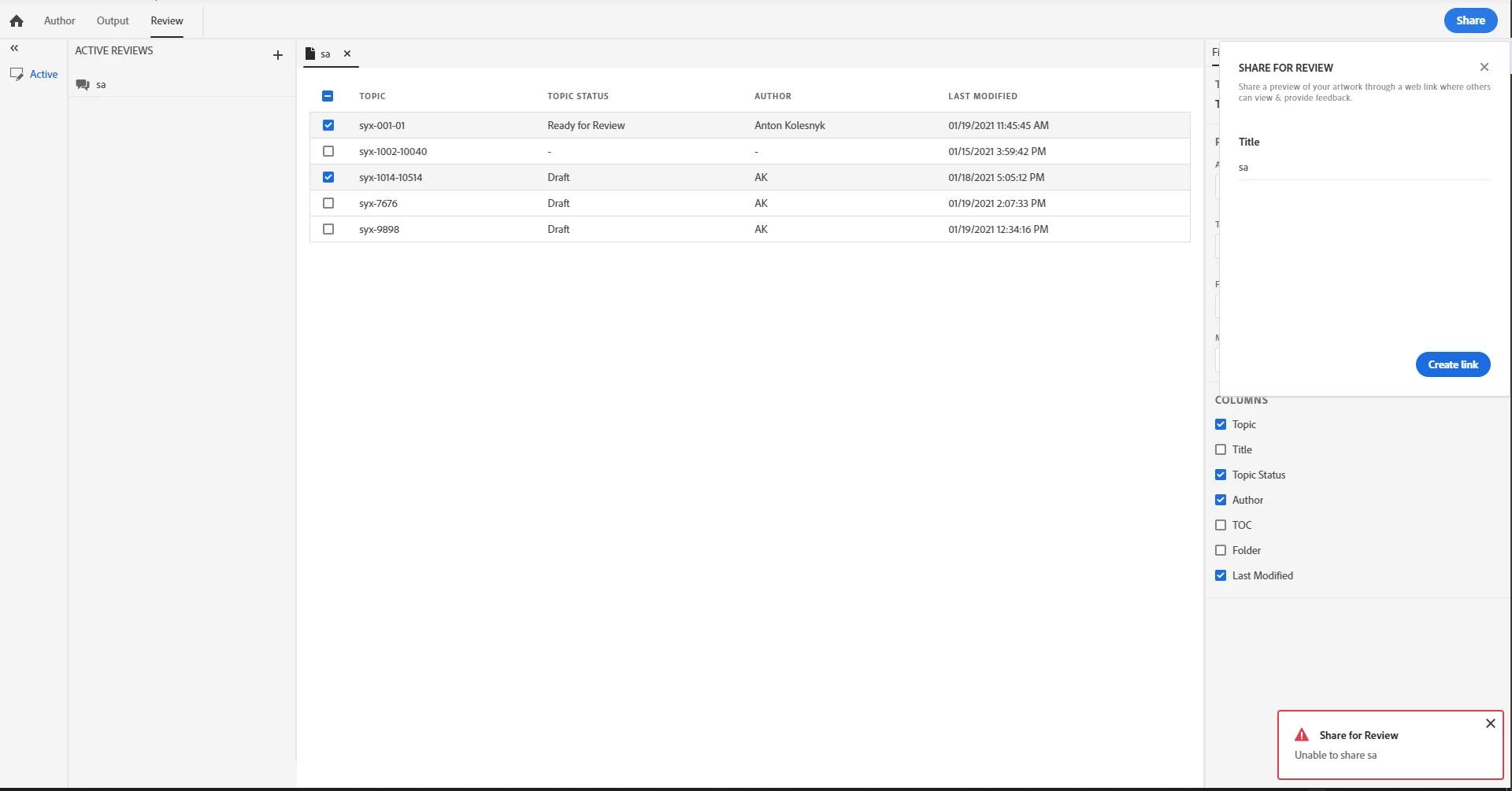
 

Adobe Creative Cloud is installed and I logged in it with the same user as in RoboHelp. 
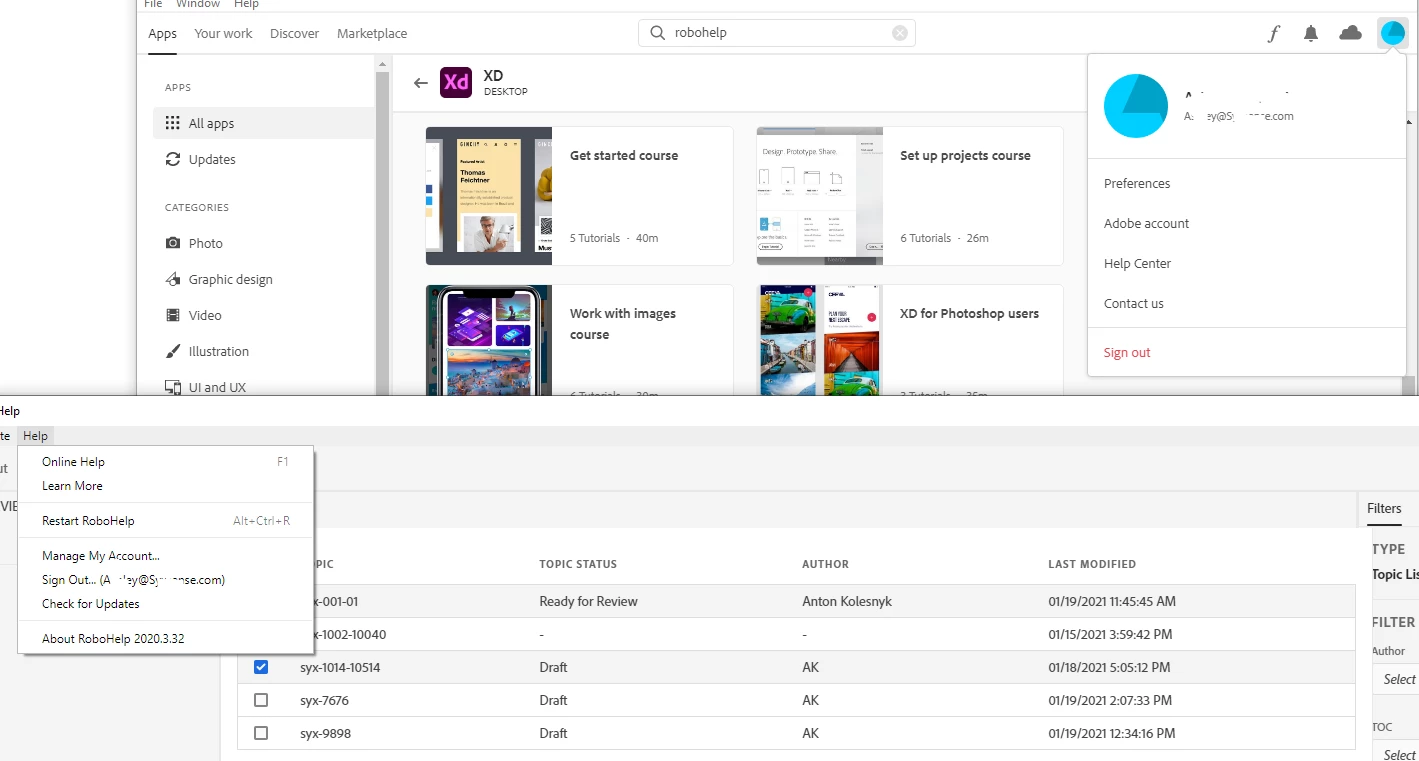
 

Any suggestions?

This topic has been closed for replies.
Correct answer JamesJim

I had this same problem using Robohelp 2020.3.32. I just received word that the latest update fixes this problem. So I updated to "Update 4" and I just tested it and it now works. 🙂 

9 replies

Peter Grainge
Community Expert
Community Expert
April 6, 2021

@defaultv667u7s1tnd8 If I recall correctly that is part of it. I think you also have to open the RHPJ file in a text editor (project closed) and delete the cloud id line.

________________________________________________________
See www.grainge.org for free Authoring and RoboHelp Information

Use menu (bottom right) to mark as Best Answer or to Highlight particularly useful replies. Found the answer elsewhere? Share it here.
Inspiring
September 15, 2023

Hi Peter! Long time fan. Do you know how (or if you even need to) to get the Cloud ID line back? I tried this and inadvertently did not save it (face palm).

Peter Grainge
Community Expert
Community Expert
September 15, 2023

Sorry but I'm not following what you want. What Cloud ID line? 

________________________________________________________
My site www.grainge.org includes many free Authoring and RoboHelp resources that may be of help.


Use menu (bottom right) to mark as Best Answer or to Highlight particularly useful replies. Found the answer elsewhere? Share it here.
Inspiring
April 6, 2021

Hi @Peter Grainge and other interested. You can delete your review in Adobe Creative Cloud App, in Cloud Documents. 

Peter Grainge
Community Expert
Community Expert
March 30, 2021

@defaultv667u7s1tnd8 Currently there is no delete, that will be added. There is another thread explaining a back door way of doing it but that will delete all reviews.


It certainly should not create more than one review so you might need to refer to support. See https://helpx.adobe.com/contact/enterprise-support.other.html#robohelp for your support contact options.

________________________________________________________
See www.grainge.org for free Authoring and RoboHelp Information

Use menu (bottom right) to mark as Best Answer or to Highlight particularly useful replies. Found the answer elsewhere? Share it here.
Inspiring
March 30, 2021

Can confirm that issue is gone with update 4. However now there is no ability to delete created reviews. Moreover, when you press "Create a link", it can create more than 5 reviews 


JamesJimCorrect answer
Inspiring
March 26, 2021

I had this same problem using Robohelp 2020.3.32. I just received word that the latest update fixes this problem. So I updated to "Update 4" and I just tested it and it now works. 🙂 

Peter Grainge
Community Expert
Community Expert
January 20, 2021

I'm not sure what the problem is here. Maybe try Support? See https://helpx.adobe.com/contact/enterprise-support.other.html#robohelp for your support contact options.


You can change your username to something more friendly in your forum profile settings.

________________________________________________________
See www.grainge.org for free Authoring and RoboHelp Information

Use menu (bottom right) to mark as Best Answer or to Highlight particularly useful replies. Found the answer elsewhere? Share it here.
Inspiring
January 20, 2021

UPD:
Tried on another PC with my subscription. Result is the same as on screnshot. 
However with trial I can generate Review link

Peter Grainge
Community Expert
Community Expert
January 20, 2021

Both RoboHelp and Creative Cloud are subscription only but you don't need CC, just the app. If you do have CC, then you have the app. Please clarify what you mean by Individuals plan.


To the best of my knowledge all that is required is that the author has access to both 2020 and has installed the CC App (or CC itself).

________________________________________________________
See www.grainge.org for free Authoring and RoboHelp Information

Use menu (bottom right) to mark as Best Answer or to Highlight particularly useful replies. Found the answer elsewhere? Share it here.
Inspiring
January 20, 2021

Sory for confusion. As you can see on my screenshots, I mean CC desktop app, on which i logged with the same user as in robo. 
On Individuals plan I mean robohelp subscription type. 

Community Expert
January 20, 2021

This note in the help implies cloud storage isn't always enabled for your CC account. Have you checked that?


https://helpx.adobe.com/robohelp/user-guide.html/robohelp/using/review-process.ug.html

"Note:

For optimal performance, we recommend you to verify that the cloud storage is enabled in your account. "

Inspiring
January 20, 2021

Hi Amber,

By pressing Cloud button in CC I can somnething use space in storage, so I think it is enabled. 

btw, I launched trial version on another PC and Review works ok. I have Individuals plan. Does it supports review function?