Inspiring
October 5, 2016
Answered

RH 2015 - Cannot open RH Project File - RH hangs

  • October 5, 2016
  • 1 reply
  • 1032 views

I have a client who is having trouble with the RoboHelp 2015 Project File. It appears that something has been corrupted.  I have received the Project Files and the same thing has happened to on my laptop. Are there files that I can remove that would help resolve this situation? Something like this happened to me a long time ago and I thought I was able to remove one of the files and RoboHelp rebuilt the file when I reopened it. For the life of me I can't remember what it was. Here's the steps that I can reproduce again and again:

1. Launch RoboHelp

2. Click File > Open Project

3. Navigate to Project File Location
4. Select RoboHelp HTML Project File

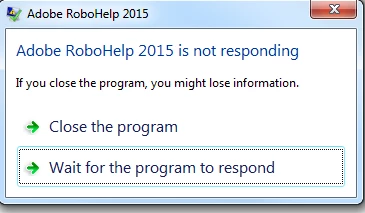
5. RoboHelp starts to open the File. The cursor goes into a loading spin, appearing like it is trying to load the files. But does nothing. Client has left it running for hours but nothing changes.
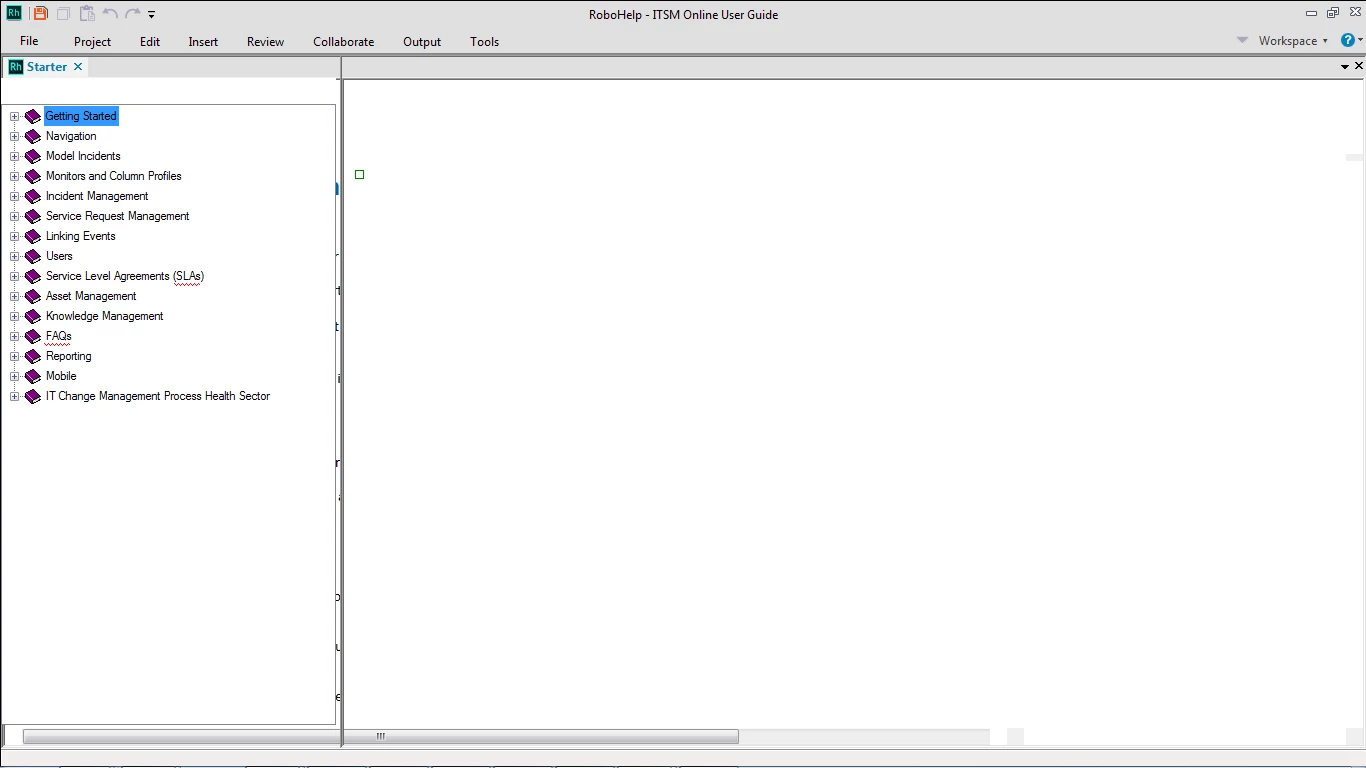
6.  Then this appears
This topic has been closed for replies.
Correct answer Amebr

Thanks for explaining the CPD. I had also thought of opening the duplicate set of files (discovered that it is from an earlier version of RoboHelp). I did try to open the duplicate files and got the same set of errors.

I have successfully opened the August version of the RoboHelp Project Files that I helped them with this summer. I'm not sure what you mean by files that are munged somewhere.

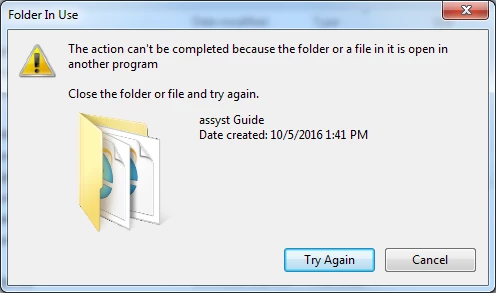
I tried to remove the duplicate set of files but I got an error even thought I have closed everything. I may have to reboot and remove it then.


This thread suggests deleting the rhfontset.apj file - RH should recreate the file when you open the project. It will be in the same folder as the xpj and cpd files.

Errors when opening a RH project.

Perhaps rename it initially to see if it helps - if you have created custom font sets you may need to recreate them.

1 reply

Captiv8r
Legend
October 5, 2016

Hi there

Perhaps try deleting the CPD?

If you aren't sure how to do that, I've got a handy video that will show you how.

Click here to view

Cheers... Rick

Inspiring
October 5, 2016

Thanks Rick. It was the CPD file that I was thinking of. I deleted the CPD file in the Project Folder, then tried to open the Project File. Here are the error messages that I am getting when I try to open the project. These are in the order that I see them:

Captiv8r
Legend
October 5, 2016

One thing I would suggest to try would be to create the following folder:

C:\Projects\ITSM_Online_User_Guide

Then copy the project to this folder and try opening it from there.

Cheers... Rick