

RH 2017 - tiles cut off in Indigo output, shifted by back button?
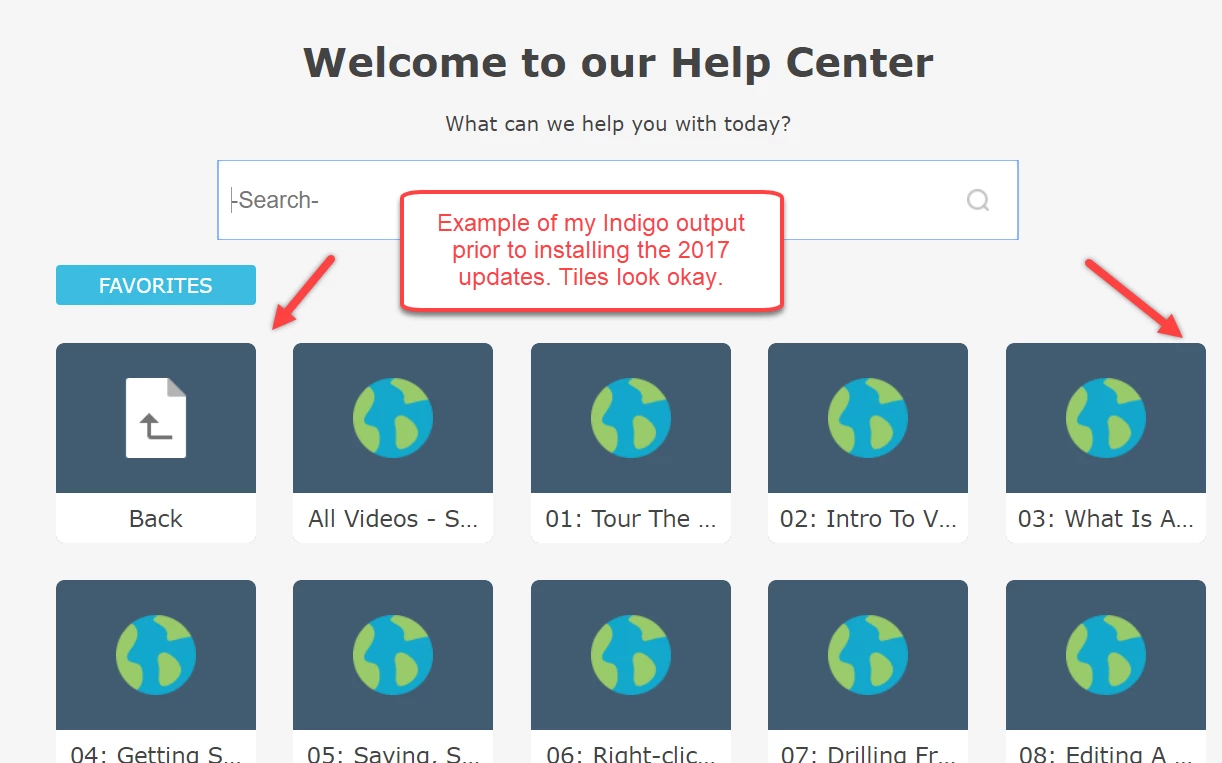
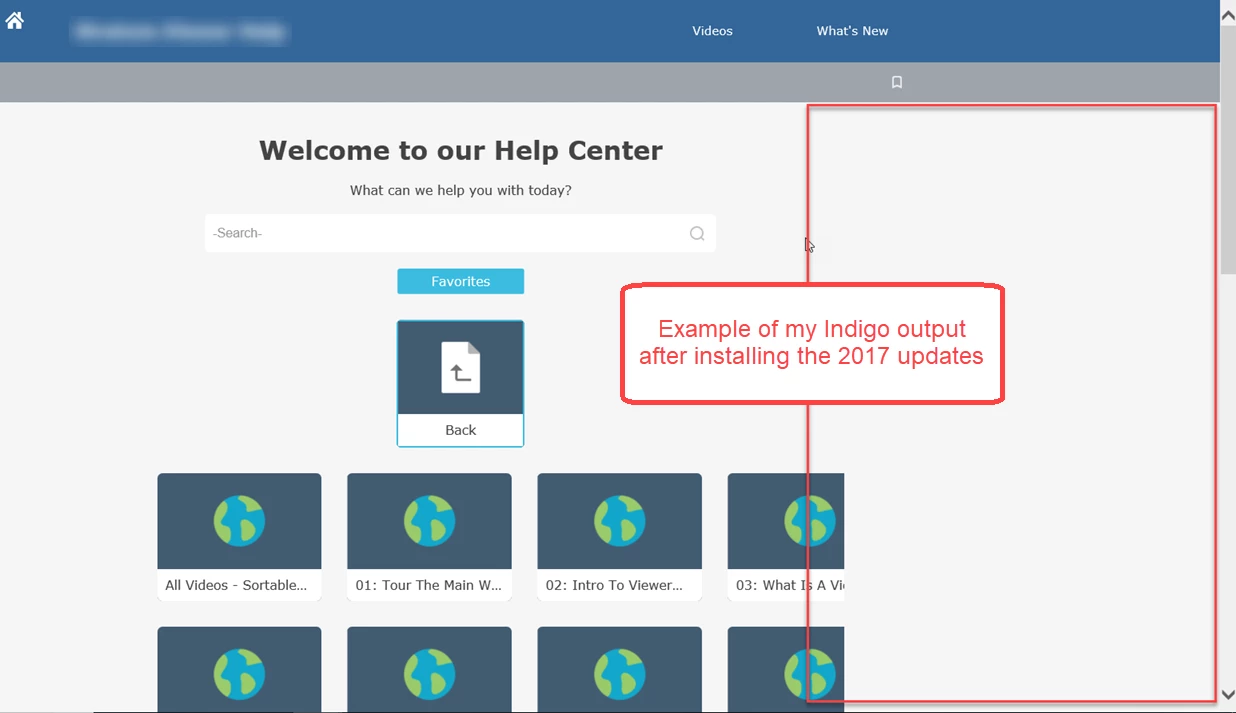
Has anyone experienced the following in Indigo output for responsive help? I have a book in table of contents which has a list of topics underneath it. In the Indigo layout, when I click the tile that corresponds to this toc book (named Video Resources in my example images), I see tiles for each topic but those topic tiles are cut off on the right side of the browser. This 'cut off' issue didn't happen in RH 2017 prior to my installing Updates released by Adobe. Prior to the Updates, the Back button used to be in line with other tiles and all topic tiles fit in browser window. After the updates, the Back button displays on its own line above other tiles. It seems like the Back button being on it's own line created a shift in the tiles below it or caused something to be off with how the page renders?
I have read some other discussion threads about dissatisfaction with the Back button in the Indigo layout and with limitations around being able to customize it (size, position, etc.). I have voted for the bug https://tracker.adobe.com/#/view/RH-1510https://tracker.adobe.com/#/view/RH-1510 which was logged as a result of discussion https://forums.adobe.com/message/10258240#10258240.
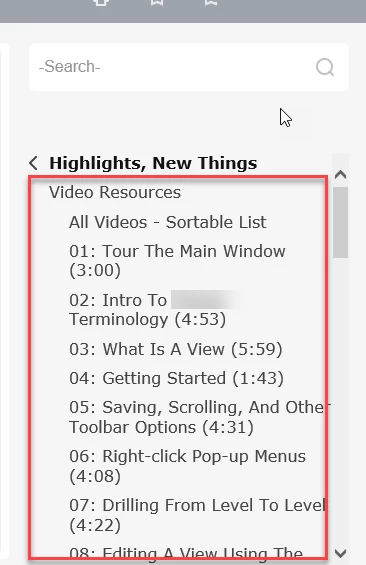
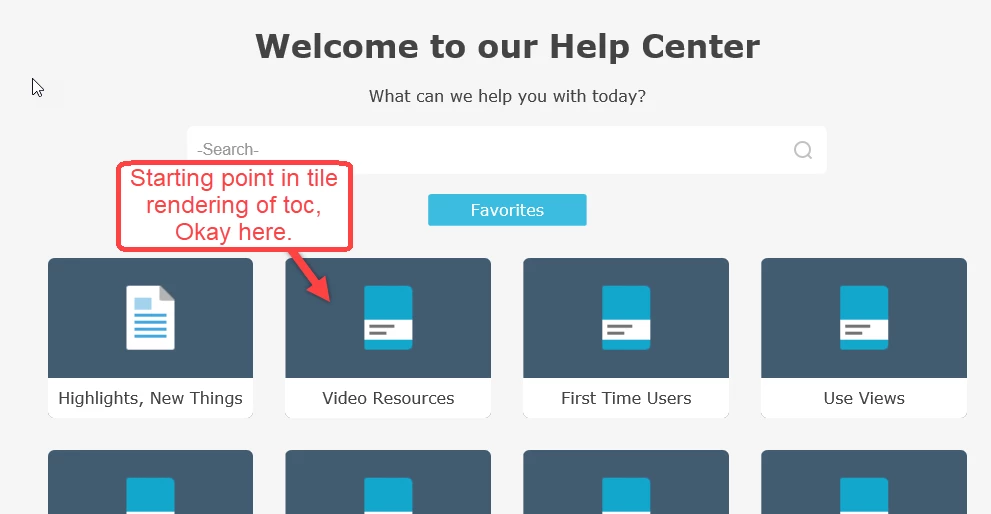
Sub tiles for topics under Video Resources (examples below show pre and post installing the Updates):


 AdChoices