


Inspiring
January 4, 2023
Question

RH 2020: Empty paragraph when going from first level to second level in a multilevel list

  • January 4, 2023
  • 2 replies
  • 335 views

I am using a multilevel list in RH 2020, and when I go from the first to the second level there are empty lines (parapgraph end tag) added between the levels (see screenshot).
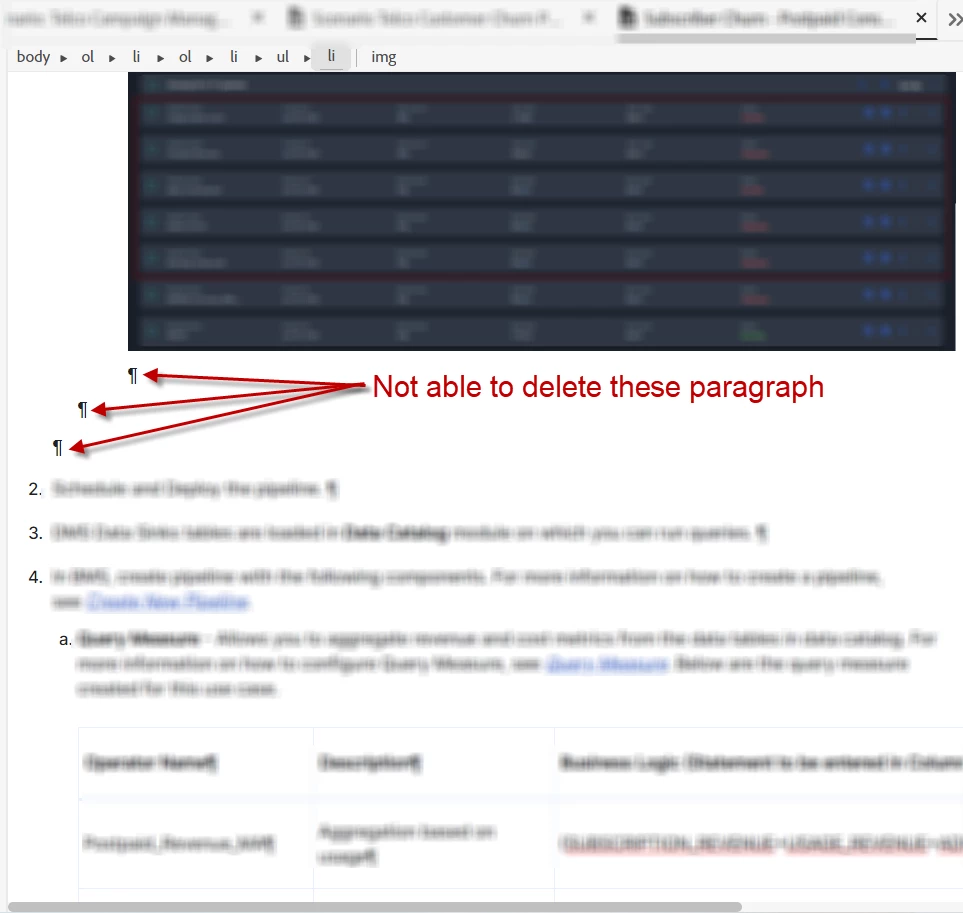
In Webhelp, I don't have any problem in output, but when I generate Word Output, the extra paragraph mark is considered as an extra line. I have even tried switching the css with the default, it doesn't gets removed.

    This topic has been closed for replies.

    2 replies

    Community Expert
    January 6, 2023

    Given you are generating Word documents, perhaps consider a Word macro to remove the extra empty paragraphs? I know it's an extra step, but it should run pretty quick. You can even do it manually in the find and replace dialog box although you might need repeat a couple of times to make sure you catch them all.

    Peter Grainge
    Community Expert
    Community Expert
    January 4, 2023

    Are you on 2020.8? See the Help menu.


    With the cursor to the right of the image, can you not delete them then?


    Have you looked in Source view? It should be easy enough to delete them there?

    ________________________________________________________

    My site www.grainge.org includes many free Authoring and RoboHelp resources that may be of help.


    Use the menu (bottom right) to mark the Best Answer or Highlight particularly useful replies. Found the answer elsewhere? Share it here.
    Achal__Author
    Inspiring
    January 4, 2023

    I am on 2020.6.76. Putting the cursor next to image and deleting doesn't work. When I went to the source view, I found <p> tag in all the list style. There are around 200 htm files in my project and I see all of them have these <p> tag in ul and ol. It will need a lot of effort to remove them by going to the source view of all the topics.

    Jeff_Coatsworth
    Community Expert
    Community Expert
    January 4, 2023

    Try updating to Patch 8 first?