
Answered
RH 2020 New UI Randomly bolding text in PDF output
I have the following text in my topic:
<h1>Frequently Asked Questions</h1>
<p><strong>Can permissions specific to objects be exported?</strong></p>
<p>Imported objects inherit their permissions from their parent objects. If your import contains folders, the hierarchy structure of child folders will be maintained.</p>
This is how it looks if I view the output from within RH:
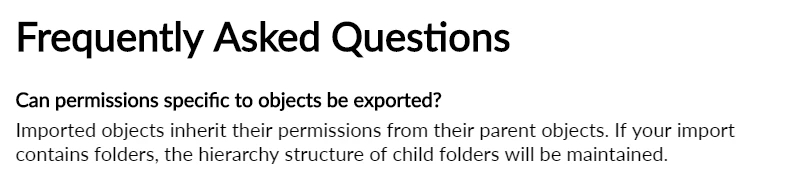
Here is how it looks in my PDF output:

It has applied a bold to the first line of the second paragraph.
It has done this randomly throughout the whole PDF. Sometimes it has applied bold to text that has no strong tag in the whole topic, sometimes it is like this, where there is a strong tag somewhere in the topic. But there does not seem to be any pattern to it.


 AdChoices