


Participant
August 30, 2022
Question

RH 2020 Update 8 - Folder created instead of topic

  • August 30, 2022
  • 4 replies
  • 191 views

I am using RH version 2020.8.34 and am facing an issue while creating a new topic.

I was trying to add a new topic.
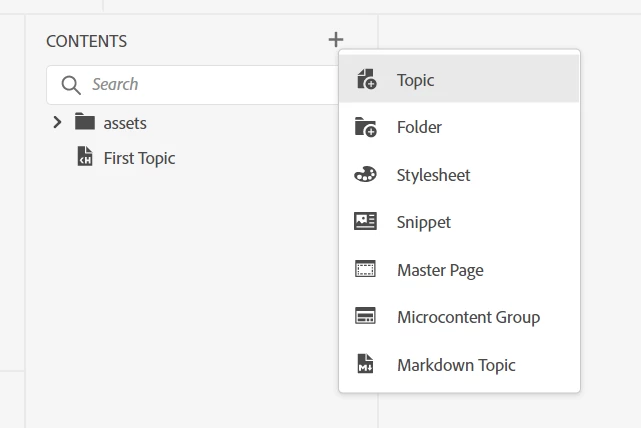
The New Topic pop-up appears.
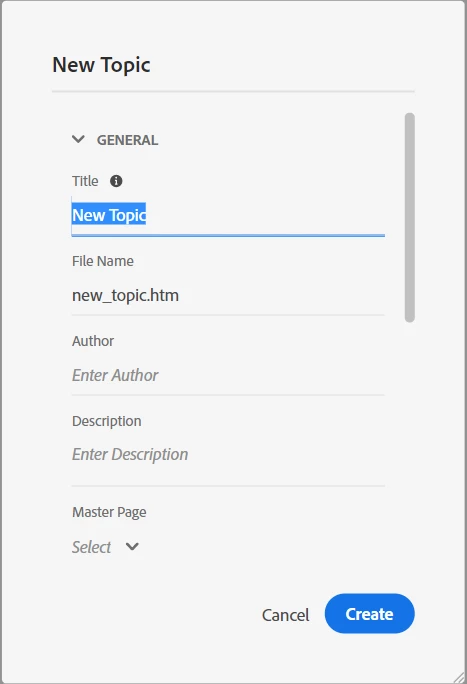
I deleted the default Title name
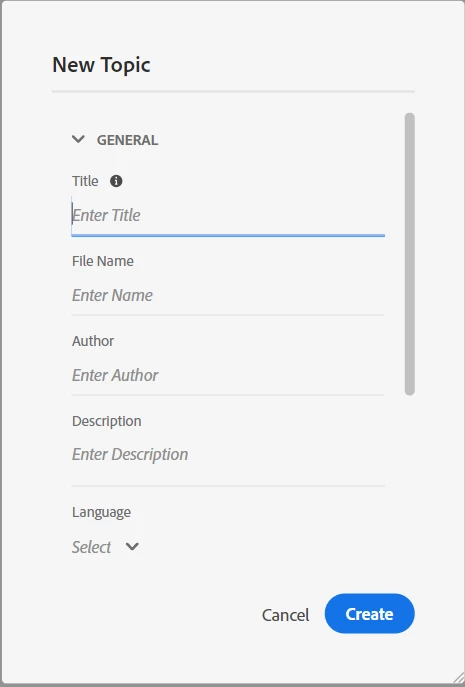
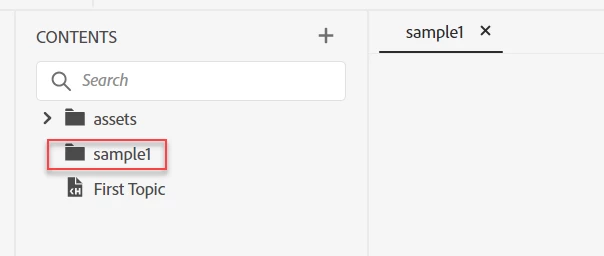
Added a new title name “sample1” and clicked Create.
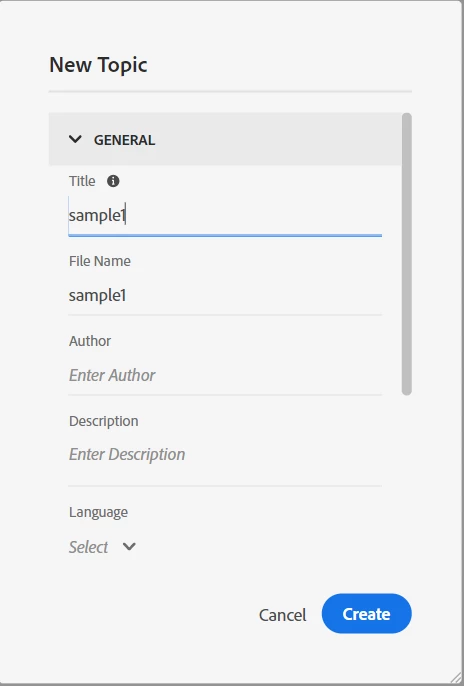
But, it is getting added as a folder and not as a topic
 

I even tried to put the ".htm" extension in the file name.
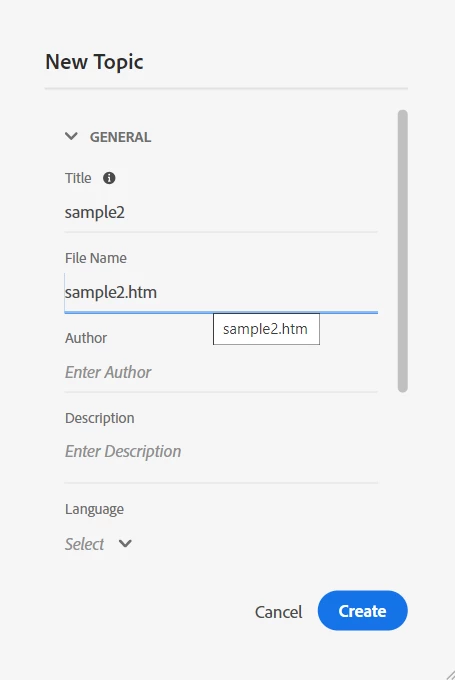
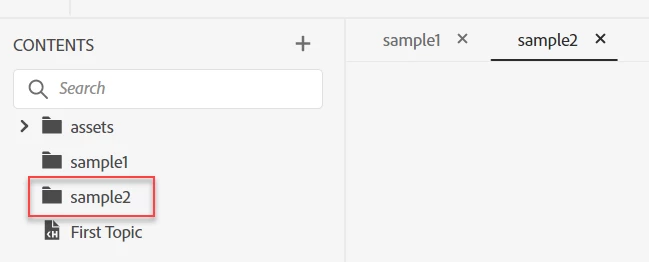
But that was also not useful. A new folder appeared in the list instead of a topic.
 

Is there any solution?

    This topic has been closed for replies.

    4 replies

    Peter Grainge
    Community Expert
    Community Expert
    August 31, 2022

    @Arjun25874443fzt7 Even if you do not delete the default title and just start typing the new title?


    As long as you enter the new title without pressing delete everyone else is getting their new title and the htm bit survives.

    ________________________________________________________

    My site www.grainge.org includes many free Authoring and RoboHelp resources that may be of help.


    Use the menu (bottom right) to mark the Best Answer or Highlight particularly useful replies. Found the answer elsewhere? Share it here.
    Peter Grainge
    Community Expert
    Community Expert
    August 31, 2022

    I have alerted Adobe to this.

    ________________________________________________________

    My site www.grainge.org includes many free Authoring and RoboHelp resources that may be of help.


    Use the menu (bottom right) to mark the Best Answer or Highlight particularly useful replies. Found the answer elsewhere? Share it here.
    Community Expert
    August 31, 2022

    As rgugs says, I see this issue if I press Backspace or Delete before typing a new title. If I start typing while the old title is selected the .htm is added correctly.


    You can request features and report issues here: https://tracker.adobe.com/

    Post the item number in the discussion so people can easily vote if they want the same functionality.

    Participating Frequently
    August 30, 2022

    Have you tried just typing in the Title instead of deleting the text then typing? Usually adding the .htm back in on the file name fixed this bug for me. The only other thing I could think of is to save and restart the program because sometimes it just starts acting weird and that helps. I'm on that version of Robohelp adding the .htm worked for me.

    Participant
    August 31, 2022

    First of all a big thanks for your time and support.


    I restarted the application and tried again. But the issue is still there for me.