



Answered
RH 2022 3.93 - Remove background image from Studio Home Page
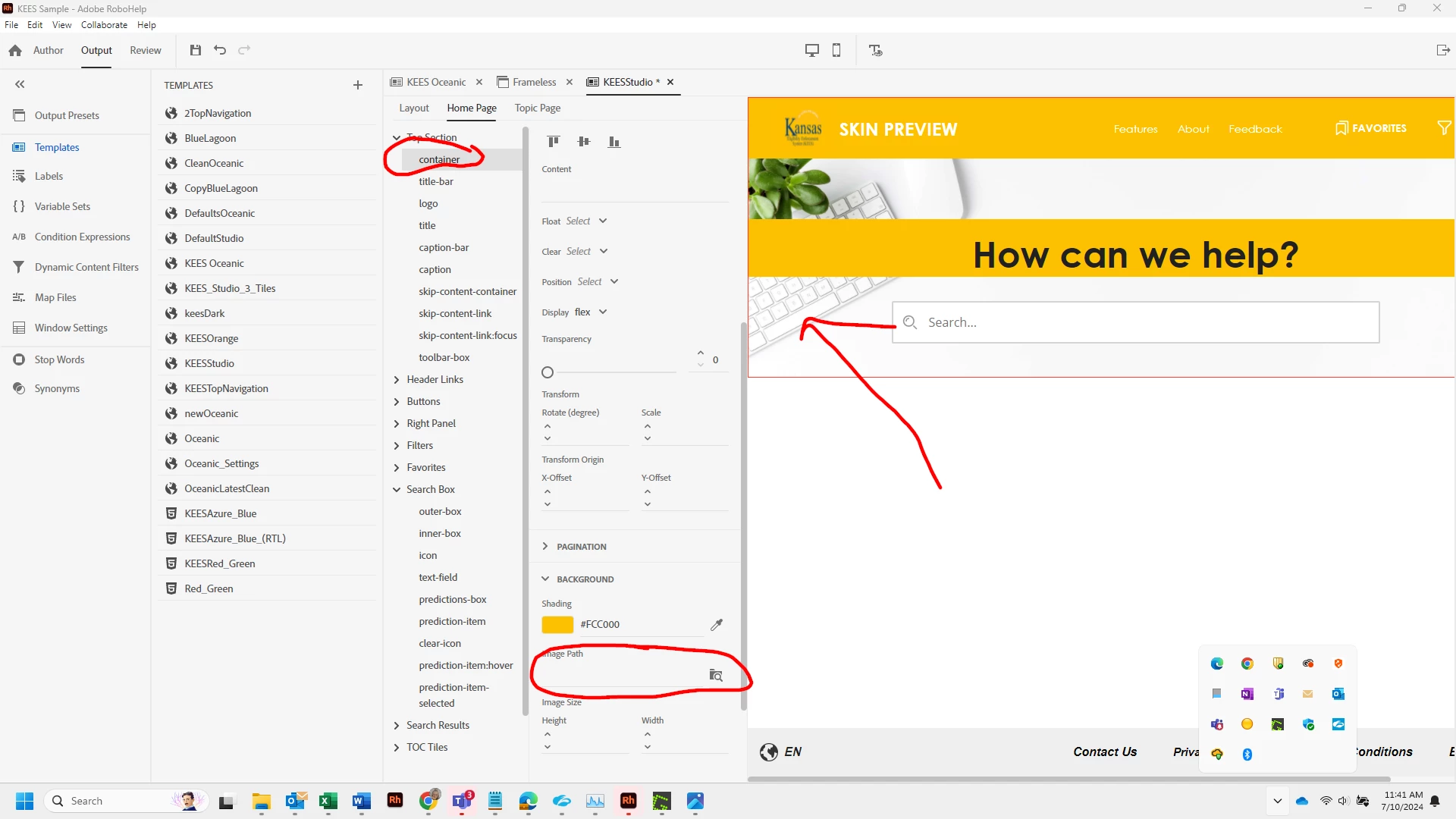
I am simply trying to delete the background image that is on the Studio homepage template., which is called homepage - backgroumd.png. Rather than have the background showing, I want to add some colored stripes across the top of the page. I would think this could be accomplished by going into the template editor, Home Page /Top Section/container and under the baclground tab delete homepage - backgroumd.png. I've done this on my project, and several times on a clean untouched copy of the Studio template. It never goes away. Hopefully someone has a quick answer. I have a demo today at 3:30 with our SME's. Thank you.
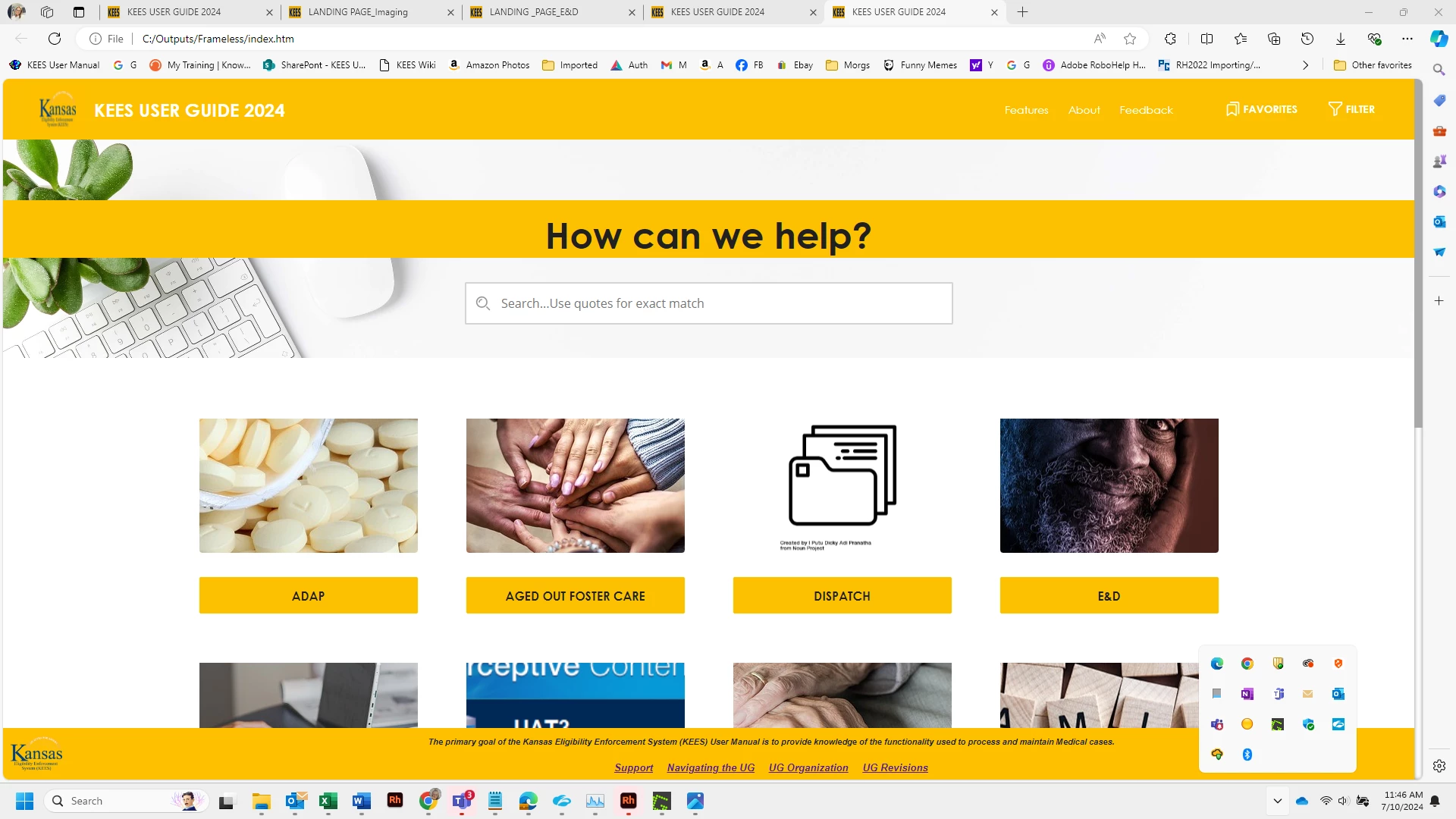
This is what I get when I generarte and view
This is what I'm wanting: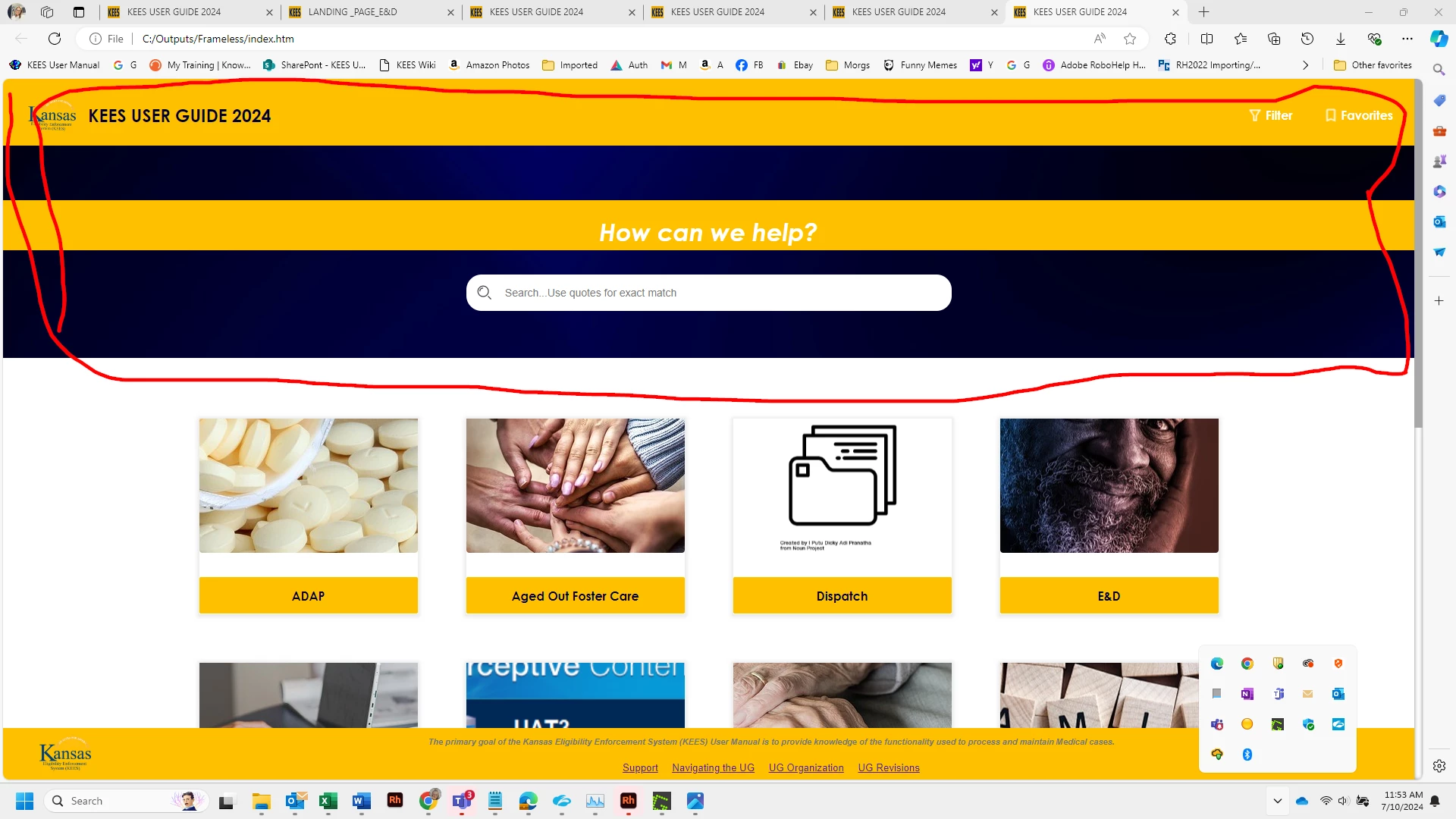

 AdChoices