
RH10 (patched up to date) and RoboScreenCapture
Have been provided with a new PC to replace the old one running win 7 Pro. This new one is running Win 8.1 Pro.
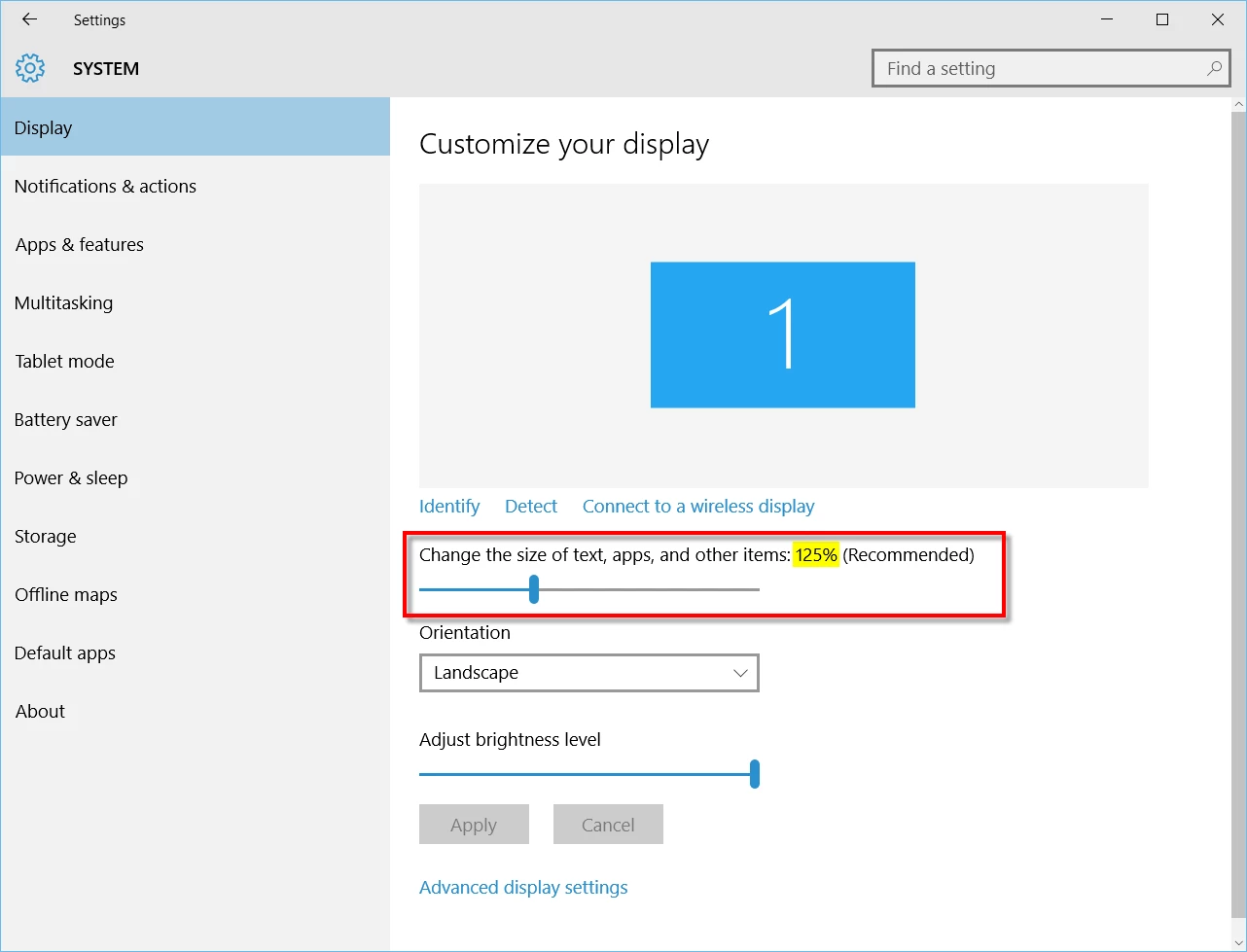
Having installed RH10 and all the patches, and copied my project files across to the new PC, attempting to use the RH ScreenCapture program is a major problem. When I select Capture - Region ( most frequently used capture type) ScreenCapture is minimised (as expected), and after 500 milliseconds (default lag) the image of the screen to be captured is increased in size to about 150%. Now, I don't want to capture images that are 150% bigger than actual; capturing these images and then resizing is also not an option as the image quality becomes degraded too much.
Adobe support have observed this problem on my system. They have had me try to disconnect the extended monitor - no change, they have played around with graphics properties, all to no avail. The only success was by changing the main screen resolution to its lowest setting (1024 x 768), which is not really a viable option. I have even looked at the Windows Magnifier settings to see if this has any effect (it doesn't).
We have also downloaded and installed a trial version of RH2015, and this version also performs in the same manner and does not resolve the issues.
I will be continuing to progress this with Adobe support, but if any experts out there have any other suggestions I can try it would be much appreciated.
Mark Hurst


 AdChoices