
RH11 - getting original comments to show in PDF for review?
I am using RH 11, and tracking changes. I use the Add Review Comment option extensively to indicate to my reviewers which screen shot is for the new release as well as to ask questions of them and explain why I am taking out a particular sentence. I use Tools --> Create PDF for Review, and I've been testing saving it to my local drive or emailing it to myself. The redlining for deletions and green writing for additions works fine. However, for areas where I have comments, I have yellow highlighting, but cannot see the comment.
Any ideas as to why?
I'm desperate to get this review process started, and so I sent a request Adobe's tech support email as well as called them. I have a MAJOR deadline to get my materials to reviewers, and I direly need those comments to show.
I'm wondering if any of you wizards of RH have any ideas.
Here is exactly what I sent in my email to Adobe:
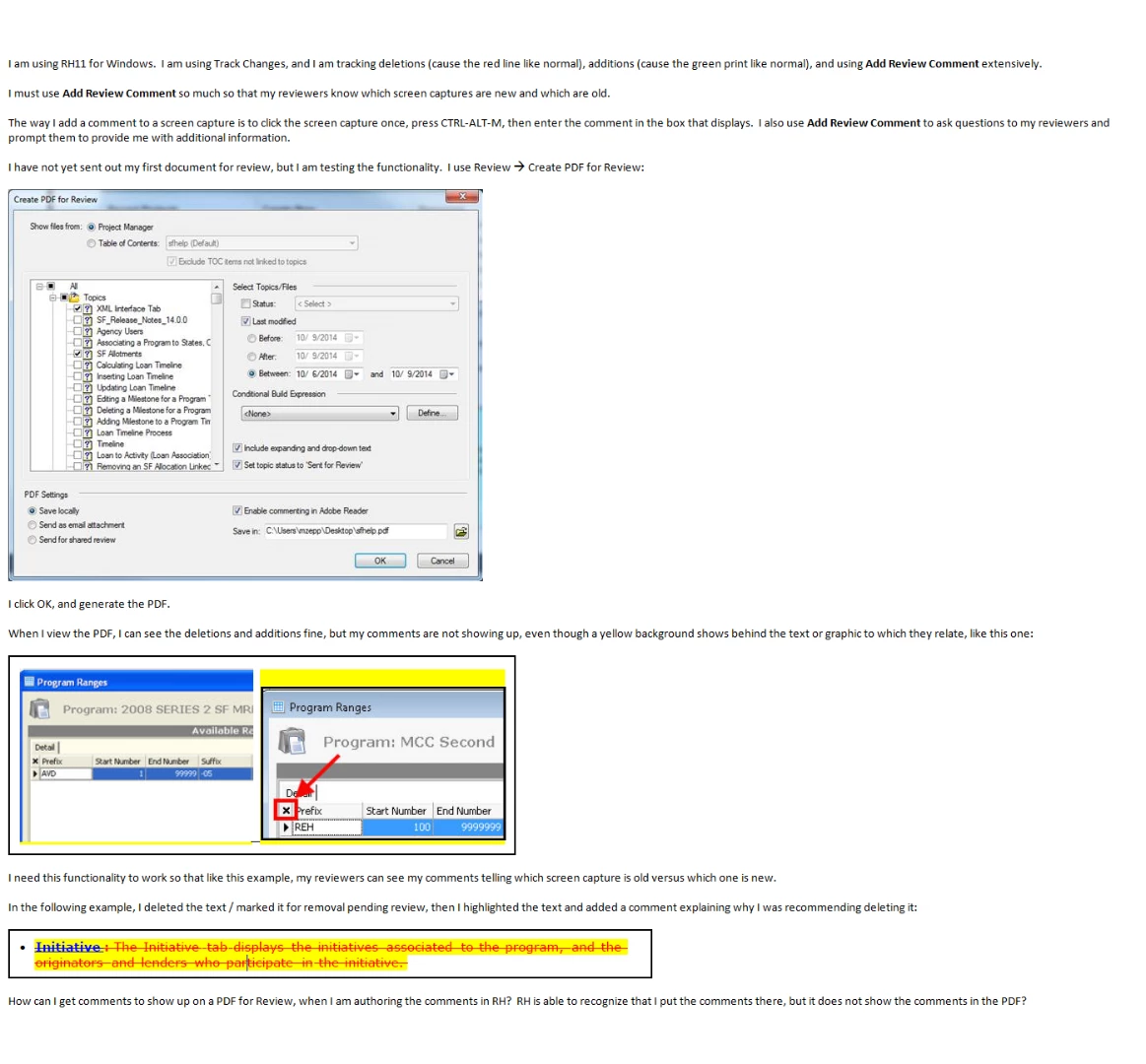
Thank you for any help you can offer!


 AdChoices