

Question
RH11: Hanging indent on hotspot and Drop-down text formatting
I posted this yesterday and for the life of me I cannot find my post today. Anyway, I have two questions now:
- Does anyone know how to incorporate a hanging indent in text that uses the Drop-down hotspot style? [using Responsive HTML5] I cannot locate in the stylesheet where I can make the blue text below have a hanging indent.
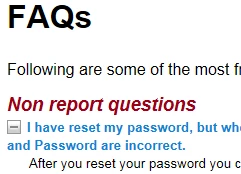
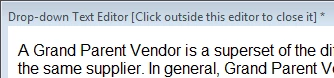
2. How can I apply a style to the Drop-down Text Editor, aside from using inline styles? I've tried using the Drop-down text style - but this style will not accept my formatting changes (I've changed the style for all Media and it still will not accept the new font size - I've also checked HTML Editor. My style changes are there but they will not apply), nor will it apply to the text in the Drop-down Text Editor.
Thanks for your help,
Pam


 AdChoices