Participant
December 8, 2015
Question

RH11: How do I get Heading 1 to appear in printed Word TOC

  • December 8, 2015
  • 4 replies
  • 486 views

Hi,

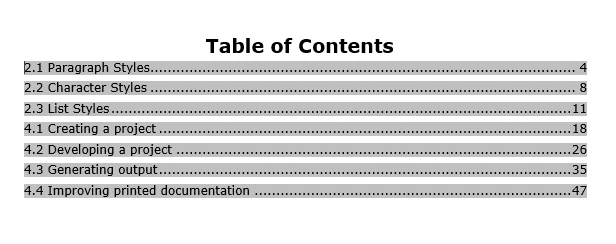
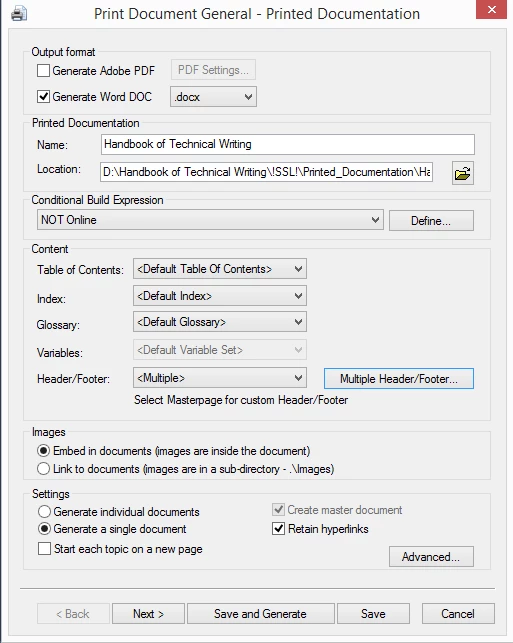
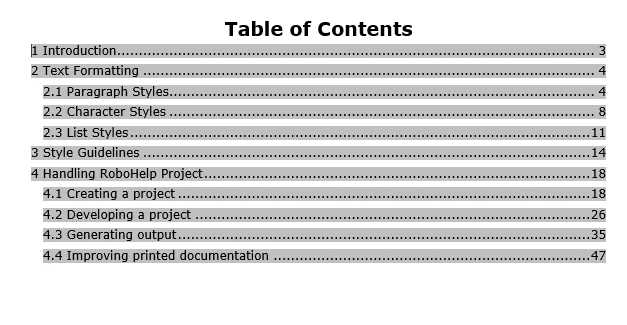
my user is exporting a document from RH11 to Office 2013 and at her pc the TOC is not displeyed correctly as at other user's PC.

See s/s below:
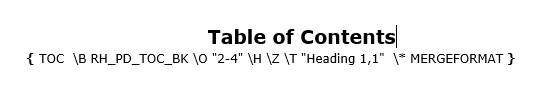
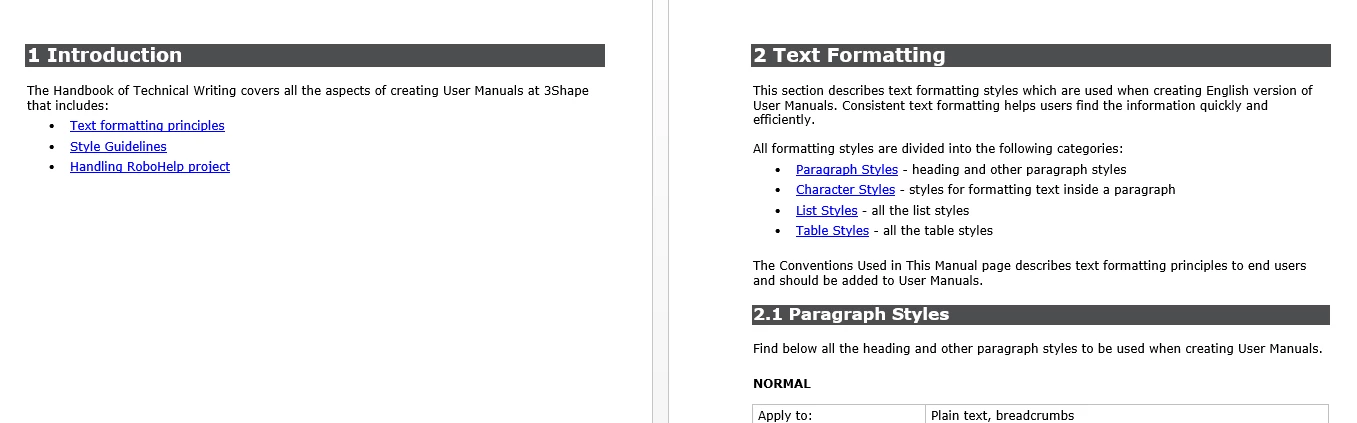
And the same document at another PC:
This topic has been closed for replies.

4 replies

anastasiya_r
Participant
November 30, 2017

I had the same issue and I solved one. You should open the Region settings. In the dialog box Region click the Additional Settings button. In the dialog Customize Format on tab Numbers in the field List Separator set the value "," (comma):

In my case the List Separator had the value ";" (semicolon). After changing the value on "," (comma) Heading 1 appeared in a printed Word TOC.

Participant
December 9, 2015

Actually the problem was with settings of regional language of OS, solved by Microsoft support.

But then I'm asking you why did it happen? Can't you make a normal export?

Willam van Weelden
Inspiring
December 9, 2015

In the field code, remove the text 'Heading ' from 'Heading 1'. This is a Word thing where RoboHelp creates the TOC code based on your language and adds language specific code for headings. (It that's what olek was talking about.)

KimberlyO
Inspiring
December 8, 2015

Also, is the same .css or template being used?  I think it's the last screen before generating. 

KimberlyO
Inspiring
December 8, 2015

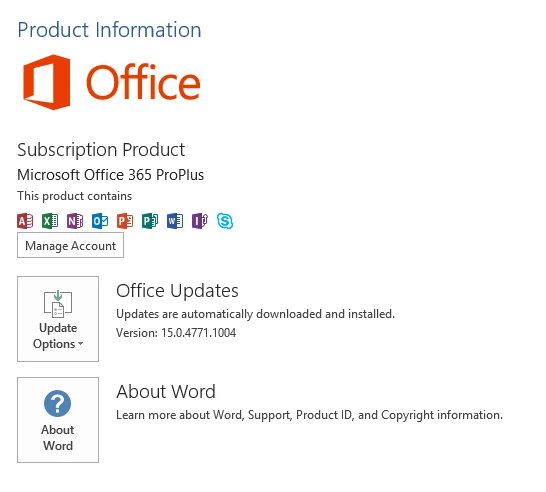
Do both users have the same version of Word installed?  Does the Word document the second user exported open correctly for the first user?