I have amended your thread title to include Classic. That's important now there are two versions.
The issue seems to be that you are using DIV tags and I have seen people report before that DIV tags don't always play nicely in Classic versions of RoboHelp. What you set up worked in the one online output I tried but not, as you say, in PDF. Also not in Word.
I took a copy of your style and created this.
p.NoteStyle {
font-size: 10pt;
font-family: Roboto;
border-left-style: Solid;
border-left-color: #333d47;
/* height: 100%;*/
background-color: #e2e2e2;
width: 100%;
border-left-width: 8px;
padding-left: 3px;
margin-top: 2.5pt;
/* line-height: 150%;*/
}
Then I removed the DIV tags and applied that. You will see I commented out two lines. With that done I now see this in PDF and Word.
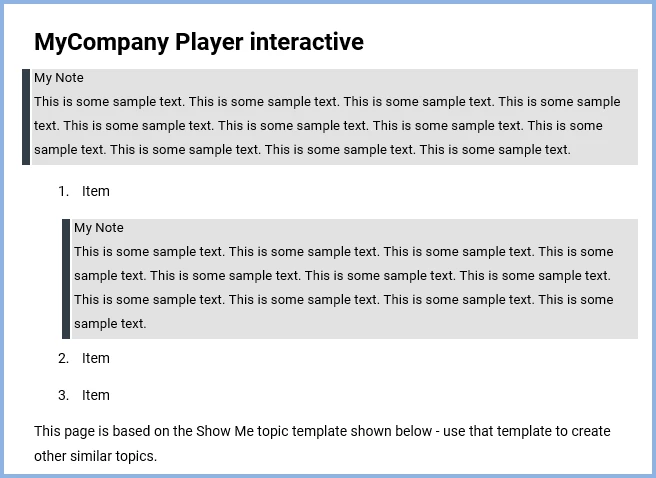
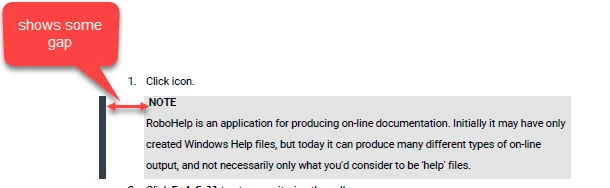
At the end of the My Note line I had to use Shift Enter to avoid the margins you have but that can be tweaked. There is also a slight gap between the border and the shading but that was there before.
I will send you the project with these changes so that you can try it.
www.grainge.org
Use the menu (bottom right) to mark the Best Answer or Highlight particularly useful replies. Found the answer elsewhere? Share it here.




 AdChoices