


Question
RH2019: Issues Connecting to SharePoint Online for Version Control
Hello Team,
My teammate and I need to collaborate on a couple of projects, and want to start using RH2019 (Reimagined) and SharePoint Online for source control.
Source RH version: RH2019 (Classic)
New RH version: RH2019 (Reimagined, V2019.0.14, the latest patch)
SharePoint version: Office 365
The following is some information and issues we have run into during the Connection Profile creation:
- We upgraded the project to RH2019 (Reimagined).
- We made some CSS/Master page updates, generated the Responsive HTML5 output and decided to upload the project to SharePoint.
- We consulted with the RH2019 online help doc (https://helpx.adobe.com/robohelp/user-guide.html/robohelp/using/sharepoint.ug.html) and determined that we first need to create a Connection Profile to establish our connection to SharePoint.
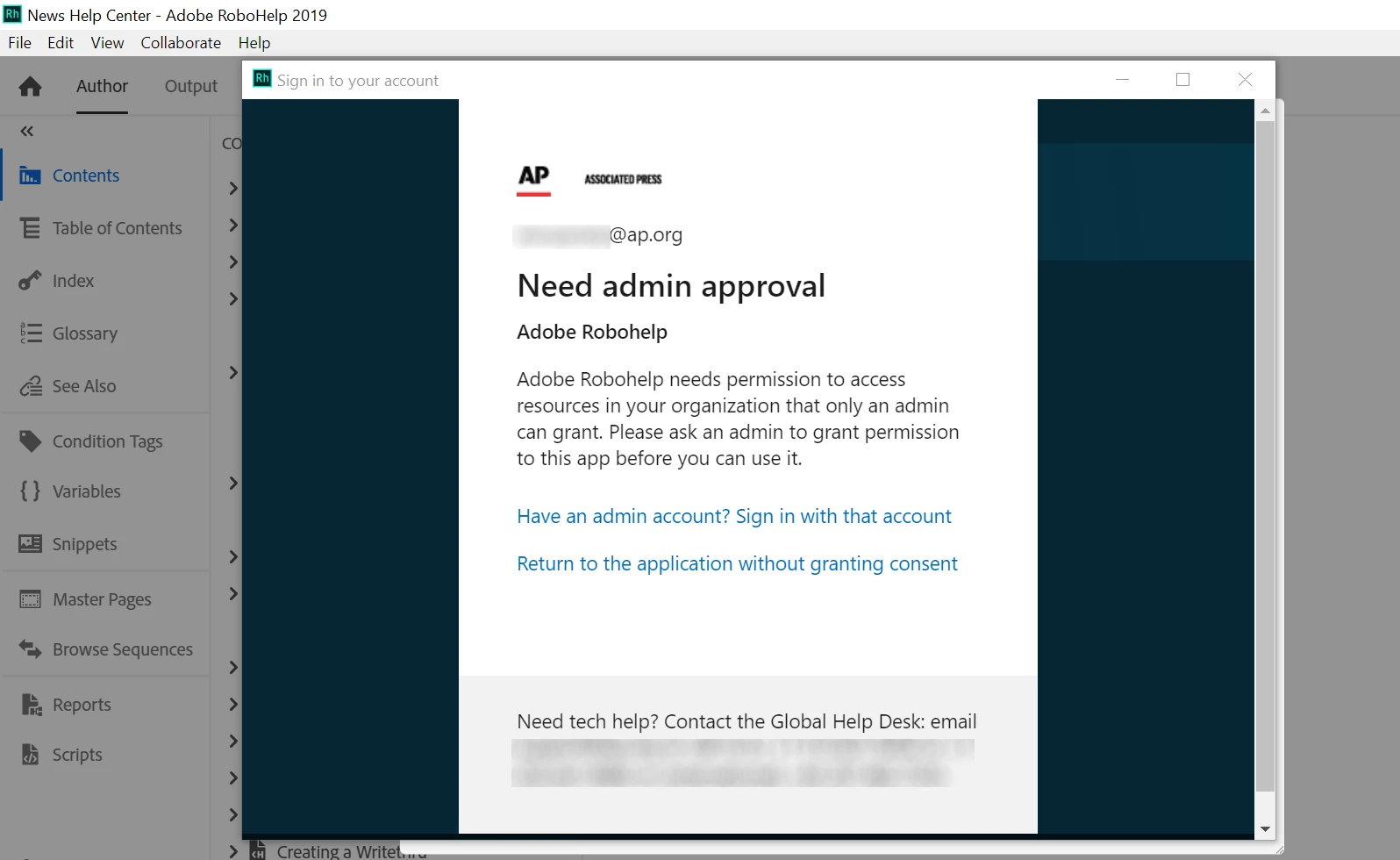
- When we attempted to create a Connection Profile, we experienced different results. I am able to sign in to SharePoint and create a connection, but my teammate is NOT and received an error that looks like this:
- We are BOTH Owners of this SharePoint site, we can access the site via web browser just fine.
- We are trying to determine my teammate's Admin level to her PC, but this has never been an issue before.
- After consulting with our Deskop Support team to see if there are any permission issues on our end (there are none), we have run out of ideas.
Can anyone help us with this issue? What are we doing wrong?
Thank you,
Tabby W.
 AdChoices