Inspiring
March 22, 2021
Answered

Rh2020 - Search Issue with Numbers

  • March 22, 2021
  • 4 replies
  • 259 views

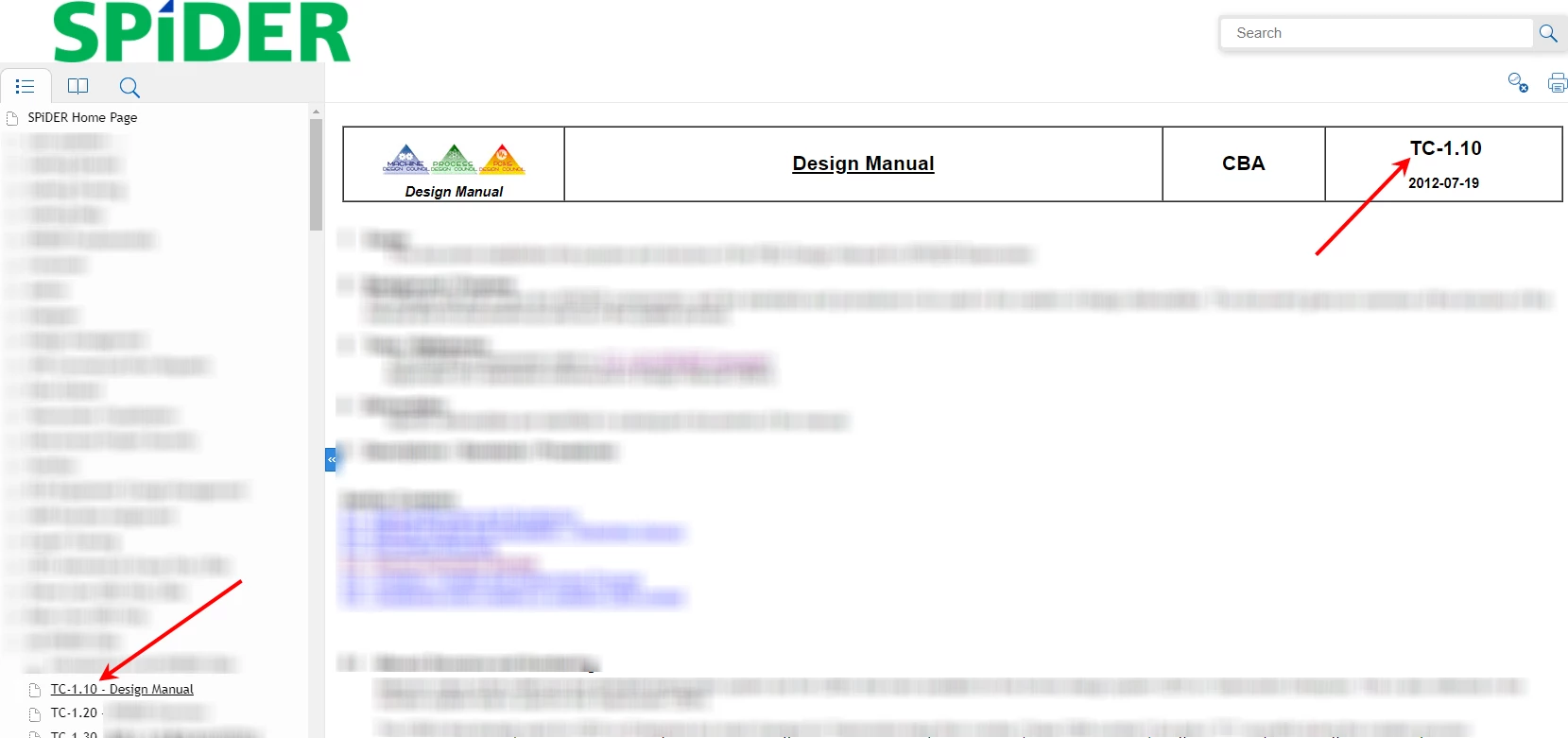
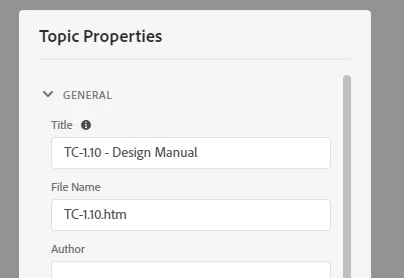
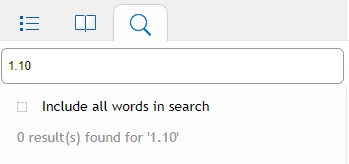
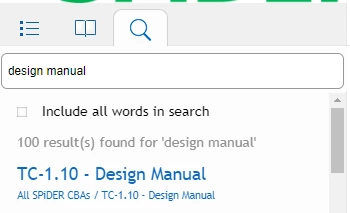
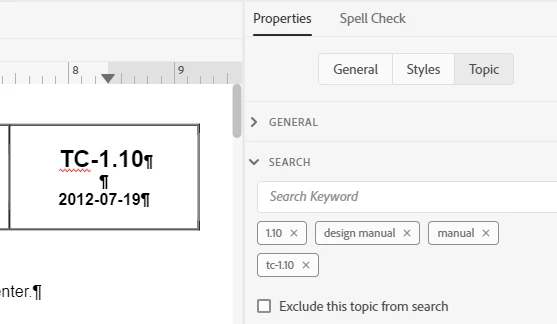
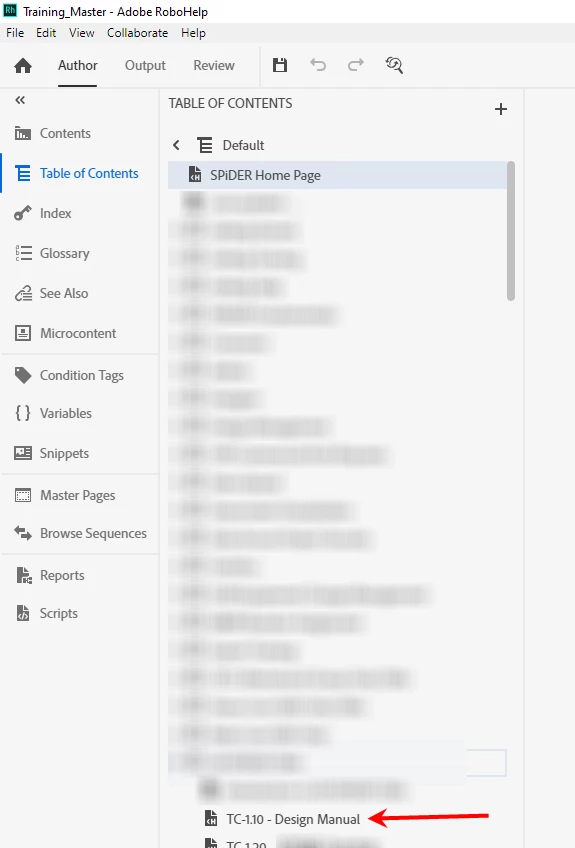
I am currently using Rh Version 2020.3.32.  In my Responsive HTML5 published page, users are not able to search using numbers.  I have pages written with a numbering system.  The number is in the Title, File Name, and on the page itself (see images).  I have added the numbering system as search keywords and that did not solve the issue either.  It is important for my users to be able to search by number.  

Can anyone help? Is this a known issue?  


    This topic has been closed for replies.
    Correct answer Rebecca McF

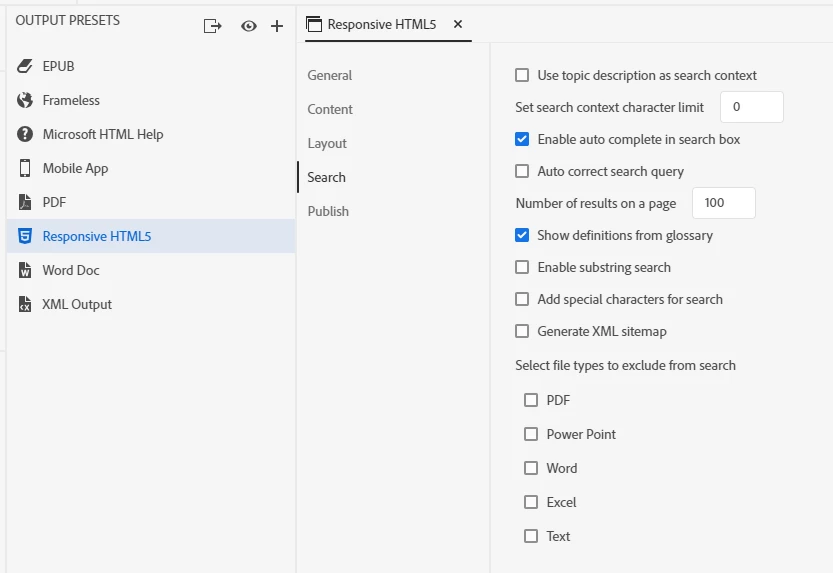
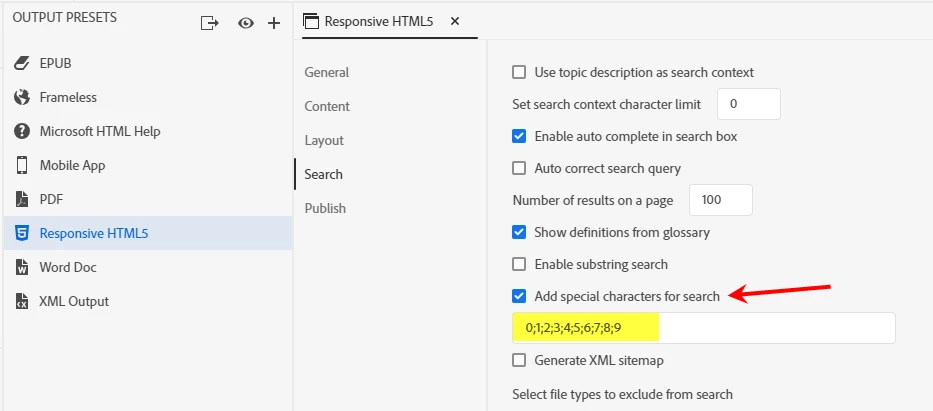
    Thank you for all the responses & help.  Through your suggestions, I found the 'Add special characters for search' in the Responsive HTML5 Output.  Now the users can search by numbers.

    4 replies

    Rebecca McFAuthorCorrect answer
    Inspiring
    March 22, 2021

    Thank you for all the responses & help.  Through your suggestions, I found the 'Add special characters for search' in the Responsive HTML5 Output.  Now the users can search by numbers.

    Peter Grainge
    Community Expert
    Community Expert
    March 22, 2021

    Add the offending characters to the dictionary. I then got 3_6 in the results.

    ________________________________________________________
    See www.grainge.org for free Authoring and RoboHelp Information

    Use the menu (bottom right) to mark the Best Answer or Highlight particularly useful replies. Found the answer elsewhere? Share it here.
    Peter Grainge
    Community Expert
    Community Expert
    March 22, 2021

    Stop Words is one of the options in the Output tab. By default you will not see any but to edit click the + sign and select your language. Then you will see all the default words. They don't include numbers.


    A quick test suggests that search on say 3 works but 3_6 does not. Maybe underscores and suchlike are the issue.

    ________________________________________________________
    See www.grainge.org for free Authoring and RoboHelp Information

    Use the menu (bottom right) to mark the Best Answer or Highlight particularly useful replies. Found the answer elsewhere? Share it here.
    Jeff_Coatsworth
    Community Expert
    Community Expert
    March 22, 2021

    There's a Search "stop list" that tells your search to ignore certain words - maybe numbers are on it too. Sorry, I don't recall where it's hiding in the new UI.