Inspiring
July 6, 2026
Answered

RH2022 right panel top buttons do not appear

  • July 6, 2026
  • 1 reply
  • 19 views

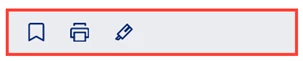
I have three projects that are very similar, but one of them -- with the exact same values and specs -- does not display the top buttons in the right panel:

this
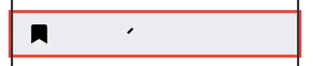
should be this…

also, I don’t know how the black frame appeared in the top example (it appears in the template), but I’d like to get rid of it…


thank you,

Lon

    Correct answer Jeff_Coatsworth

    And if you create a brand new template from scratch, it appears no problem?

    1 reply

    Jeff_Coatsworth
    Community Expert
    Community Expert
    July 7, 2026

    Are we talking output here or the source RH project? If output, what format & template?

    Inspiring
    July 7, 2026

    Hi, Jeff!


    Thanks for responding … the images I showed are from the source RH project, using the Frameless template, Studio format… in the meantime, since I submitted my question, as a workaround, I was able to copy a “Print” image from another project and use it.

    Jeff_Coatsworth
    Community Expert
    Community Expert
    July 7, 2026

    Did you do some customization to the Studio template?