Participant
September 19, 2011
Question

(RH9 & FM10) Some internal links don't keep when converting from Framemaker to Robohelp

  • September 19, 2011
  • 1 reply
  • 831 views

Sorry. Framemaker and Robohelp newbie here. I'm not 100% sure this is a Robohelp question, it could be a Framemaker question.

I received a Framemaker document and when I convert it to Robohelp some of the internal links transfer and others do not.

Let me show you. My full robohelp document is located here: http://catalog.unco.edu/2011-2012/undergraduate/

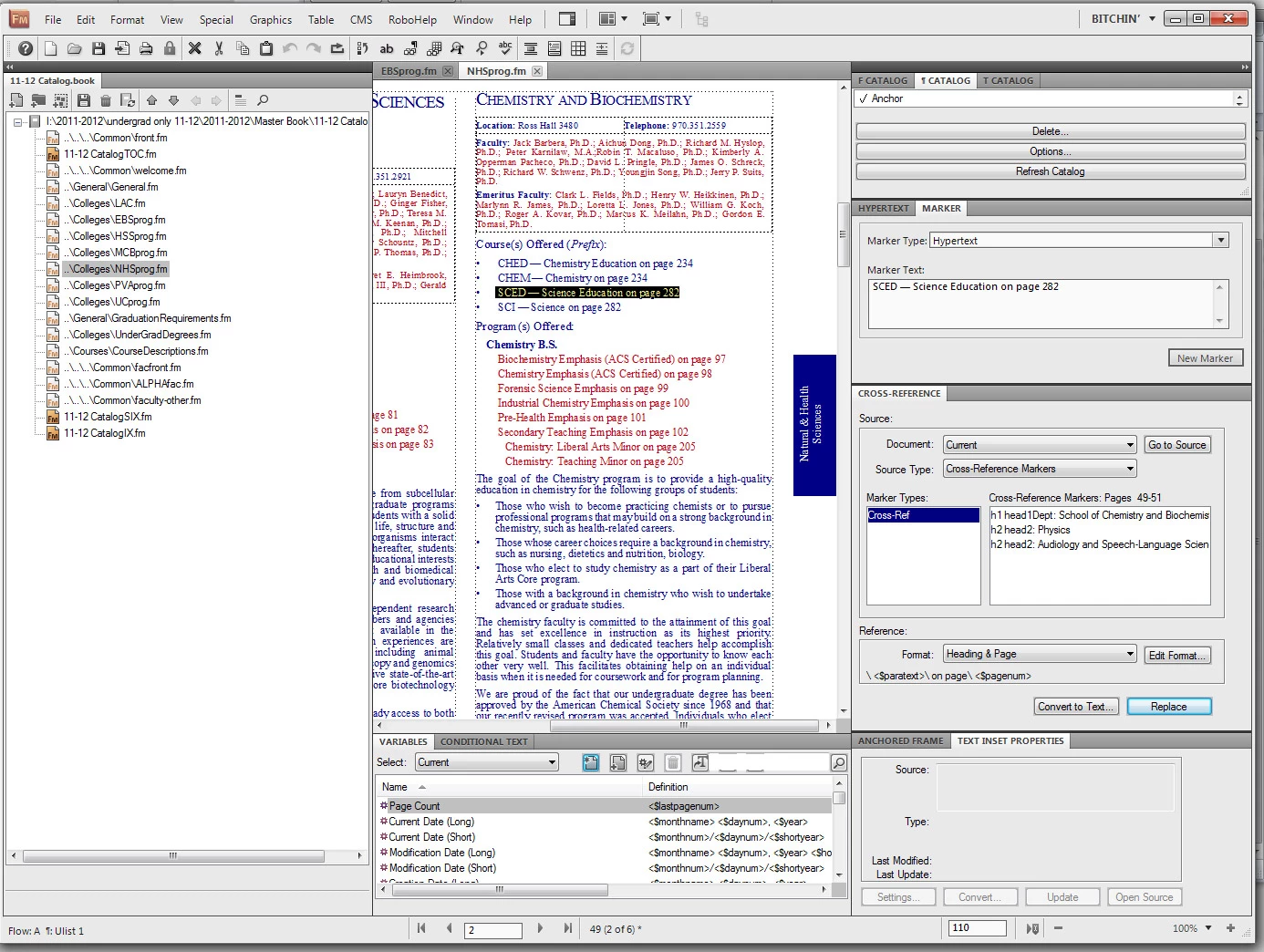
If you navigate to Biochemestry, you will notice that under "Courses Offered" the links show up correctly, however if you navigate to English, the Course Links do not work.

Here are screenshots in Framemaker:

Biochemestry:
English:
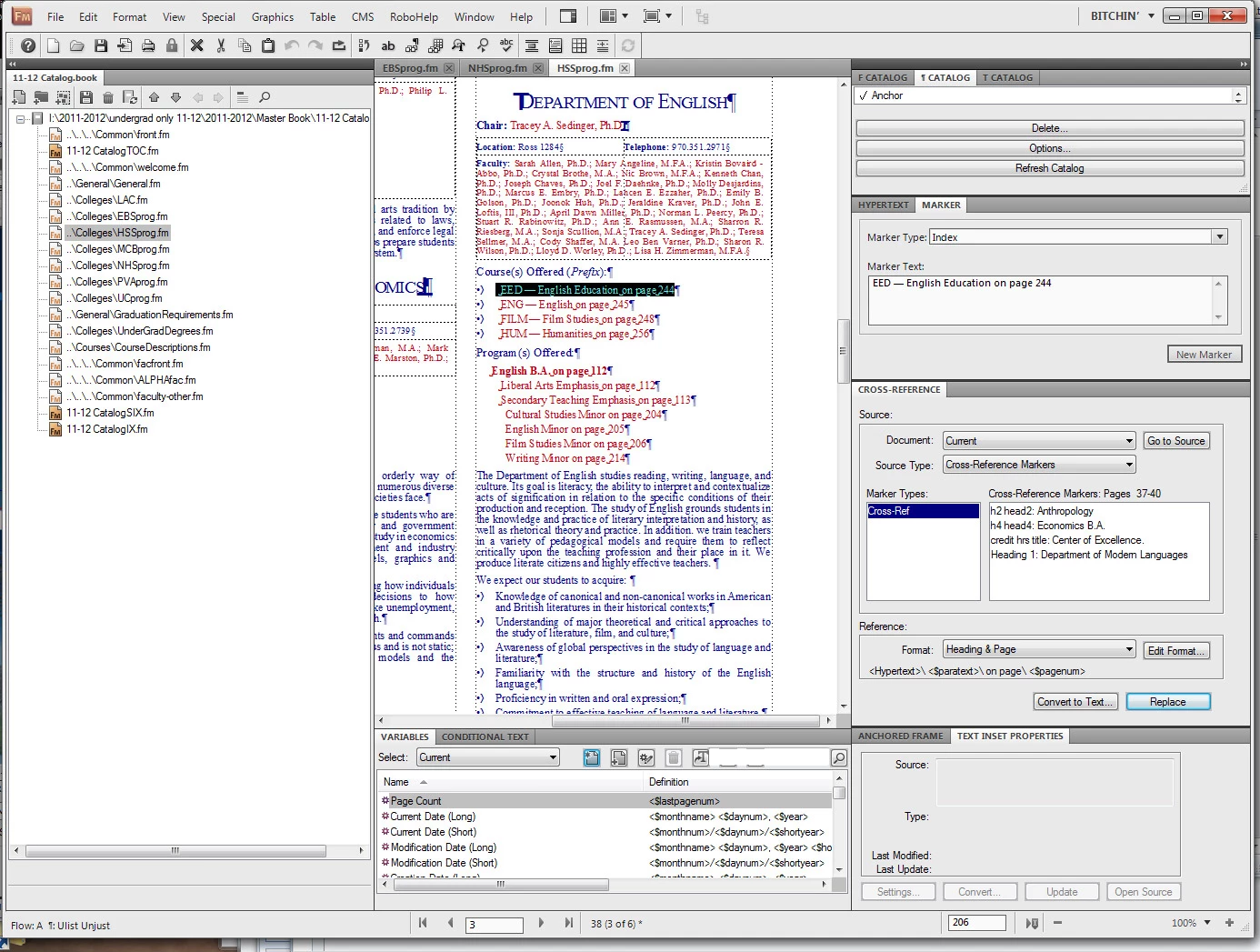
Is there a setting or a property on these links that I need to update? On the English one, I added <hypertext/> to the format, this put in anchor tags (<a>), but didn't include the href link.

Thank you in advanced!

This topic has been closed for replies.

1 reply

Jeff_Coatsworth
Community Expert
Community Expert
September 19, 2011

Looks like your marker type is different in the 2nd screenshot

Participant
September 19, 2011

When I go in there to change that, it won't save. I click on one of ht echemistry links and it says "Index". It seems to only save if I hit "New Marker...", and I thought that was only for creating new markers, not linking to existing ones?

Jeff_Coatsworth
Community Expert
Community Expert
September 19, 2011

Sorry, I didn't look closely enough - you've just got your marker panel open; there's not actually an existing marker there at all. The marker panel just remembers what the type of marker you last created & will put any text you highlight into it to speed things up.

Is this text a Cross-Reference to another place in a document? If so, I think you just need to fix it up by making the cross-ref again.