
July 23, 2014
Question

RoboHelp 10 - New Blank Project, Skins folder, Beautiful Vista Flash can't be deleted

  • July 23, 2014
  • 1 reply
  • 517 views

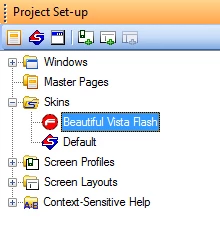
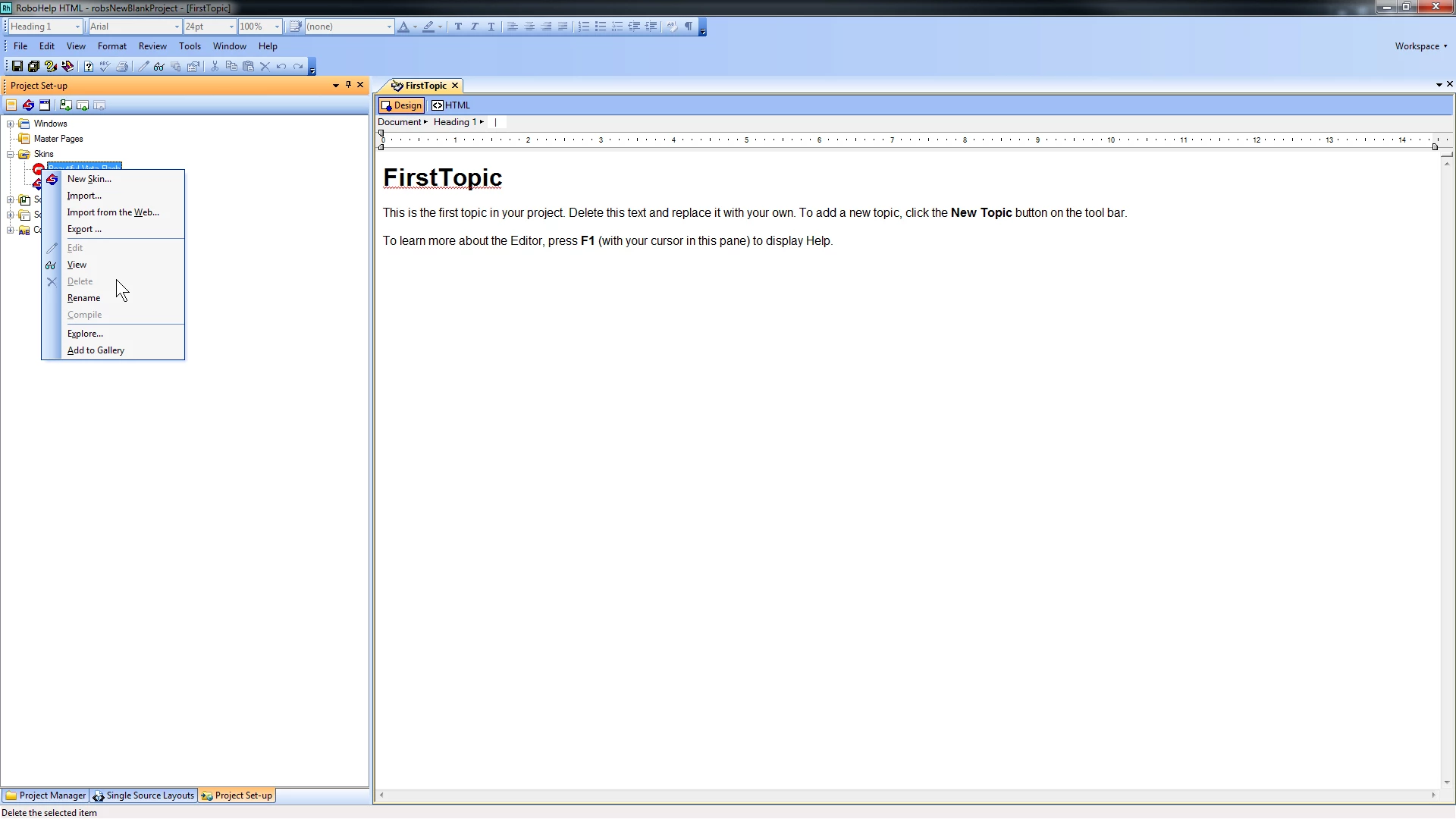
RoboHelp 10 - When I start a new blank project, I find two skins in the Skins folder: Beautiful Vista Flash and Default. Neither can be deleted. I have noticed that Beautiful Vista Flash appears in the Skins folder for each of the existing projects that I am working on. Is there any way to get rid of it or prevent Robohelp from loading it? Thanks.
This topic has been closed for replies.

1 reply

Willam van Weelden
Inspiring
July 23, 2014

I don't believe you can avoid it, but you can remove them:

  1. Close your project.
  2. Find the file rhskins.apj in your project root.
  3. Open rhskins.apj with a text editor.
  4. Remove the lines for the Skins you want to remove. In your case, remove the highlighted lines:

  1. Save your changes.
  2. Remove the CPD file.
  3. Open your project.

Enjoy.

Kind regards,

Willam

July 23, 2014

Thank you, William, for your prompt reply. I followed the steps you proposed but as soon as I open the project, the rhskins.apj file is rewritten to include Beautiful and the folder is added once again in the Skins folder.  There must be something in the start-up process that checks for the existence of the Skins folder and then generates it again.

Willam van Weelden
Inspiring
July 24, 2014

Strange, that didn't happen in RH11. Did you trash the CPD? If you leave that one, the apj may be regenerated. Other than this, I don't think there's a way to get rid of them.

Kind regards,

Willam