
Participant
July 24, 2013
Question

RoboHelp 10 not integrating with TFS 2102

  • July 24, 2013
  • 2 replies
  • 2186 views

Hi all,

I'm trying to integrate RoboHelp 10 with TFS 2012 so I can use source control through it.

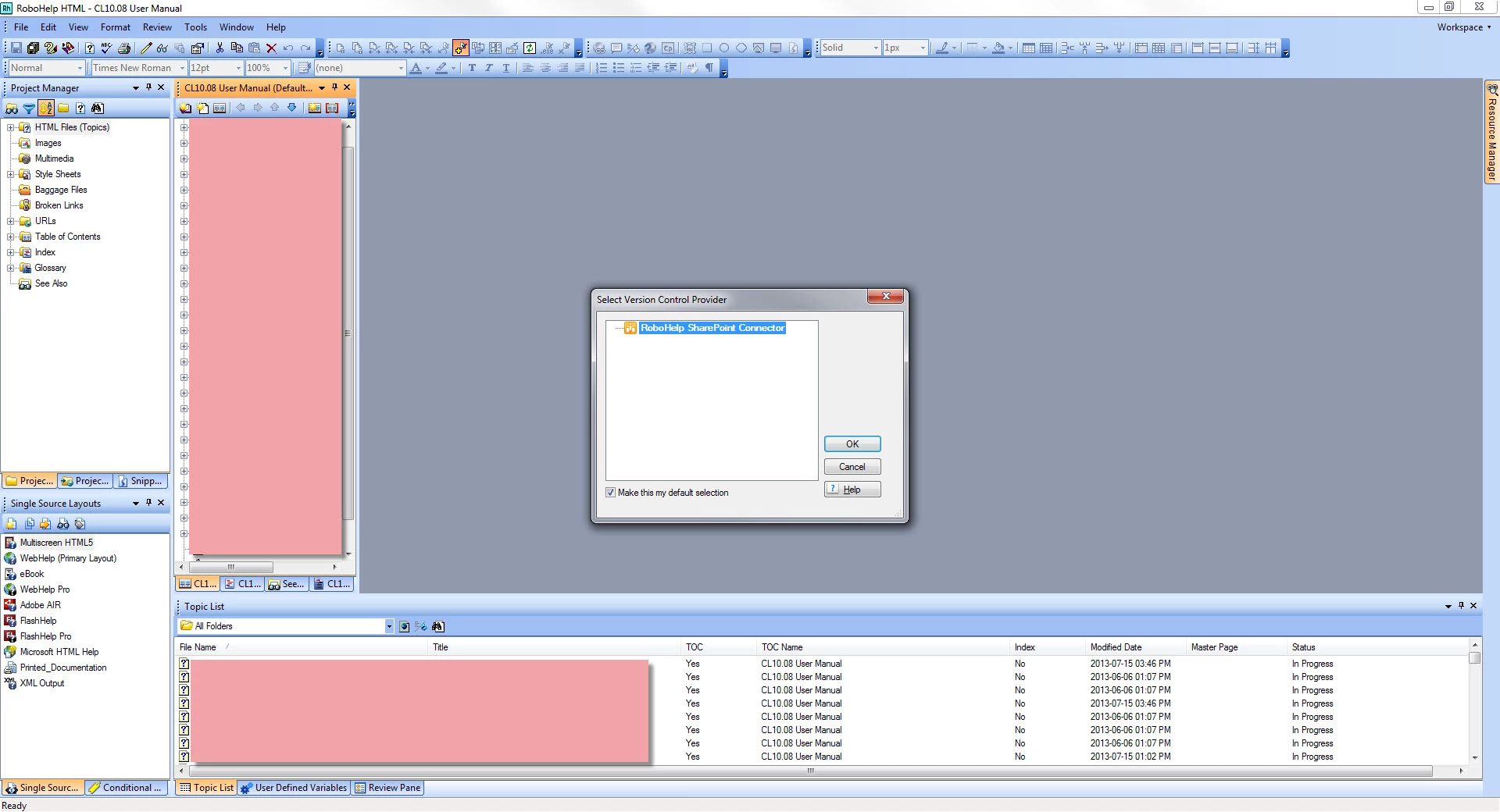
I've run through this tutorial: http://www.adobe.com/devnet/robohelp/articles/robohelp-tfs-integration.html but when I go to click "Add to Version Control", I don't see TFS as a version control provider. All I get is RoboHelp SharePoint Connector.
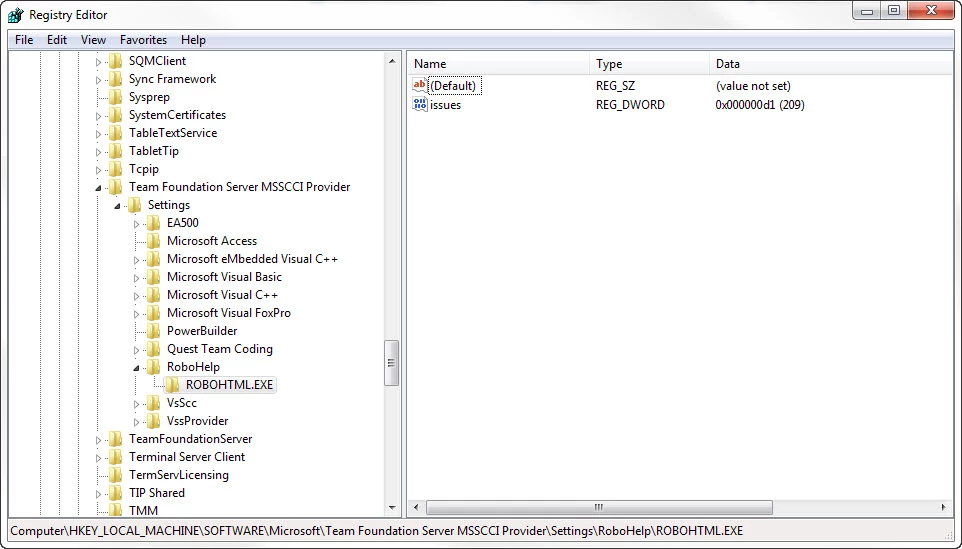
I've also tried modifying my registry following this topic: http://helpx.adobe.com/robohelp/kb/registry-settings-microsoft-team-foundation.html but I get the same results using that.
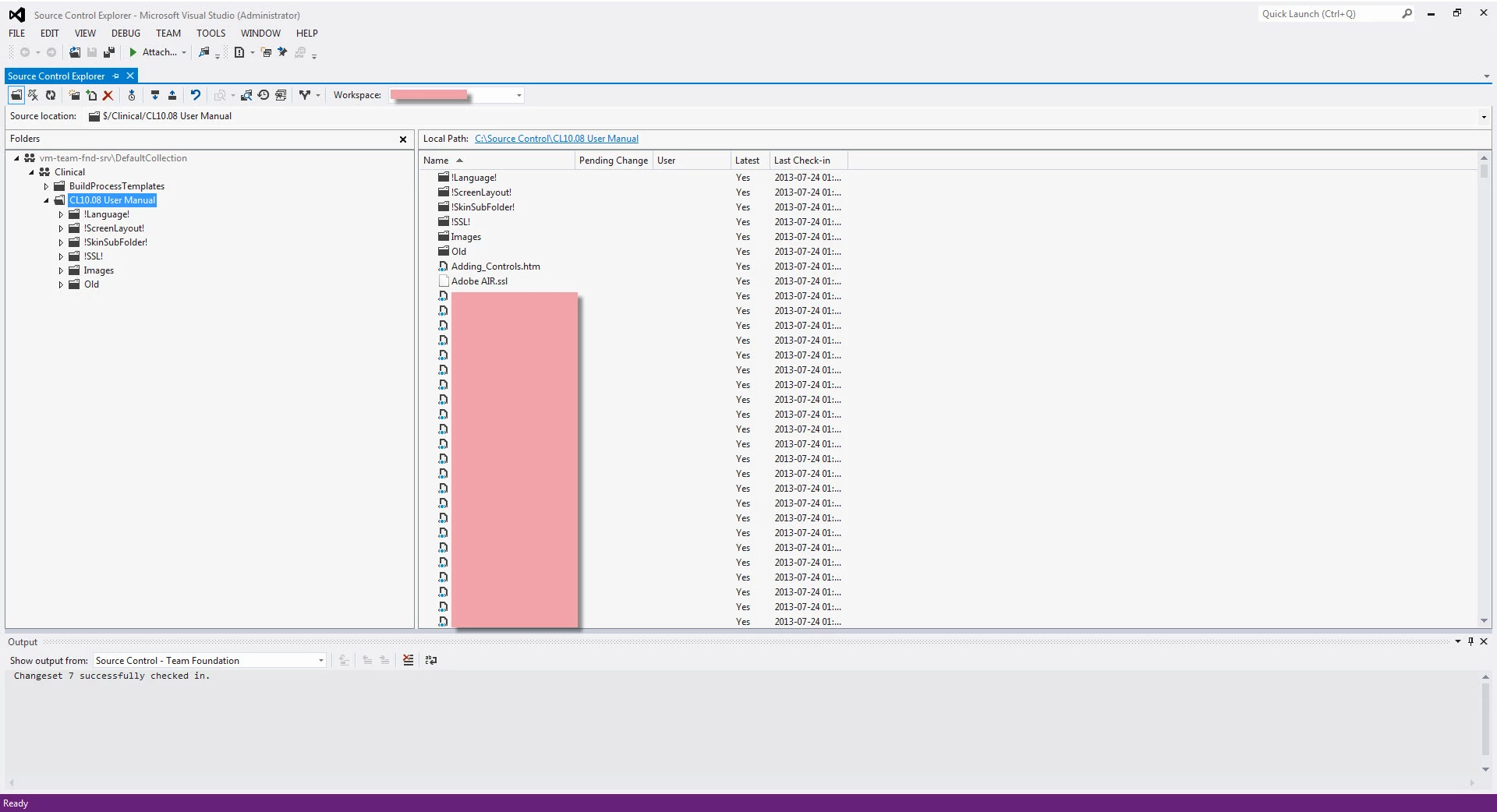
I can access the TFS server through Visual Studio's Team Explorer, and I've mapped my project folder through Team Explorer's Source Control Explorer.
I'm not sure what else I can do at this point.

Any help anyone can provide on the matter would be appreciated.

This topic has been closed for replies.

2 replies

September 25, 2013

Is there  a solution here? We just got 'surprised' by this when testing our upgrade from TFS 2010 to 2012 with RH10.

Thanks-

Charles

Participant
January 23, 2014

I'm looking for a solution but my problem is slightly different. I'm running Visual Studio 2012 (update 4) and RH10.  When I installed the 32 bit MSSCCI Provider, the TFS option became available (the 64 bit provider was ignored).  Now I get an error on check-in citing "Trouble with TFS power tools".  The details says there was an "Error loading the Changeset Comments Policy policy".  I have tried installing both the 2010 and 2012 TFS Power Tools (combinations of one, the other, both) but still get the same error.

Thanks!

Thomas

Willam van Weelden
Inspiring
July 30, 2013

Which versions of the MSSCCI provider and VS do you use? I have had problems using 2010 MSSCCI provider with VS 2012. Updating the MSSCCI provider worked for me.

Greet,

Willam

Participant
July 30, 2013

Hi Willam,

Thanks for your response. I'm using 2012 for both MSSCCI and VS. Well, for VS, I'm just using the Team Explorer part of it, not the whole thing. I'm not sure if that will make a difference or not. I've also begun using TFS for source control on the Robohelp project folder, using VS Team Explorer, which works for now, but it's not ideal. I'd like for it to be integrated directly with RH.

Thanks for your help,

Kurt

Willam van Weelden
Inspiring
July 30, 2013

When you say 'Team Explorer part' what do you mean?

Personally, I first install the VS 2012 Shell (Integrated) and then the Team Explorer extension.

Greet,

Willam