
Robohelp 10 printed documentation in Windows 10
Yesterday my company upgraded my work computer to Windows 10. I have Robohelp 10
Today I attempted to generate printed documentation and received an error message.
After searching the forums, I saw the thread on Office 2013 and Robohelp 10, and decided to downgrade back to Word 2010. I uninstalled Office 2013 and reinstalled Office 2010. I currently only have Word 2010
Now when attempting to generate printed documentation, I receive the following error message:
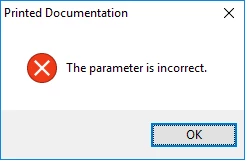
After clicking OK, Robohelp crashes. This occurs in multiple projects.
If I right-click on Printed Documentation and select properties:
When attempting to generate a pdf, doc, or docx, I receive the following error message:
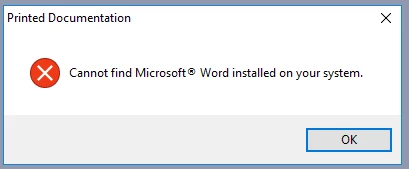
Any other suggestions?
I checked the version features for Robohelp 2015 and saw that it only supports Windows 8.1 so I am pretty sure upgrading my software is no guarantee of anything.


 AdChoices