Known Participant
August 27, 2020
Question

Robohelp 2019.0.14 - search box and image mapping

  • August 27, 2020
  • 18 replies
  • 424 views

Hi, I've recently updated from Robohelp 2019.0.10 to Robohelp 2019.0.14. Ever since I've updated, I've come across two issues on the project I am working on.

  1. Search box doesn't seem to be working regardless of the web browser I am using. I generated and published the project after the updated without making any changes and the search engine stopped working. I tried to do it again in the same way and it worked for 3-4 days and even though I haven't generated or published any content within that project it stopped working again after these 3-4 days.
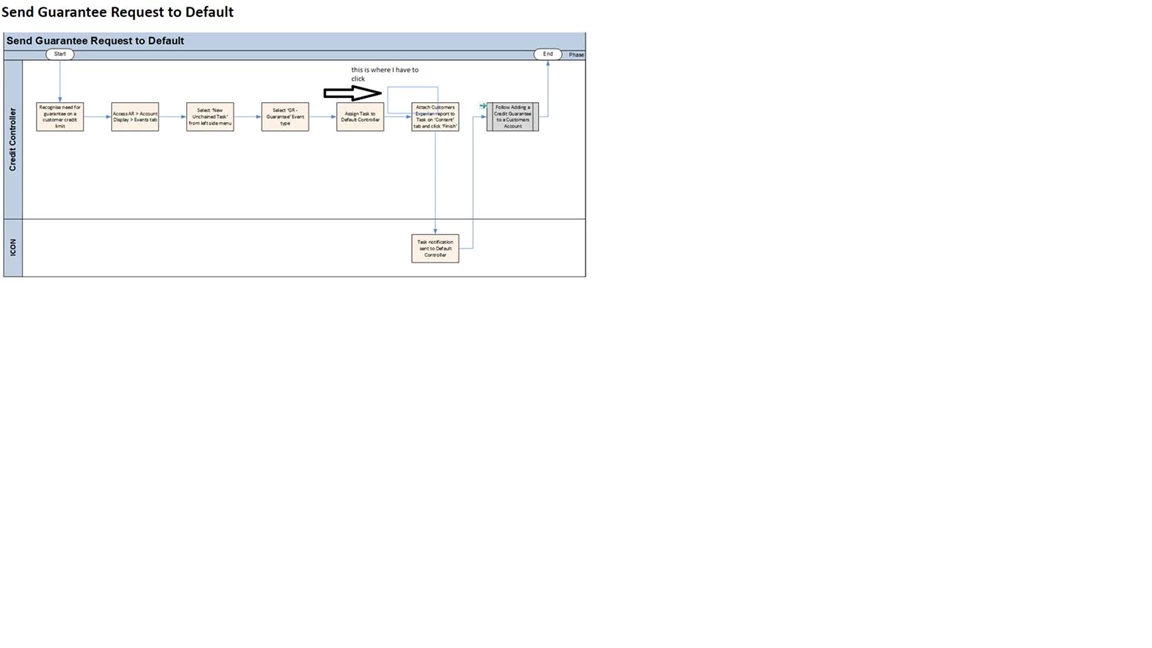
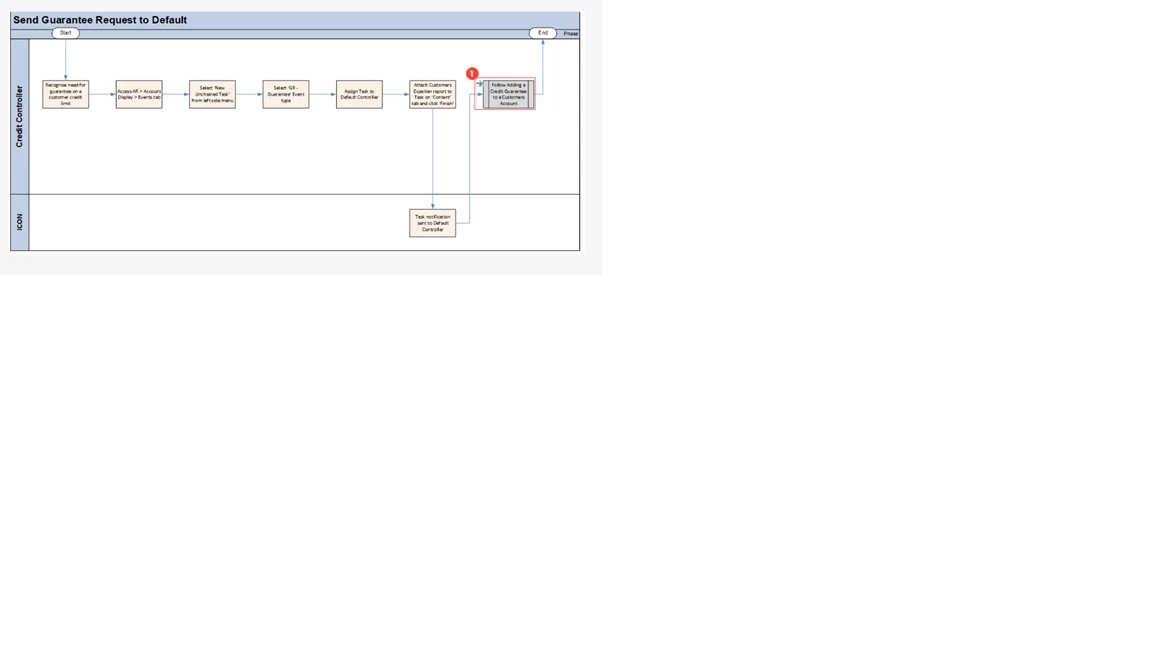
  2. Image mapping seems to be all over the place after the update. I will attach some screen shots but if I add an image map in point A and add a link against it whilst I am in the project it will stay in point A. As soon as I publish it on my drive or live system it loses the format and it goes in point B even though it should stay in point A. I've not had this issue before the update.

Could you please assist?

Thanks,
This topic has been closed for replies.

18 replies

Community Expert
September 9, 2020


Does the search work okay on your local PC (before you publish)? If it's only a problem on the web server, it could be a server cache issue. You could speak to your web administrator and get them to clear the cache to see if it fixes it. If it fixes it and reoccurs, then they might need to adjust the caching settings. 

Peter Grainge
Community Expert
Community Expert
September 8, 2020

I somehow doubt they are linked but are you planning to upgrade to 2020? If not the known issue will only be fixed in 2020 so that won't help you. Let us know your 2020 plans.


Given the search box issue, I am more inlined to something else being wrong. Try a new skin first.


Use the menu (bottom right) to mark the Best Answer or Highlight particularly useful replies. Found the answer elsewhere? Share it here.
Known Participant
September 8, 2020

Thanks for doing that Peter, I am new to using the forum so very much appreciated!

Considering my previous message for #1: the issue with image mapping present regardless of resizing - has it been logged as an issue yet?  I understand you are aware of one where the issue appears when resizing but could they be linked?


It would be useful to know so we can check what other alternatives we have meanwhile.


Thanks again for your help!

Peter Grainge
Community Expert
Community Expert
August 28, 2020

I have removed a long legal disclaimer and a lot of personal information. Please reply direct to the forum if that cannot be excluded from emails.


Use the menu (bottom right) to mark the Best Answer or Highlight particularly useful replies. Found the answer elsewhere? Share it here.
Known Participant
August 28, 2020

Hi Peter,

No, the issue is always presents regardless if the screen is resized or not.

For the second one I will try to generate it with a new skin and see if that works.

Thanks for your advice, much appreciated!

Peter Grainge
Community Expert
Community Expert
August 28, 2020

Is the image mapping issue when the screen is resized? If so that is a known issue. I think it is fixed in 2020 but if not, I think it is coming in Update 1. It sounds different but I want to be sure.


On the search issue, just for test purposes, add a new skin and generate with that. Does it then work?


Use the menu (bottom right) to mark the Best Answer or Highlight particularly useful replies. Found the answer elsewhere? Share it here.
allens87507722
Participant
August 28, 2020

Hi Jeff, 

I am having the same issues. I published my project using the frameless output. When I try to search for certain words, the website freezes up. And it only occurs when using the search. Spent 2 hours with Adobe yesterday and could not get a fix. 

Jeff_Coatsworth
Community Expert
Community Expert
August 27, 2020

Can you add your screenshots to the post? Use the little "Insert Photos" icon in the forum web interface.

Known Participant
August 27, 2020

Thanks Jeff, I added the screen shot for the image map however there is not much I can add about the search box. If I populate it, it doesn't display any results.


Even if I used the exact name of the document it will still not display anything.

Jeff_Coatsworth
Community Expert
Community Expert
August 27, 2020

Weird, now I can't seem to reply to this thread using the non-nested Reply button.

IIRC, your #2 is a bug - check the Tracker (https://tracker.adobe.com/) to see if you can find its status.
I'm not sure what's going on in your #1 - I've never heard of search working for a few days & then stopping - something's got to be happening outside of RH for that to happen. Where is the output located?