
RoboHelp 2019 & Internet Explorer 11 issue
We are having issues displaying RoboHelp 2019 non-classic sites via Internet Explorer (11) over the intranet.
We have several RoboHelp 2017 sites hosted via IIS 7.5 on a Windows web server (over intranet).
We are beginning to use RoboHelp 2019 (classic & non-classic), using WebHelp and Responsive HTML5.
The 2019 classic sites have no issues displaying.
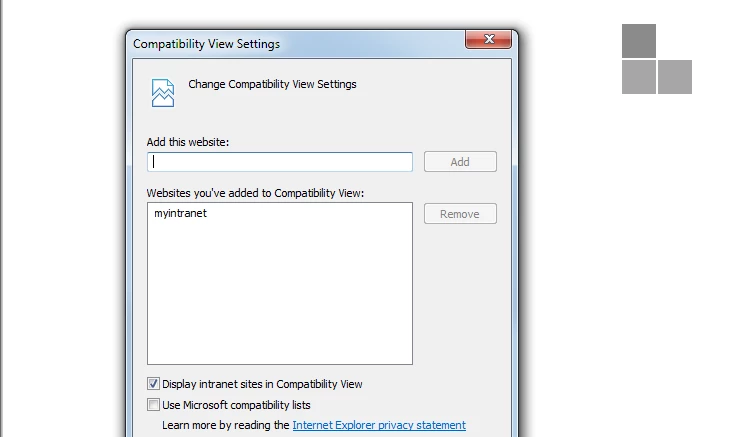
The 2019 non-classic sites are NOT viewable in Internet Explorer 11 over the intranet. A blank page with 4 grey squares appears.
The 2019 non-classic sites ARE viewable in Chrome over the intranet.
The 2019 non-classic sites do display successfully locally on the web server.
However, when these sites are 1st accessed locally on the web server in IE, a HTTP 500.19 error appears.
The URL is http://localhost:97
When the IE browser is refreshed, a login screen prompt appears. After entering login information, the page displays.
The URL changes to http://localhost:97/#t=MainProject%2FSplash.htm
But the site is still not viewable over the intranet in IE. It's a blank page with 4 grey squares.
We tried both URL's http://servername:97 & http://servername:97/#t=MainProject%2FSplash.htm but neither work.
Has anyone else encountered this issue?
Thanks



 AdChoices