

chelluvsGod
Inspiring
September 22, 2020
Answered

RoboHelp 2019 New UI - Logo Not Displayed on Output

  • September 22, 2020
  • 8 replies
  • 649 views

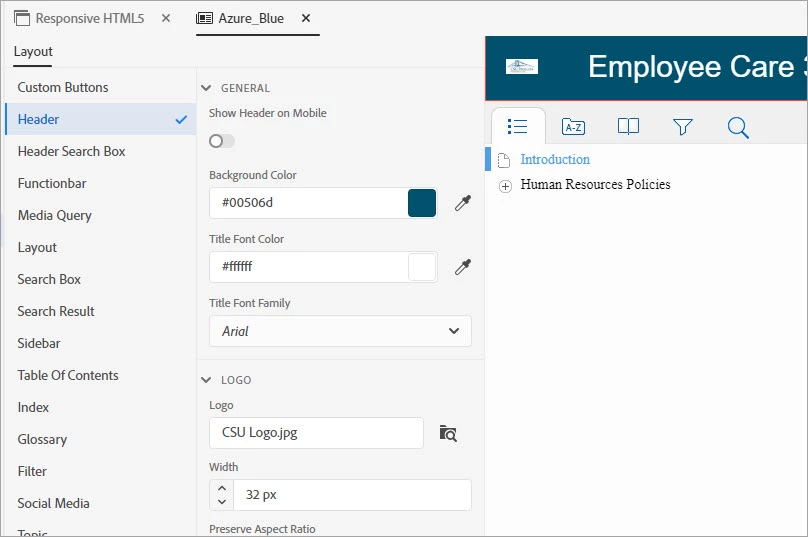
I set up the Responsive HTML5 Layout and set the skin to Azure Blue. I edited the skin and went to Header. I uploaded a Logo. 
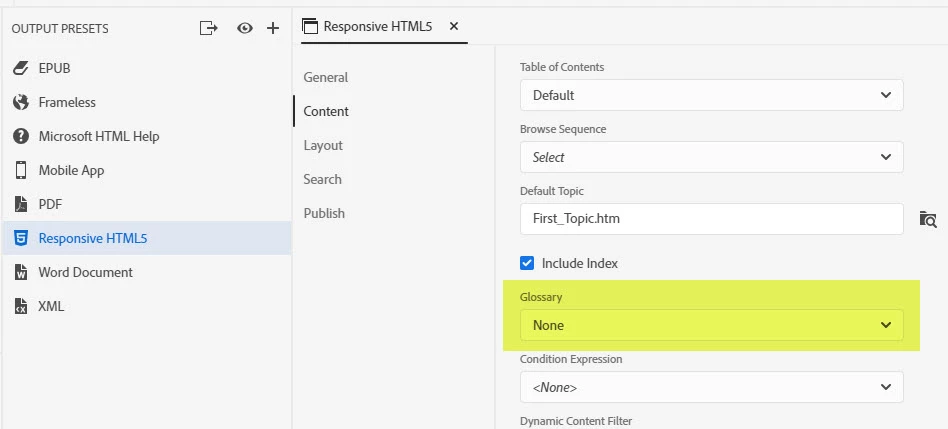
I also set the Glossary to None. 
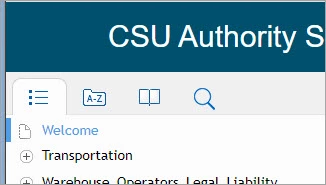
When I generate the output, the logo does not display and the Glossary icon does display. 
Please explain what I've done incorrectly. 

Thank you. 

This topic has been closed for replies.
Correct answer Jeff_Coatsworth

2 possibilities - (1) your icon name has a space in it or (2) it needs to be named logo.jpg (or whatever the default file name was)

8 replies

chelluvsGod
Inspiring
September 24, 2020

Ohhhh...I did not have it deselected on the skin. Just found it. But deleting the default Glossary from the Glossary when on the Author view also removes it. Probably not the right way to do it, but it did work. I have now also deselected it on the skin. 

Community Expert
September 24, 2020

Just to be clear, you turned off the glossary in both the Output Preset and the Skin but it still displayed?

chelluvsGod
Inspiring
September 23, 2020

I took a chance and deleted the glossary under the Author. That removed the glossary on the output. So, this must be a work around. Again, I had set the glossary to none on the output. 

chelluvsGod
Inspiring
September 23, 2020

Jeff,

I believe the name of the icon image had a space. I simply changed the name to Logo and it showed. 🙂


Amebr-I did remove the glossary from the skin layout but it still displays on the output. 

Community Expert
September 23, 2020

Go in to the skin  to the Layout section and turn off Show Glossary. 


You can check on bug fixes here, in case there's a bug as Jeff mentioned:

https://helpx.adobe.com/robohelp/kb/fixed-issues.html

https://helpx.adobe.com/robohelp/kb/fixed-issues-2019.html


Jeff_Coatsworth
Community Expert
Community Expert
September 22, 2020

Which of the two was the culprit?
As far as the Glossary icon still appearing, I think that was a bug - not sure if it got fixed in one of the RH2019 patches or in RH2020.

chelluvsGod
Inspiring
September 22, 2020

Thank you, it now displays. Any idea on the Glossary issue?

Jeff_Coatsworth
Community Expert
Jeff_CoatsworthCommunity ExpertCorrect answer
Community Expert
September 22, 2020

2 possibilities - (1) your icon name has a space in it or (2) it needs to be named logo.jpg (or whatever the default file name was)