

RoboHelp 2019: Using images for ToC on main index page using "Indigo"
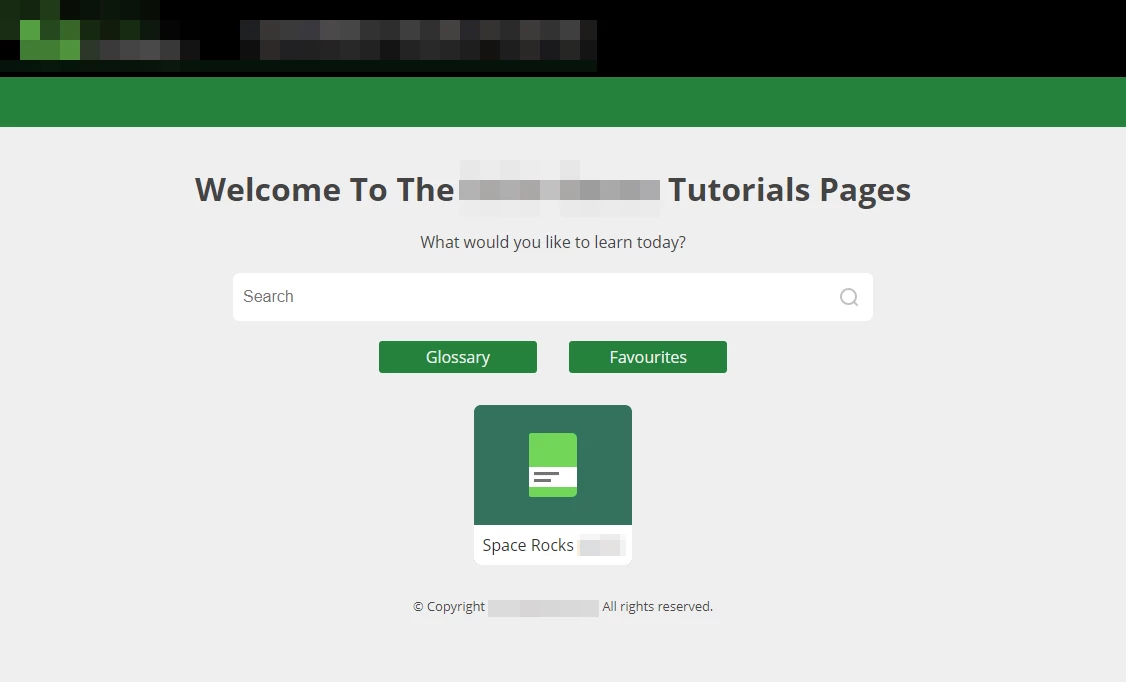
Hello! I'm using the "indigo" skin for a repsonsive HTML5 layoour and I've pretty much customised it to a point where I'm happy. However, there is one thing I haven't been able to do and that is to customise the ToC buttons on the main page to use a custom image, such that each item will have a different image that I can define. Below is how it looks now:
And here is how I'd like it to look (apologies for the poor mockup!):
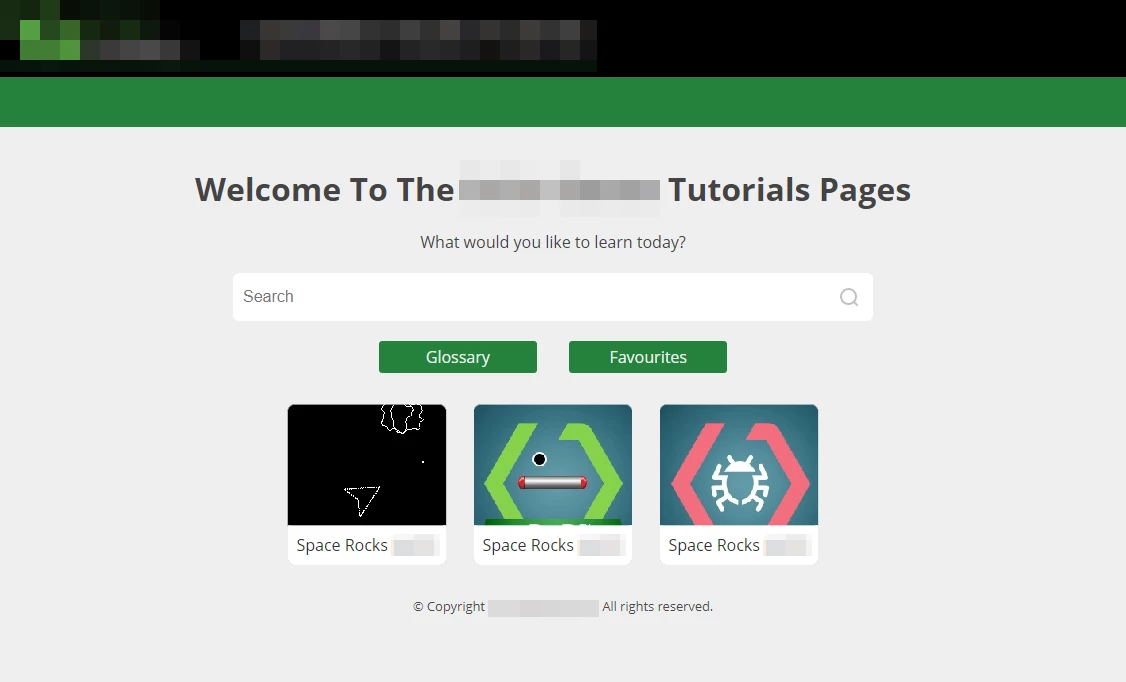
As you can see, the "book" icon has been replaced with a unique custom image for each of the three items on the main page. I've checked the Indigo settings and it only permits me to choose a custom icon for only ONE book or item and that icon will be used for everything of that type, which is obviously not what I want. I can't see any easy way to do this - and note that the main index page could have upwards of 30 items and I'd like a custom image for each of them - so was hoping that someone here can help me out!
Thanks!


 AdChoices