


RoboHelp 2020 Contents Layout Default Structure
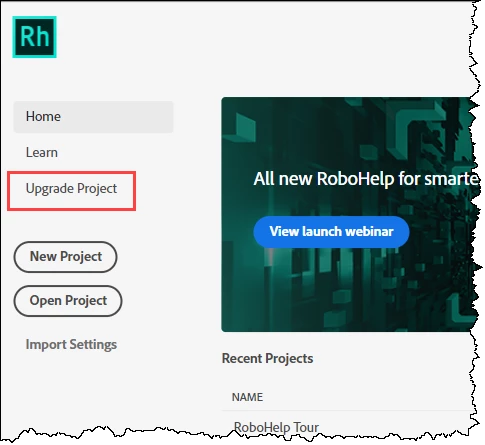
I just upgraded to RoboHelp 2020.
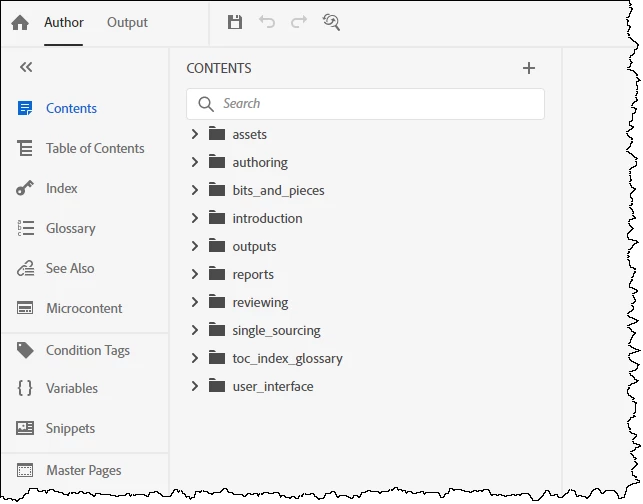
I imported an old project and under my assets and css folders, I had multiple nested assets and css folders / files. Using the RoboHelp Unused file report, I was able to see what files were not being used and clean up the structure.
My question is how is the structure supposed to work. In below, when I add a new topic (!!!!!- Added Manual Test) and imported an HTML file (!!!!! - Import Test), the files are at the same level as the folders (e.g., snippets). The topics from the previous version of RoboHelp (e.g., Application Settings) look to be one level higher.
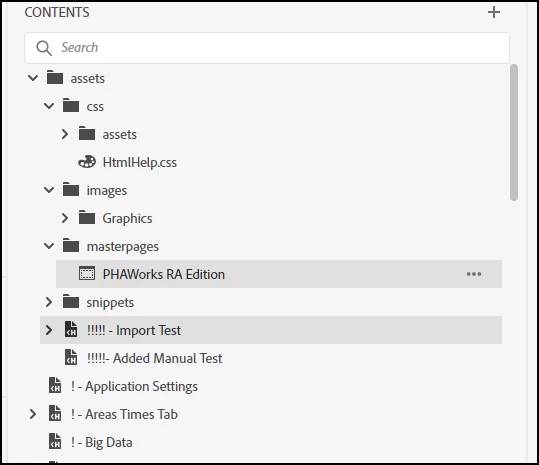
As I have multiple RoboHelp files to convert, what is correct? If the default should be as the manual file test and import test, I can highlight all the topics and move them under assets to be the same as the manual and import test. That would be one less step when adding / importing files.
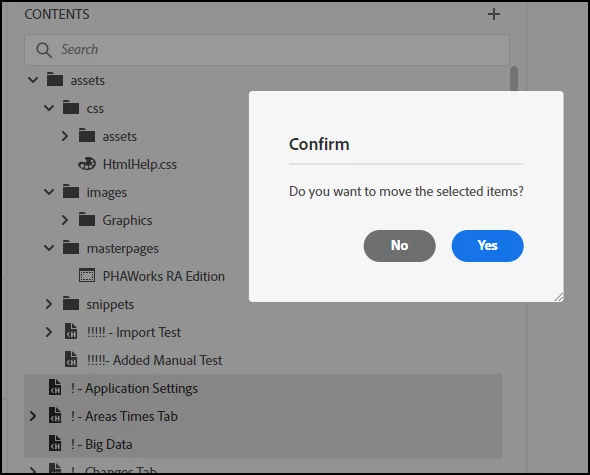
I just want to be sure of the structure before converting other projects.
Thank you.
Shawn
 AdChoices