

OLDJenniferDONTUSE
Known Participant
April 24, 2024
Question

Robohelp 2022 - Editing top portion of Oceanic skin

  • April 24, 2024
  • 1 reply
  • 119 views

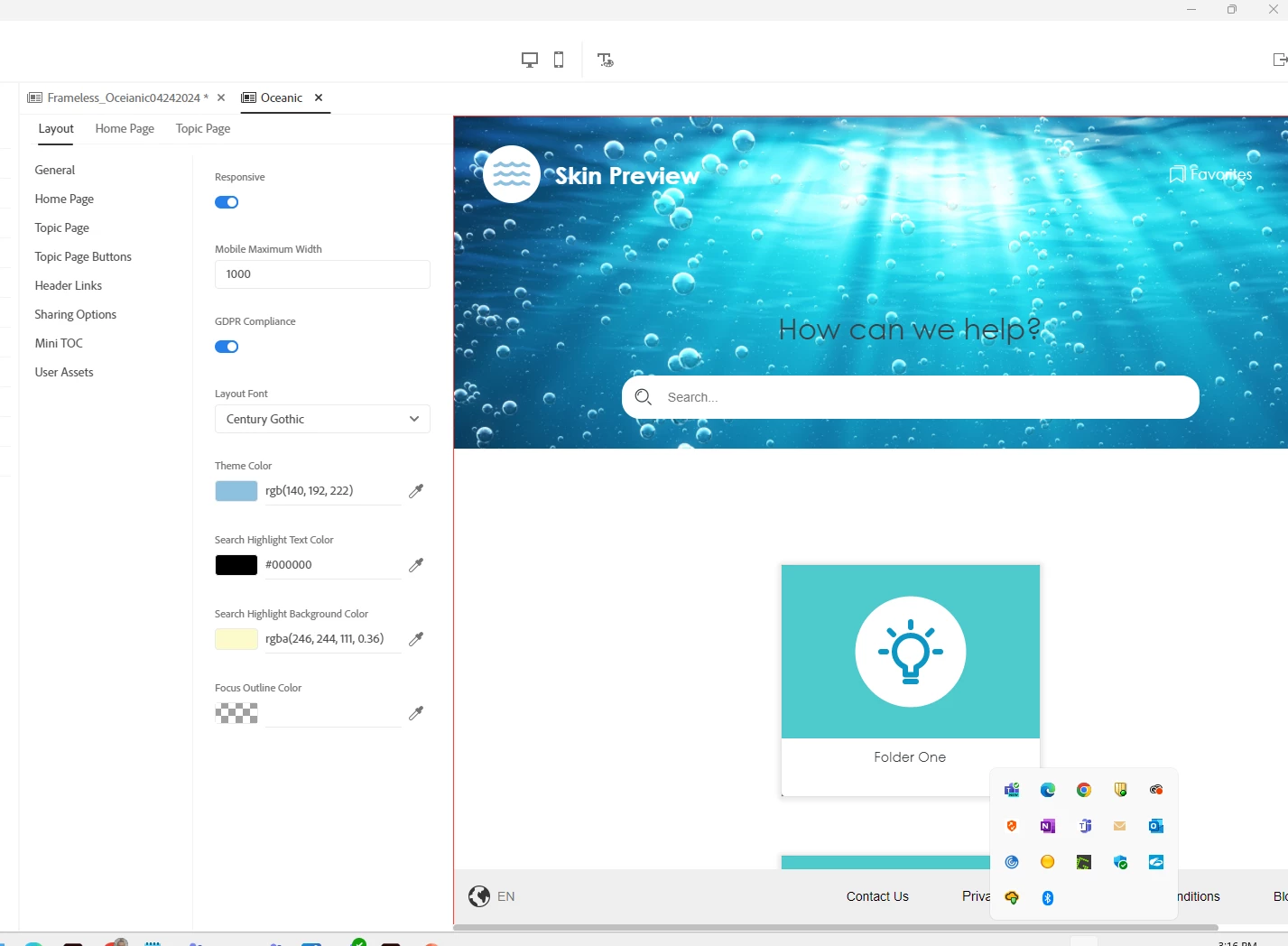
Can someone tell me how I can remove the top portion (blue background with the bubbles) of the Oceanic skin in Robohelp 2022.  I have removed the default image in the Top Section Container under the HomePage tab and added a background color, but that doesn't seem to do the trick.   What am I missing?


    This topic has been closed for replies.

    1 reply

    Peter Grainge
    Community Expert
    Community Expert
    April 25, 2024

    I think you are missing the effect of hiding that area. Note it includes your logo, a search field, favourites, filter and so on.


    You can hide the area by changing this setting.


    What you will see is just the tiles for your folders. I don't think that is what you want.

    ________________________________________________________

    My site www.grainge.org includes many free Authoring and RoboHelp resources that may be of help.


    Use menu (bottom right) to mark as Best Answer or to Highlight particularly useful replies. Found the answer elsewhere? Share it here.