


Inspiring
May 7, 2021
Question

Robohelp freezes after Preview (eye button) pressed

  • May 7, 2021
  • 7 replies
  • 390 views


Adobe Robohelp 2020.4.173
Windows 10


Hi all, 
On one of our devices that use Robohelp, we observe the next issue.
After the user generates Frameless output and presses the eye button, the browser appears but Robo window turns completely white and stop to respond. Please check the screenshot below.
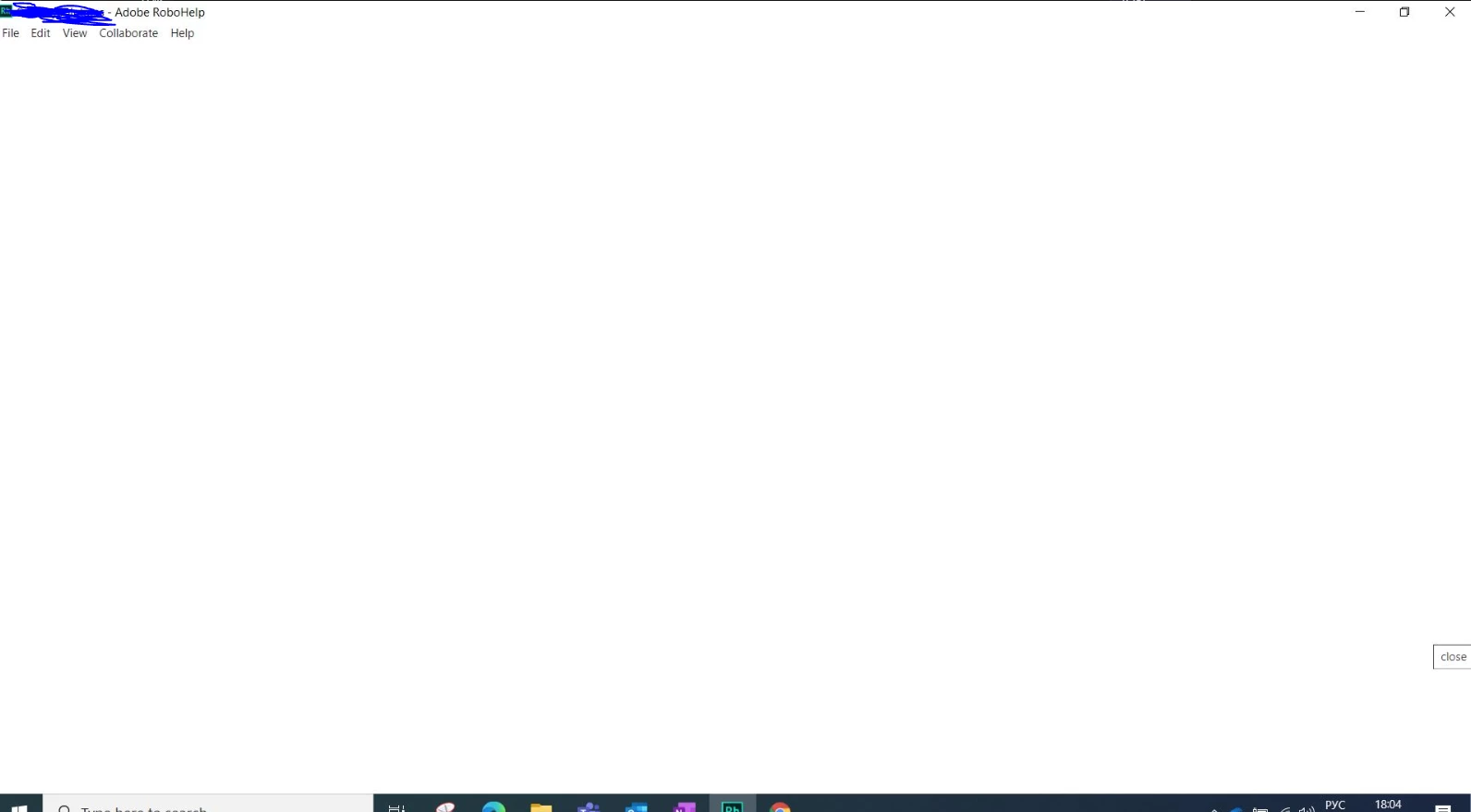
Nothing helps except reload.
Thank you for an advise. 


This topic has been closed for replies.

7 replies

Inspiring
May 14, 2021

It is, however this issue we observe only on 1 devices, when this issues exists in both

Jeff_Coatsworth
Community Expert
Community Expert
May 14, 2021

That would indicatte that the issue is in the project - this isn't the same machine & project as is in this thread - https://community.adobe.com/t5/robohelp/frameless-generation-failed-with-empty-error/m-p/12036554#M138225 - is it??

Inspiring
May 14, 2021

Tested with sample project - issue is gone. Any suggestions?

Inspiring
May 11, 2021

We haven't observe such issues with Git Source Control before. 
Do you mean fresh copy of source controlled project? With or without source control folders? 

Peter Grainge
Community Expert
Community Expert
May 7, 2021

Ah! Source control is involved, you didn't mention that. 🙂


Have you tried taking a full fresh copy of the project? Beyond that source control is not my area.

________________________________________________________
See www.grainge.org for free Authoring and RoboHelp Information

Use the menu (bottom right) to mark the Best Answer or Highlight particularly useful replies. Found the answer elsewhere? Share it here.
Inspiring
May 7, 2021

Hi Peter. 
Few note:
This project on this machine with this installation works well untill some changes were pulled from GitHub. BUT another user that pushed them, do not observe any issues. 
So. 1) this project works well on another machine. 
2) When changing Skin on a machine with issue it still exists after generation
3) When running another project on a machine with issue - there is no issue after pressing Preview 

Peter Grainge
Community Expert
Community Expert
May 7, 2021

@defaultv667u7s1tnd8 You can get a more friendly username in your profile.


You need to ascertain whether this is an installation issue or a project issue. In My RoboHelp Projects you will find the About RoboHelp sample project. See if you can generate a frameless output from that.

  • If you can then it is not the installation.
  • If you cannot then it looks like the project.


If it is the installation you will have to uninstall and reinstall. Your project will not be affected and you can retain your settings.


If it is not the installation then it is something in the project. The first two things to try would be:-

  1. Create a new preset and try that.
  2. Try the project on another machine.


Post back to let us know whether or not this has resolved the issue.

________________________________________________________
See www.grainge.org for free Authoring and RoboHelp Information

Use the menu (bottom right) to mark the Best Answer or Highlight particularly useful replies. Found the answer elsewhere? Share it here.