
Participant
March 29, 2019
Question

Robohelp is adding spacing to images in output.

  • March 29, 2019
  • 2 replies
  • 469 views

I have an issue when I put two images on top of each other when I am editing a page. As you can see in the editor, the images are stacked together and there is no spacing between them:
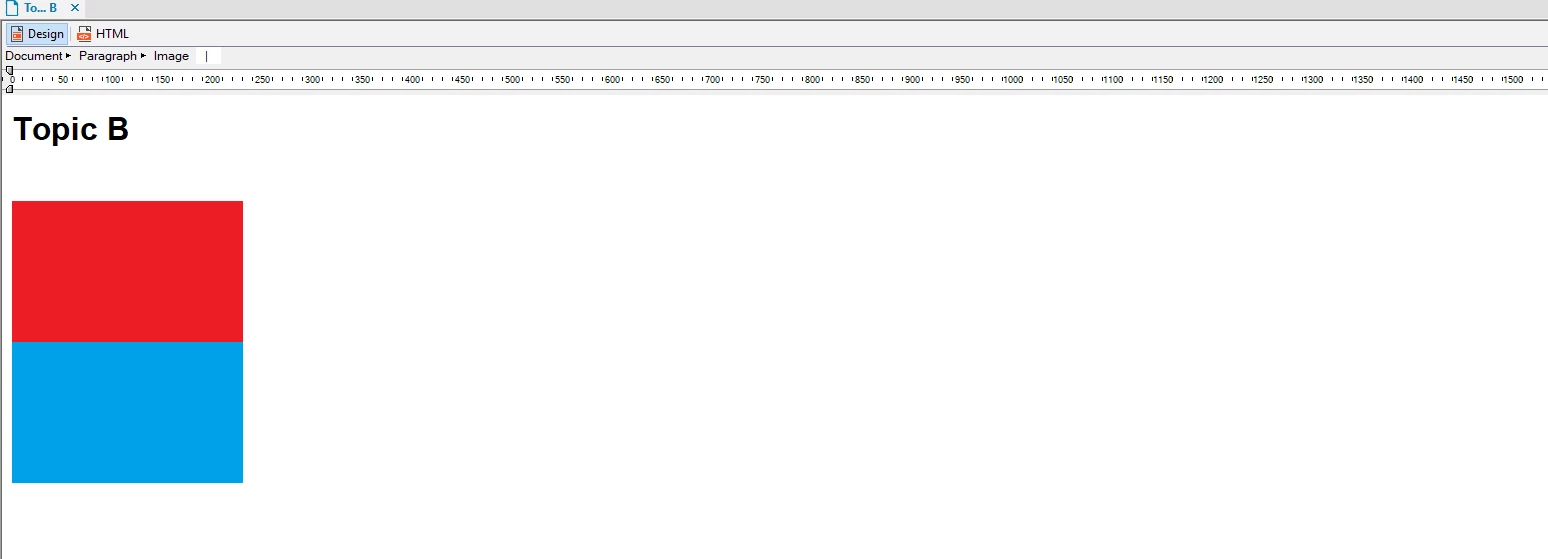
But when I try to view the topic in a view or html response, RoboHelp puts a space in between the images:
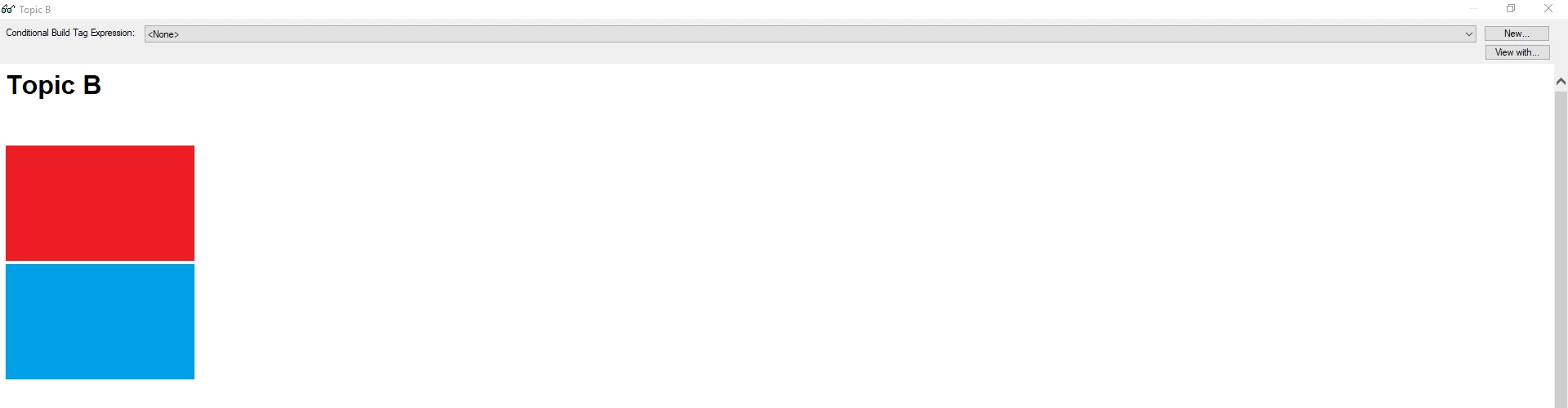
Now it may seem strange why I am trying to do this and not just merge the images together into one image, but I may, for example, want to change the top or the bottom image individually.

So why is RoboHelp putting a space in between the images in the output?

    This topic has been closed for replies.

    2 replies

    sthman990Author
    Participant
    March 29, 2019

    I figured it out. I had to change the margin-bottom to a negative number in the CSS file

    Peter Grainge
    Community Expert
    Community Expert
    March 29, 2019

    That suggests a style was applied. Was that the case?

    Peter Grainge

    www.grainge.org

    @petergrainge

    Use the menu (bottom right) to mark the Best Answer or Highlight particularly useful replies. Found the answer elsewhere? Share it here.
    sthman990Author
    Participant
    March 29, 2019

    Also to add to this, Robohelp does not add a space to images if I put them side to side, only when they are stacked on each other.

    Peter Grainge
    Community Expert
    Community Expert
    March 29, 2019

    If you click next to the images, look at the style dropdown. What does that show? Set it to None to see if that makes a difference.

    Also look in different browsers. It could be how the browser renders things rather than something in RoboHelp.


    See www.grainge.org for free RoboHelp and Authoring information.

    @petergrainge

    Use the menu (bottom right) to mark the Best Answer or Highlight particularly useful replies. Found the answer elsewhere? Share it here.