


Inspiring
October 20, 2023
Answered

RoboHelp SharePoint activity limit reached error

  • October 20, 2023
  • 2 replies
  • 878 views

Good morning all,

I am reaching out to the community because yesterday we run into an issue which is blocking our team from making any updates

The issue:When users try to get the latest , they are getting an error message below:
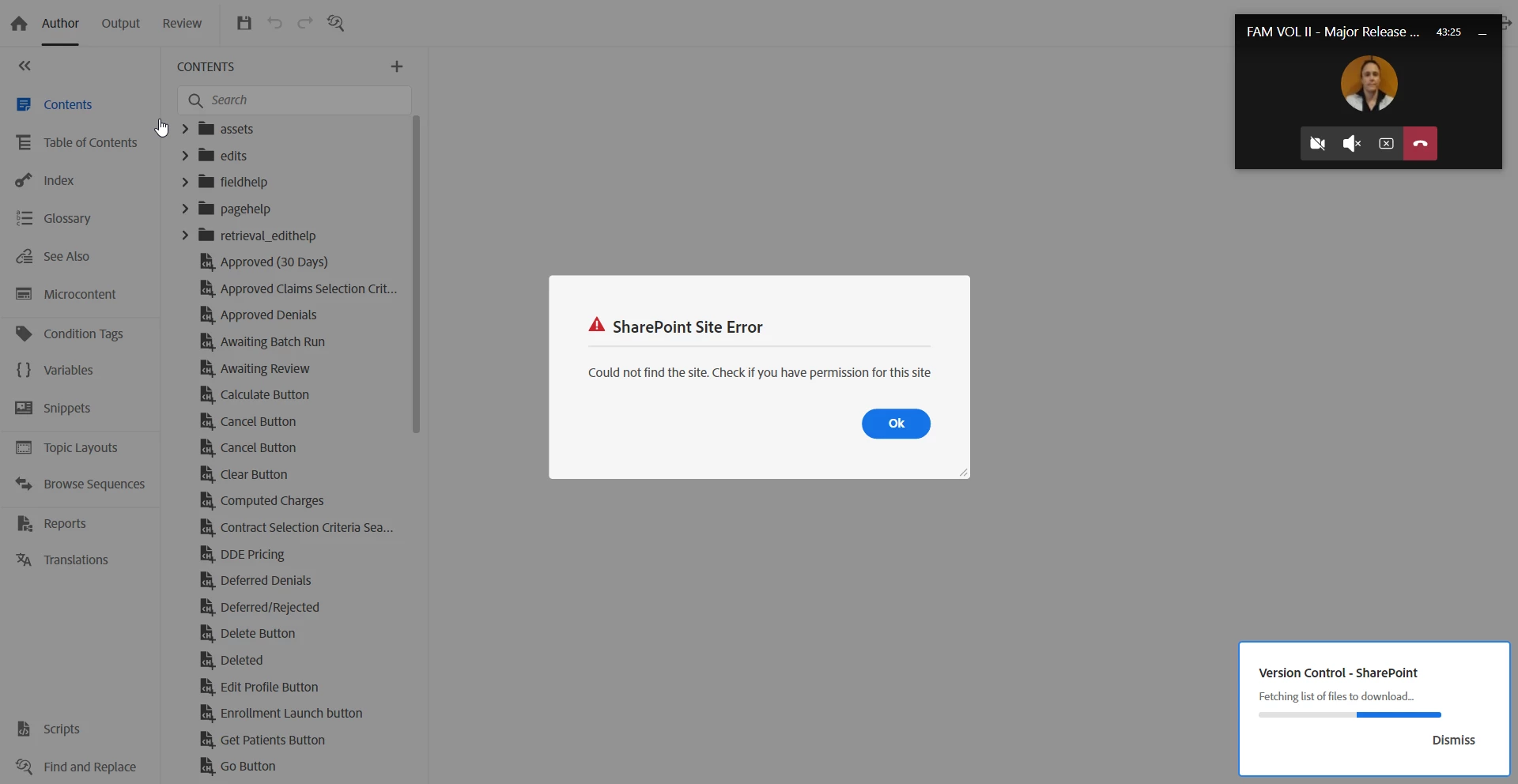
The project however is able to finish synching but upon looking at the topic, this results in the below error:
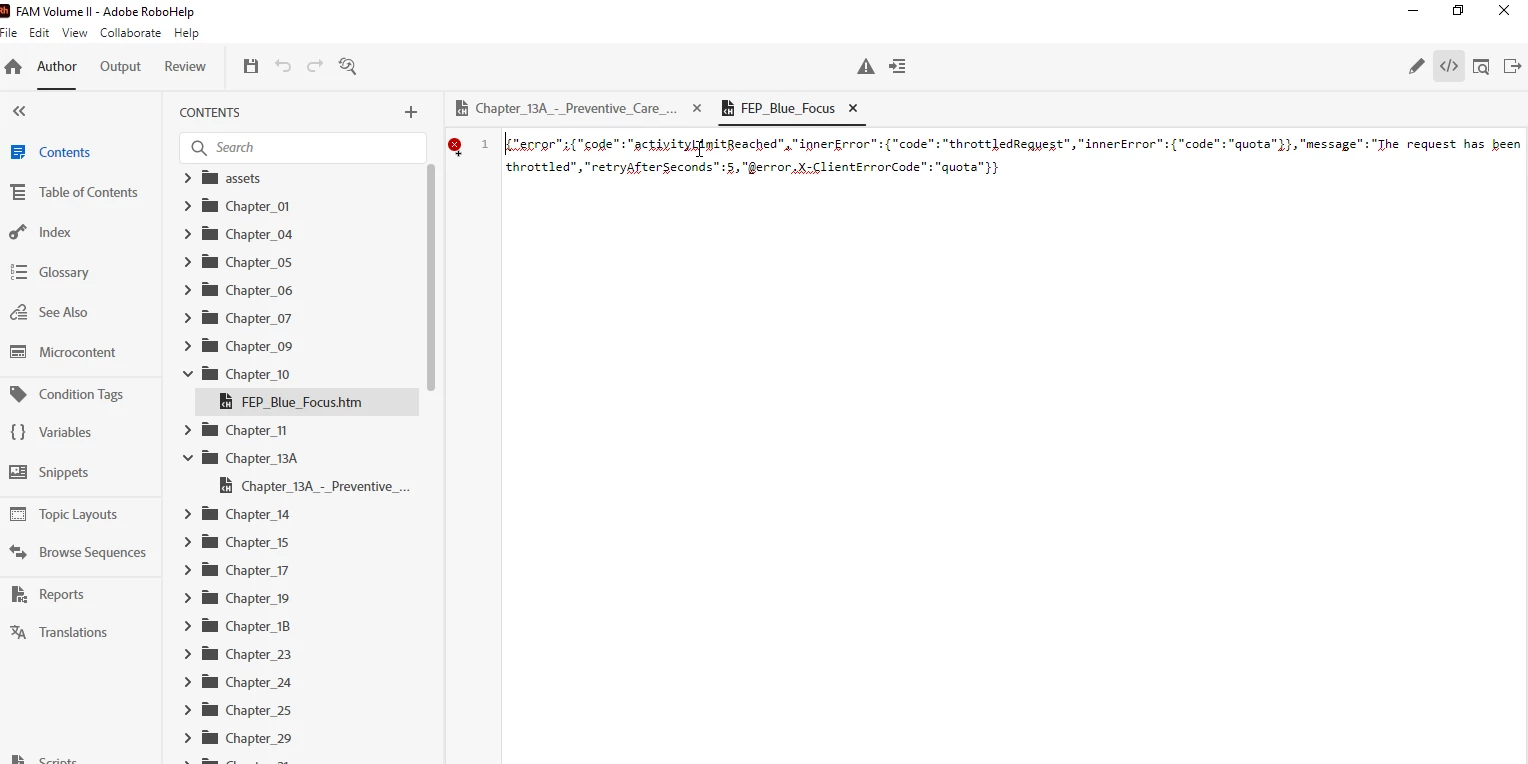


After 30 minutes one of the user called me and told me that after receiving the message error and not being able to retrieve the topics content displaying the error above, she was able to now function normally and update the content.

  • I was trying to attach the log file but cannot find it under \AppData\Local\Temp\RHTMP.


Additional Information:

  • Smaller RH 2020 projects have been installed in Sharepoint and used without any issues for now 2 years. They were updated to RH 2022 without any issues as well.
  • A copy  of the larger project which is now giving us issues had been tested on Sharepoint and working as well therefore my belief is that it is a request limitation.


Last, when we encountered an issue with installing projects locally and resolved it by updating the Netskope  configurations, we repeatedly asked Adobe engineer if they were foreseeing any other issues with our network or if any other companies had experienced any complications and we were reassured that there were no issues reported.

Thank you all, 

Christele

    Correct answer Jeff_Coatsworth

    Not that many SP-RH users on the forum & none of us experts deal with it with our projects, but if it was working fine for 2 years and now is having an issue, then it sounds like something changed on the SP end of things. I suggest talking to the RH folks again - see https://helpx.adobe.com/contact/enterprise-support.other.html#robohelp for your Adobe Support options. I'd recommend using the tcssup@adobe.com e-mail address as it reaches a team dedicated to Technical Communication Suite products including RoboHelp.

    2 replies

    Participant
    October 16, 2025

    Had the same issue. Likey due to MS throttling the upload. RH doesn't properly retry or slow down to prevent this. Our workaround was to use Onedrive to sync the SharePoint Online library where RH lives to the local computer and copy over the aspx files from the output folder to that local folder and let OneDrive upload it to the site.  OneDrive properly handles the throttling and also doesn't wipe out the directory before uploading. This also has the benefit of the top menu not dissapearing when RH is syncing as the dead link monitoring in SharePoint Online doesn't see the temporarily broken link and remove it.


    Jeff_Coatsworth
    Community Expert
    Jeff_CoatsworthCommunity ExpertCorrect answer
    Community Expert
    October 20, 2023

    Not that many SP-RH users on the forum & none of us experts deal with it with our projects, but if it was working fine for 2 years and now is having an issue, then it sounds like something changed on the SP end of things. I suggest talking to the RH folks again - see https://helpx.adobe.com/contact/enterprise-support.other.html#robohelp for your Adobe Support options. I'd recommend using the tcssup@adobe.com e-mail address as it reaches a team dedicated to Technical Communication Suite products including RoboHelp.

    Inspiring
    October 20, 2023

    Thank you Jeff, I did already just wanted to know if  anybody had experienced this issue before and solved it.

    Inspiring
    October 24, 2023


    @surbhi_maheshwari9120543 , I sent you a message since it seems you are the sharepoint wizard. Looking at the users log , it seems that the request to the graph api is not resolving throwing an invalid authentiation token error / access token is empty. We contacted support but thus far no answer...