


Robohelp: Sorry, something went wrong.
Opening my Robohelp now requires me to log into my account. As soon as I do, I get the "Sorry, something went wrong." Then, it closes the whole application.
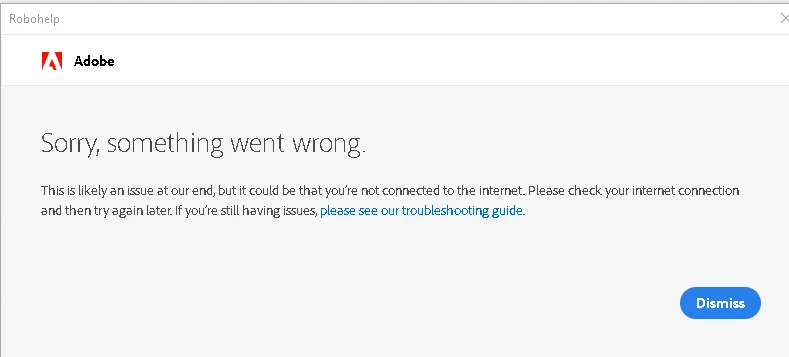
**I can log into my adobe account online and it still includes Robohelp.
Got help through chat with adobe, they gave me the below instructions. These did not work.
Close all the adobe apps
Launch task manager and close all the process by the name of Adobe
Go to Go to C:\Program Files (x86)\Common Files\Adobe\SLCache and delete all the files
Go to C:\ProgramData\Adobe\SLStore and delete all the files
Go to C:\Users\username\AppData\Local\Adobe and delete OOBE
Relaunch adobe robohelp and sign in
You may get an option to select a profile, if you get the option then please select School/Company
**I did a search for this error message, but it covered mainly updating your system. That does apply to my system or Robohelp.
Appreciate your help!


 AdChoices