
Inspiring
August 31, 2017
Answered

Search does not work in Chrome for Responsive HTML5 Layout: Chrome Settings Problem

  • August 31, 2017
  • 3 replies
  • 1064 views

There is something wrong with my Chrome settings that is preventing me from running search in Responsive HTML5 Layout generated help.

When search is initiated in my chrome hosted environment, the search hangs (see picture) when Help is generated through Responsive HTML5 Layout or New Responsive HTML5 Layout. It works when generated in WebHelp, Multiscreen HTML5 or New Multiscreen HTML5

Note that my coworker can run the search perfectly fine on chrome (same current version) and tech support could also not reproduce the issue.

Has anyone else run into this and solved this? I think that I have a weird setting or library issue.
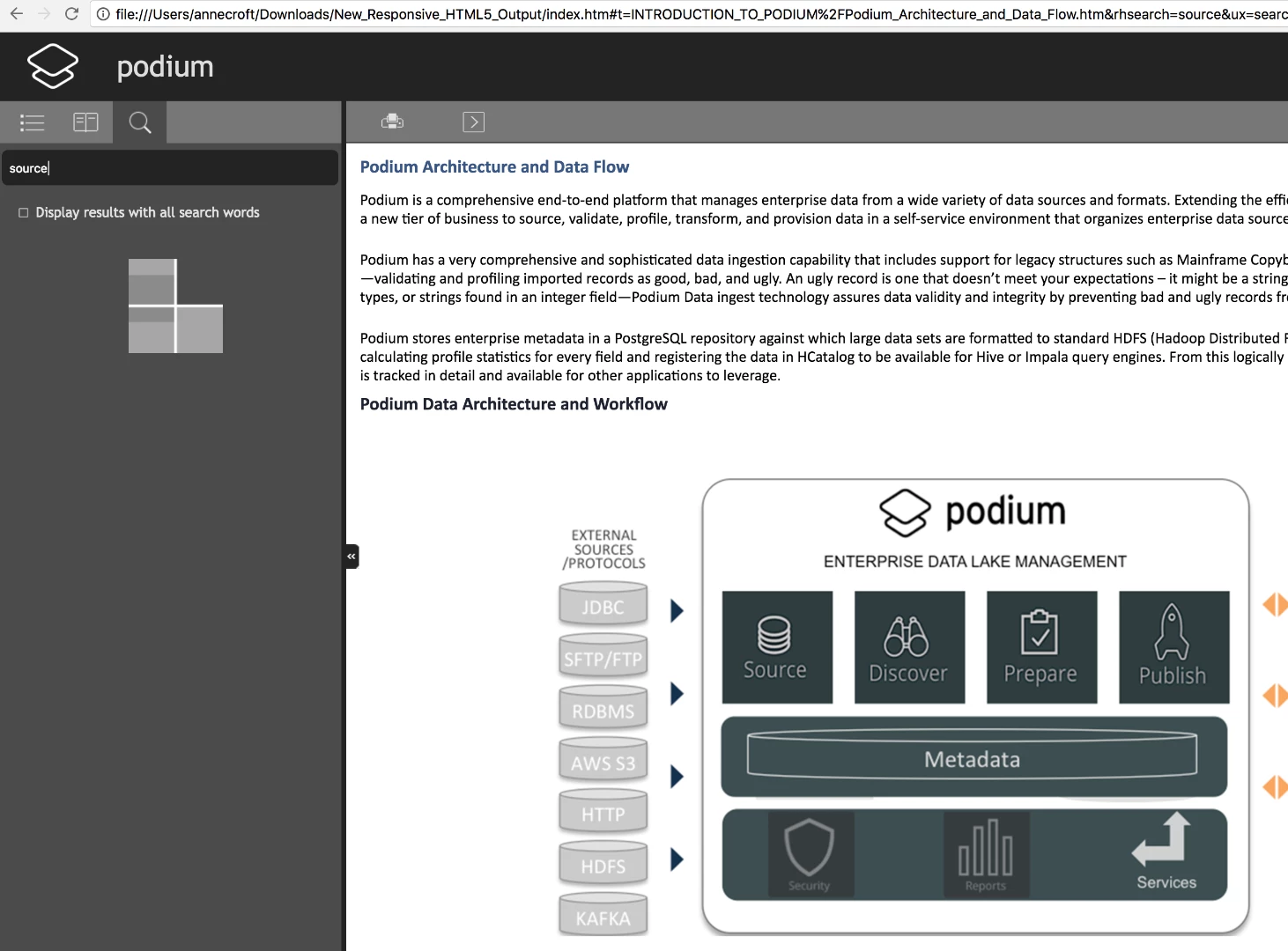
I am a day into trying to figure this out including several remote desktop sessions with Adobe RH tech support.

No issues in IE or Firefox. Also--this is new, I checked in the same help environment just a couple of weeks ago, no problem searching from Chrome browser in Responsive HTML5 on my machine.

I have:

  • exported the build to mac environment, same results
  • UPGRADED/REINSTALLED the entire Technical Communications Suite to 2017, no change (RH is now v. 13.0.0.257)
  • Reinstalled Chrome Browser (Version 60.0.3112.113 (Official Build) (64-bit)
  • tried adding site to exception list, same result
  • built/tried new test builds, same result

Thanks in advance, any assistance is greatly appreciated! I'm throwing this out to the forum in the hope that someone else has run into this.

Anne

This topic has been closed for replies.
Correct answer acroftfoodog

I have an update on this issue. Adobe agent Siddharth (really demonstrated great patience and persistence in helping to get to the root of the problem) sent me Google Cleanup tool--link below. That worked for windows but I was still not able to launch search in mac environment on a local build (the unzipped HTML5 build) whereas when I searched on the published help environment on our web application, search worked.

In the mac I deleted all Chrome Library folders: (~/Library/Application Support/Google/Chrome) and a pesky RLZ folder that is responsible for promotion tracking.  After cleaning out the libraries and reinstalling a completely new Google Chrome install, the search works in Chrome on the mac also.

For the record, I reset Chrome on both machines and cleaned out user repository folders on the windows machine and followed multiple reset instructions on multiple forums but it was not until I used the clean-up tool on windows and emptied above referenced folders (while signed out of Chrome everywhere) on the mac was I able to get rid of the problem and use the search feature in Chrome for the Responsive HTML5 layout build.

this is the clean-up tool: https://www.google.com/chrome/cleanup-tool/index.html

3 replies

acroftfoodogAuthorCorrect answer
Inspiring
October 3, 2017

I have an update on this issue. Adobe agent Siddharth (really demonstrated great patience and persistence in helping to get to the root of the problem) sent me Google Cleanup tool--link below. That worked for windows but I was still not able to launch search in mac environment on a local build (the unzipped HTML5 build) whereas when I searched on the published help environment on our web application, search worked.

In the mac I deleted all Chrome Library folders: (~/Library/Application Support/Google/Chrome) and a pesky RLZ folder that is responsible for promotion tracking.  After cleaning out the libraries and reinstalling a completely new Google Chrome install, the search works in Chrome on the mac also.

For the record, I reset Chrome on both machines and cleaned out user repository folders on the windows machine and followed multiple reset instructions on multiple forums but it was not until I used the clean-up tool on windows and emptied above referenced folders (while signed out of Chrome everywhere) on the mac was I able to get rid of the problem and use the search feature in Chrome for the Responsive HTML5 layout build.

this is the clean-up tool: https://www.google.com/chrome/cleanup-tool/index.html

Captiv8r
Legend
August 31, 2017

Hi there

As you say you have a co-worker that is able to use the search fine, are we able to assume that you mean your co-worker is accessing the content you produced? Or does the co-worker have their own copy of RoboHelp and they are producing output that works for them.

Assuming the former is true, it would seem there is nothing in your version of RoboHelp that is at fault, So really no need to reinstall TCS.

Assuming the latter is true, have you tried opening their output in your browser?

Sure seems to me that it's going to be some obscure Chrome issue or setting you will find that is to blame.

Cheers... Rick

Peter Grainge
Community Expert
Community Expert
August 31, 2017

Try disabling any add-ins that you have running to see if one of them is causing an issue.


See www.grainge.org for RoboHelp and Authoring information

@petergrainge

Use the menu (bottom right) to mark the Best Answer or Highlight particularly useful replies. Found the answer elsewhere? Share it here.
Inspiring
September 5, 2017

Peter Grainge,

All chrome plug-ins/add-ins have been disabled. It made no difference.

Thank you!

Anne

Jeff_Coatsworth
Community Expert
Community Expert
August 31, 2017

The fact that it's working for others indicates it's something with Chrome on your machine for sure.