


Inspiring
August 11, 2022
Answered

Search function issue with Update 8

  • August 11, 2022
  • 3 replies
  • 190 views

Hi all,


I updated to version 8 yesterday and published one of my sites to Sharepoint and since then the search is not working. It says no results were found.
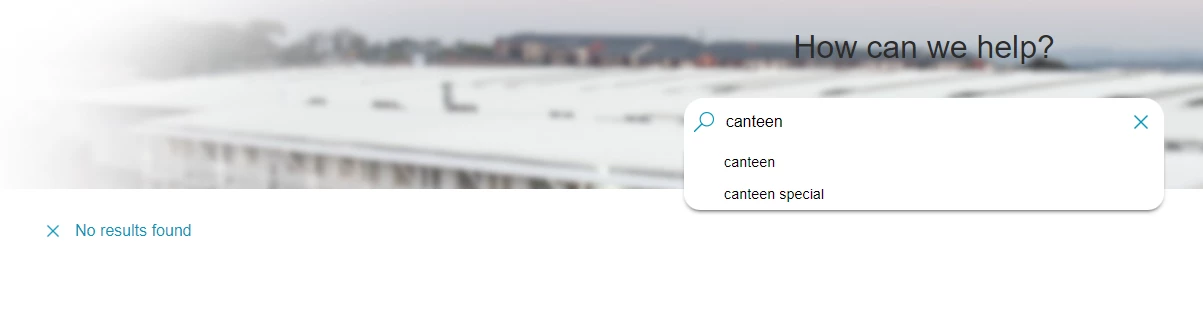


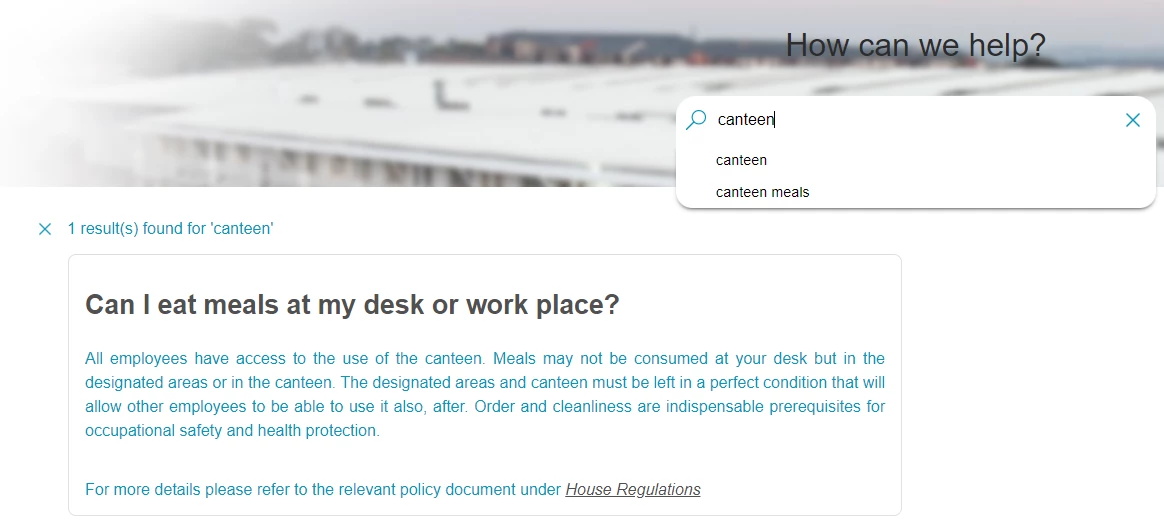
However, when I open the same page locally (ot in sharepoint) then the search works. Can someone please help resolve this issue?


This is the local version (when I open "index.htm")


    This topic has been closed for replies.
    Correct answer _Felix_R

    Issue is resolved. I suspect there was a browser issue, perhaps related to cached data or similar.

    (I reopened the same project after the weekend and now it is working) 

    3 replies

    _Felix_RAuthorCorrect answer
    Inspiring
    August 16, 2022

    Issue is resolved. I suspect there was a browser issue, perhaps related to cached data or similar.

    (I reopened the same project after the weekend and now it is working) 

    Peter Grainge
    Community Expert
    Community Expert
    August 15, 2022

    Have you got a tool such as Beyond Compare to compare the local output with what is on the server? That would confirm everything uploaded correctly. Not disagreeing with you but it would add weight to your point.


    Also do you have a pre Update 8 version that you could upload to confirm that runs.

    ________________________________________________________

    My site www.grainge.org includes many free Authoring and RoboHelp resources that may be of help.


    Use the menu (bottom right) to mark the Best Answer or Highlight particularly useful replies. Found the answer elsewhere? Share it here.
    Community Expert
    August 12, 2022

    My first thought would be that something didn't get uploaded correctly when you published. Perhaps you can sync the document library to your PC and compare the output folder with the sharepoint folder using a file comparison tool like Beyond Compare?


    Otherwise you might need to contact support. The email address is recommended as it goes to a dedicated Robohelp team:
    https://helpx.adobe.com/contact/enterprise-support.other.html#robohelp

    _Felix_RAuthor
    Inspiring
    August 15, 2022

    I used the same upload process as on previous occasions and the search worked fine in Sharepoint. So I think it's got to do with the Update.

    Thansk for the suggestion to email the support team - I have done so