


Known Participant
Jan 18, 2018 12:28 PM UTC
Question

Searching within URL topics in Webhelp

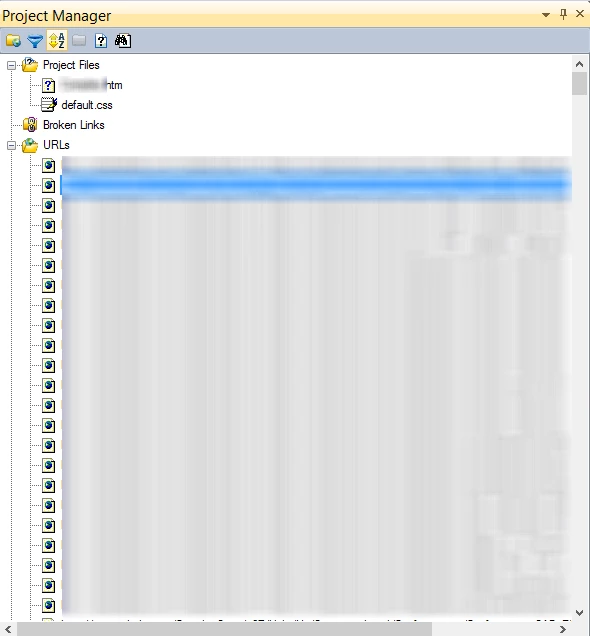
I have published a previous project and created a new project. The new project has a default topic. FOr the other topics I am redirecting it to the previous project.The TOC and index of the new projects is pointing (using URL) to the former project. But when i compile the webhelp, search tab appears blank. The objective is to search the keywords from the URL links. Please advice.
This topic is closed to new replies. Start a new post to keep the conversation going.

6 replies

Captiv8r
Legend
Jan 18, 2018 2:33 PM UTC

Hi there

This certainly sounds like a convoluted way of working. Then again, we aren't aware of all the details so likely you have very good reasons for working that way.

One thing you may want to investigate is the External Content Search aspect of RoboHelp. Now you didn't say which version of RoboHelp you are using and darned if my crystal ball isn't on the fritz again. But assuming you have a version of RoboHelp that supports this feature, see if you are able to locate the Pods icon and click it, then see if you have a pod named External Content Search.

Once this pod is open, it should look like this. Note that in my image, I already have one entry. Yours will likely be blank.

Note that if you click the image, it should open a larger view that will be easier to see.

Cheers... Rick

Translate
Captiv8r
Legend
Jan 18, 2018 2:38 PM UTC

I should also add that the name is a bit misleading. It seems to suggest you insert the URL and RoboHelp will then include what it finds at the URL in the search results. All that will happen is that the Search Terms you supply in the dialog will be discoverable. If you type FOO in the field and you then perform a search of the generated help for FOO, the link you listed should be presented in the Search Results. And when you click to view the Search Results, the URL will be visited.

Perhaps the URL links to a page listing Boffo as a word. The search will NOT find the term Boffo, unless, of course, you specifically add that term in the dialog.

So this feature simply offers a nice way to find content that may exist in a URL pointing somewhere. It doesn't actually search the external URL.

Cheers... Rick

Translate
Jeff_Coatsworth
Community Expert
Community Expert
Jan 18, 2018 1:19 PM UTC

So the URLs point to the output files of another project? Why are you doing it that way? Why not just include the topics in the current project - then search would work across all topics. Or are you trying to do a merged help set of projects? If that's the case, you need to consult Peter Grainge's excellent resource on Merged Help on his site - grainge.org.

Translate
TW001Author
Known Participant
Jan 19, 2018 5:13 AM UTC

Thank you for the reply. Yes the URLs point to the output files of another project. We are doing this because in the new project there are only 2-3 new topics, all the other topics are same as the previous project. So in this new project we want to publish only new topics. Merge project wont help, because we want to restrict the users of previous project to access the new project topics.

Translate
Jeff_Coatsworth
Community Expert
Community Expert
Jan 19, 2018 1:36 PM UTC

If you're wanting to be able to search all the content of the URL destinations, why wouldn't a new merged project work? You're creating a new project out of a prior project that's already been published to some location - the new project will be published to a different location (right?), so users with access to the old project will continue to only see it.

Translate