

Strange Characters instead of Expected Russian appear in Glossary Tab in 32-bit OS
I'm using RoboHelp 9.0.271.
I consider myself relatively well-versed in localization issues when it comes to generating an html help (chm) from RoboHelp, but this one has me stumped. In the Russian version of our main help file, the Glossary tab has strange ASCII characters in place of expected Russian characters when the help file is viewed on an 32-bit system, like this:
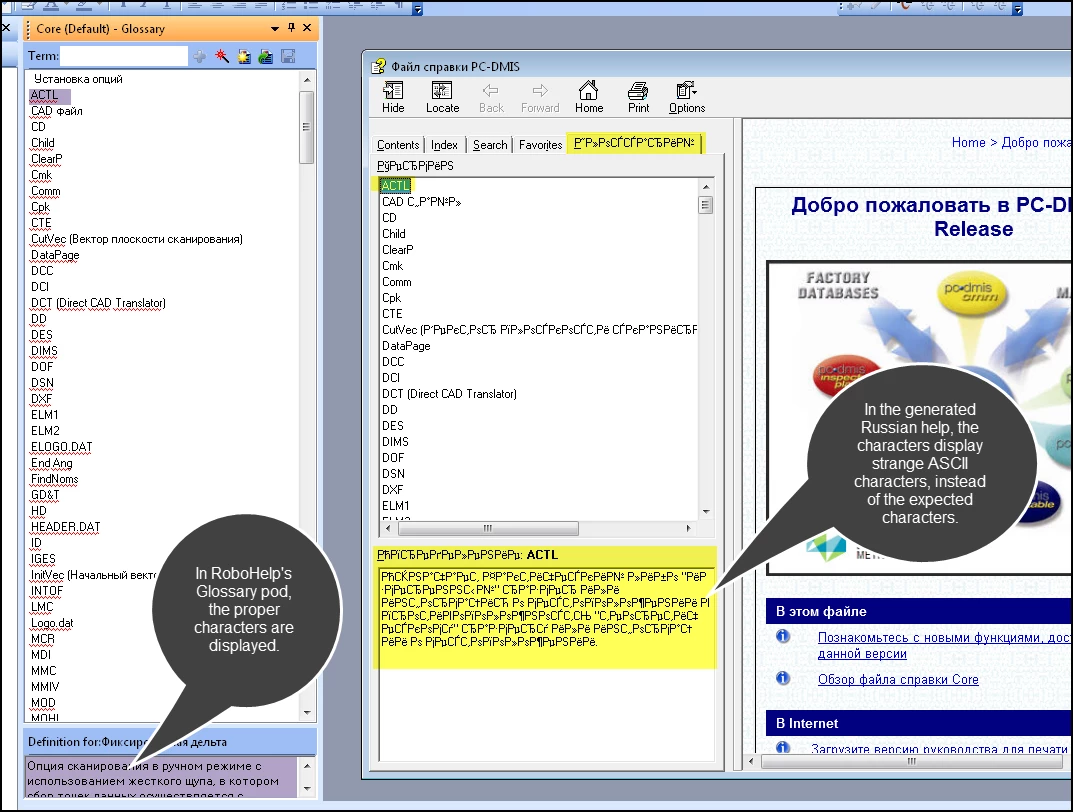
But notice RH's Glossary pod in the RH UI in the above capture. It displays the correct characters.
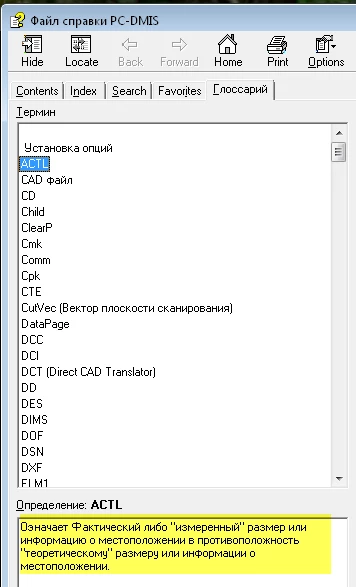
Similarly, if it's viewed on a 64-bit system, it displays the Russian characters properly.
- My system locale setting in Control Panel's language settings is properly set to Russian.
- My .glo file when viewed in NotePad has its encoding set to UTF-8 (though I tried ASCII to no avail).
- My language settings in RH are set to Russian at the project level and at the single source layout level.
- My .hhp file has these glossary-related settings:
[OPTIONS]
...
Custom tab="&Glossary", HHActiveX.GlossaryPane
[WINDOWS]
HtmlHelp="Файл справки PC-DMIS","Core.hhc","Core.hhk","","intro.htm",,,,,0x400e1520,0,0x384e,[167,44,867,684],0x0,0x0,,0,0,0,[Glossary,HHActiveX.GlossaryPane]
Any ideas on how to resolve this? Or is this just a limitation of 32-bit systems and Russian characters that I'll have to swallow?


 AdChoices