JenniR_12
Inspiring
July 16, 2024
Answered

Tile Images and 2nd HomePage - RH 2022 3.93

  • July 16, 2024
  • 2 replies
  • 417 views

RH 2022 3.93 - Oceanic Template (heavily modified)

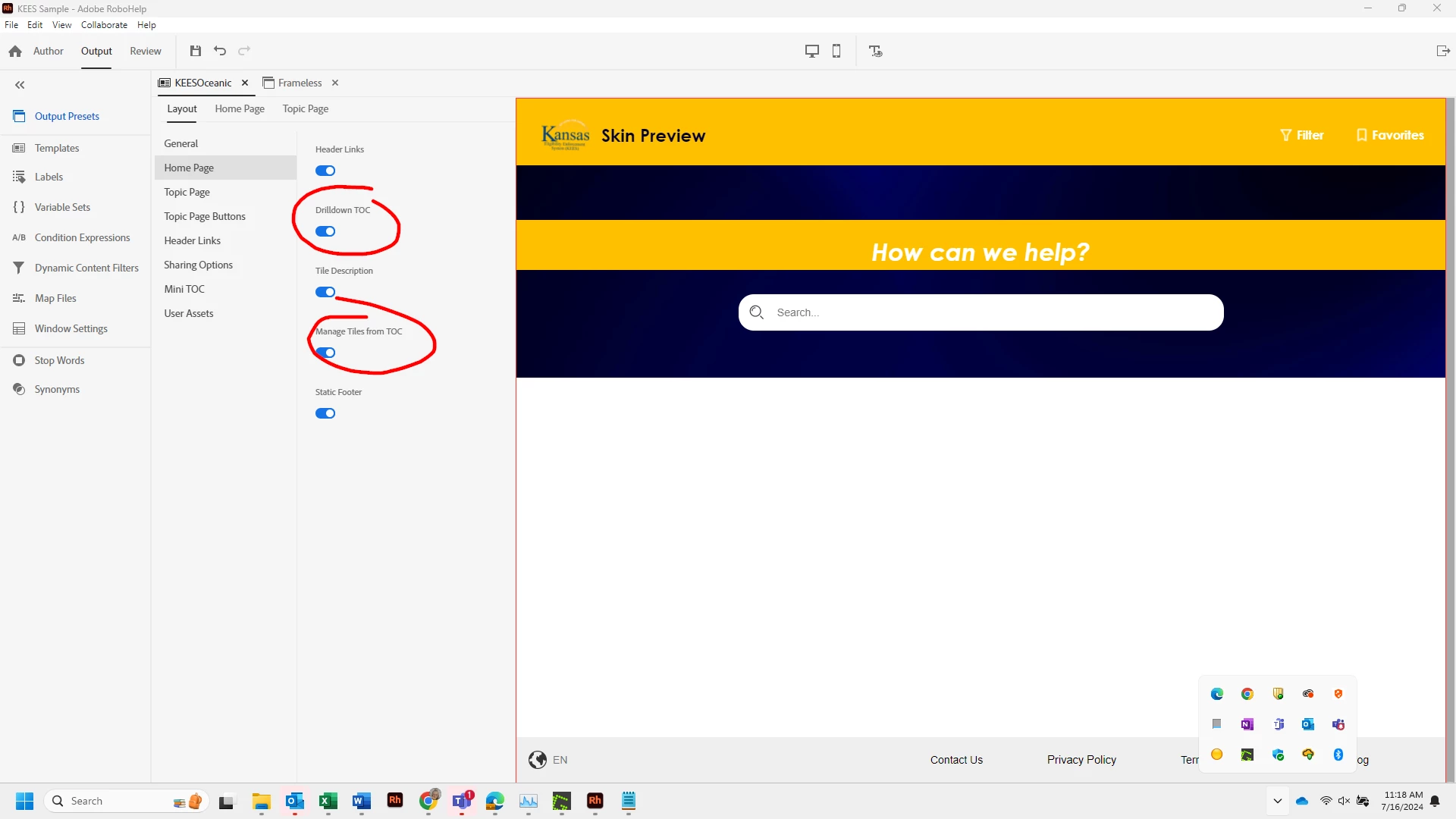
I'm trying to get a better understanding of how the 2nd homepage works. Would I be correct to say that in order to get a 2nd homepage of tiles, I would need to make sure that Drilldown TOC is toggled ON and Manage Tiles from TOC must be turned OFF


I'd like to set completely different tile images on my 2nd homepage that are specific to what the tile represents. Is this possible and if it is, how?  Is there a way I can assign a specific image to a specific tile so that every tile on the 1st Homepage and every tile on the 2nd Homepage would have it's own image with no images repeating (3 tiles on 1st homepage (so 3 images) and up to 20 tiles on 2nd homepage depending on which of the 3 tiles was selected from the 1st homepage.  Lots of tiles and lots of images.


I get a 2nd homepage of tiles for these settings: (Drilldown TOC = ON and Manage Tiles from TOC = OFF)
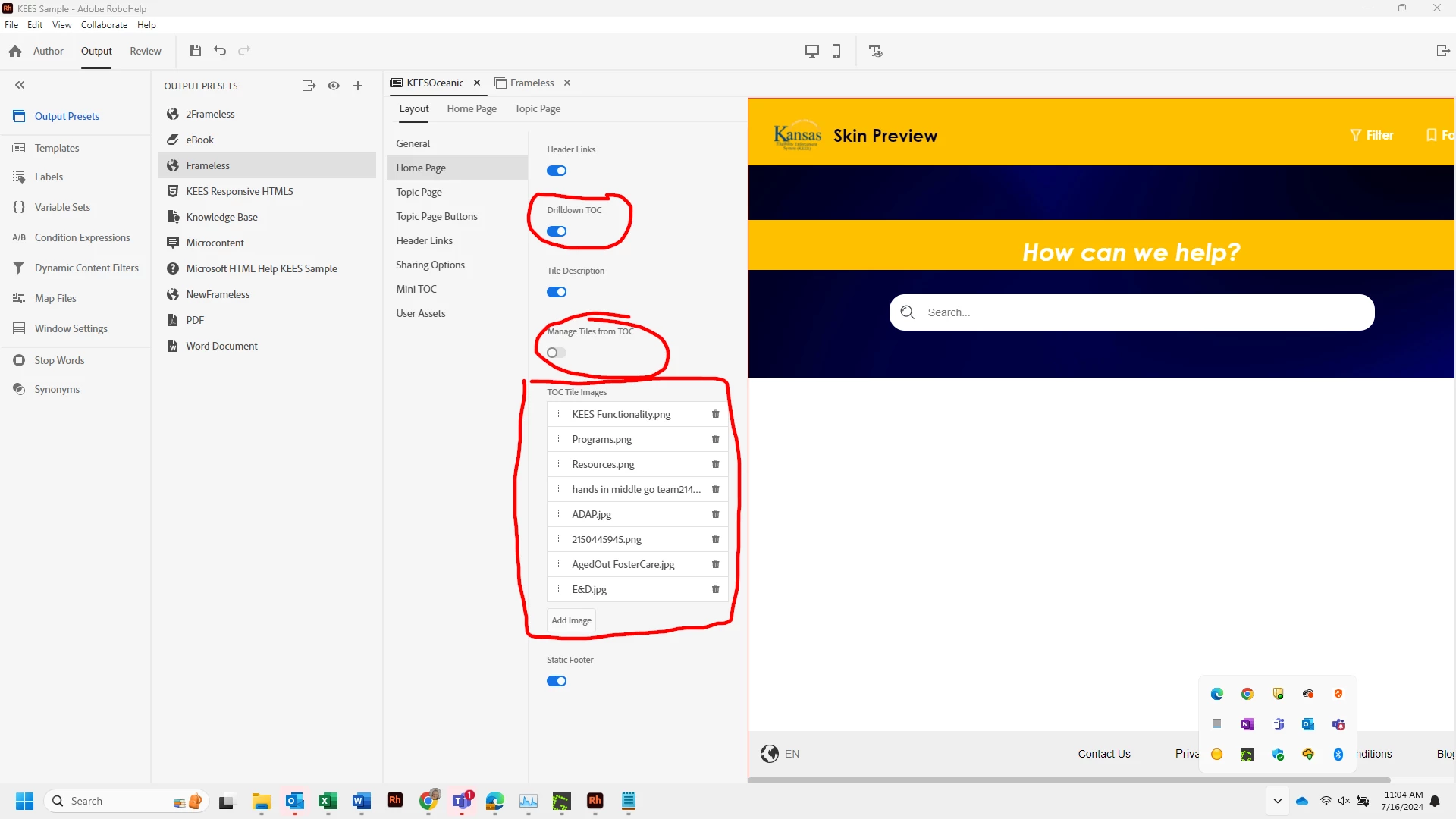
I do not get a 2nd homepage if Drilldown TOC = ON and Manage Tiles from TOC = ON

 

    This topic has been closed for replies.
    Correct answer amie68

    We accomplish a second tile page with Drilldown TOC and Manage Tiles from TOC both on.


    So you could add images as needed in the TOC to control the structure you have in  mind.


    A key that I have found through trial and error is that your TOC heading can only have a tile image - it cannot point to a topic - if you intend to open a second set of tiles from it.


    Adding some images. First is the home page that is displayed when the file is accessed. Second is the page that is displayed when the user clicks on Getting Started.

    2 replies

    amie68Correct answer
    Inspiring
    July 17, 2024

    We accomplish a second tile page with Drilldown TOC and Manage Tiles from TOC both on.


    So you could add images as needed in the TOC to control the structure you have in  mind.


    A key that I have found through trial and error is that your TOC heading can only have a tile image - it cannot point to a topic - if you intend to open a second set of tiles from it.


    Adding some images. First is the home page that is displayed when the file is accessed. Second is the page that is displayed when the user clicks on Getting Started.

    JenniR_12
    JenniR_12Author
    Inspiring
    July 17, 2024

    Thank you Amie68.  I think you have answered my question.  I just have to go in and assign images to those tiles on 2nd homepage.  

    Jennifer Rogers
    Jeff_Coatsworth
    Community Expert
    Community Expert
    July 17, 2024

    Never really heard of a "second home page" in a TOC - what's it look like?

    JenniR_12
    JenniR_12Author
    Inspiring
    July 17, 2024

    Hi Jeff.  The frameless templates have the ability to show 2 pages of tiles vs 1 page of tiles.  The 1st page  of tiles that opens when you first open your knowledgebase is what I'm refgerring to as HomePage 1 and then if you click on one of the tiles on 1st homepage, it will take you to a 2nd page of tiles which I am referring to as homepage 2.  My question is how do I set tile images for tiles on home page 2 and after reading amie68 response below, I think I know what I did.  I never went in and assigned imgages to the tiles on my 2nd homepage.  I'm going to do that now and see what happens.  I will update this post once I do that.

    Jennifer Rogers