

Kinimandar7
Participant
March 31, 2026
Frage

TOC Help Customization

  • March 31, 2026
  • 1 Antwort
  • 11 Ansichten

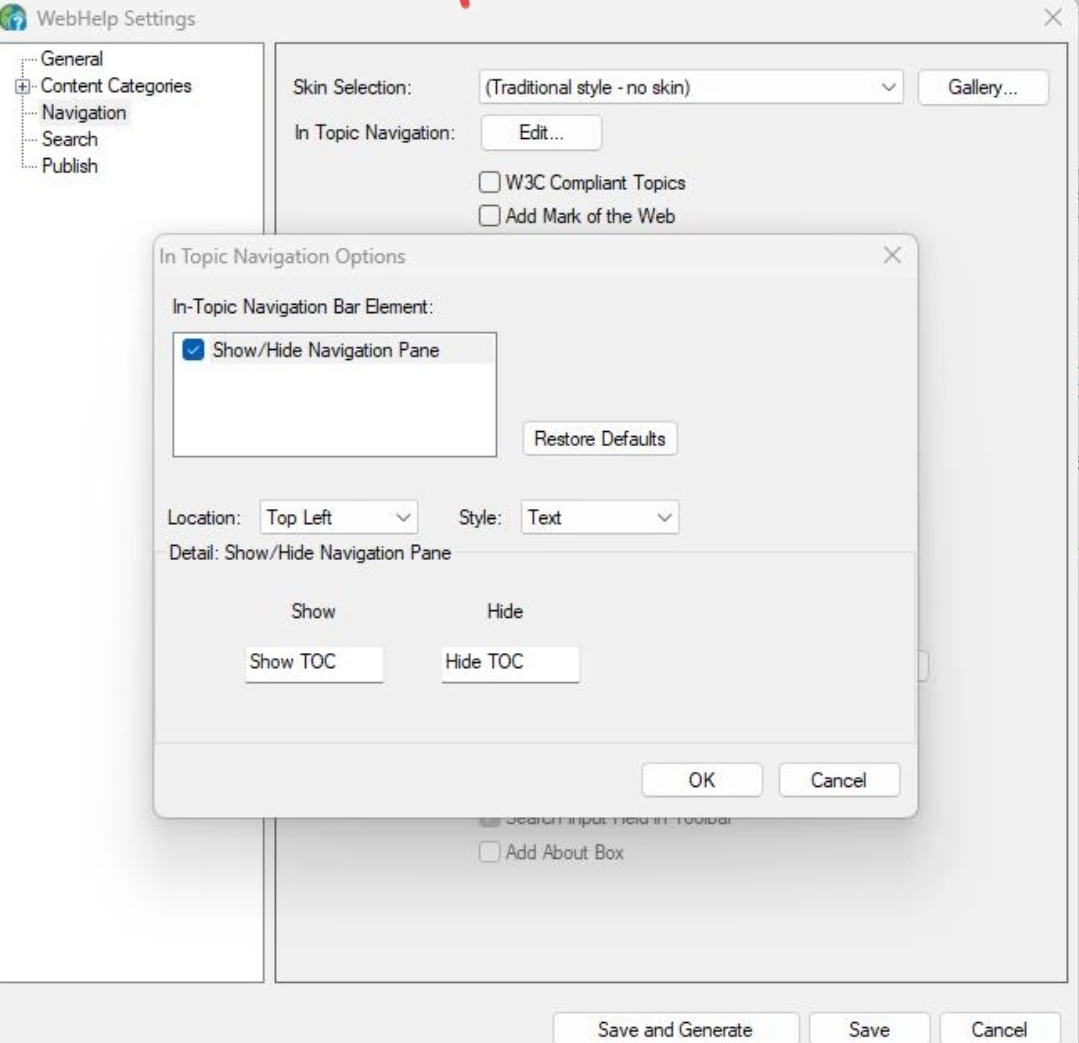
I had a project created using RH2019 classic version similar to webhelp, and have migrated it to the 2022 version, but have not been able to create an output similar to 2019 version. What is the best way be which I can replicate the RH2019 output screen profile in RH2022 so that my output folder packages remains the same.Also I'm unable to find the show hide toc navigation bar which was previously present. How do I customize the preset so that my functionalities remains same as the older version. Also, is there a plan to introduce the older webhelp traditional skin output preset in the upcoming releases of Adobe Robohelp 2022.
 

    1 Antwort

    Peter Grainge
    Community Expert
    Community Expert
    March 31, 2026

    WebHelp as such does not exist any more. It will not be reintroduced as over the years it kept hitting browser issues. The new templates as they are now known have been written to avoid such issues.

    During the upgrade your output has been changed to Responsive Help. That is described on my site. See https://www.grainge.org/RoboHelp_Tour/rh2022/introduction/upgrading.htm

    Show/Hide is not a feature in Responsive Help. It is also not a feature in Frameless Help but I suggest you use that rather then Responsive as that is where future changes will be made.


    My site www.grainge.org includes many free Authoring and RoboHelp resources that may be of help.

    Use the menu (bottom right) to mark the Best Answer or Highlight particularly useful replies. Found the answer elsewhere? Share it here.